How to write a script and storyboard for short videos
A blank page stops the video before it starts. Write the script, use a method if you get stuck, then turn the scenes into a storyboard.
Why it matters
The script is in one file, the frames in another, the caption somewhere else, and you lose track of how long the video runs. In FRISO all of it lives inside the post: write freely, open a method only when you want one, split it into timed scenes and see the storyboard play in sequence.
Chapters
Transcript
The script
The script lives inside the post. Open the sheet and go to Script. Write freely, the way it comes out. Text is the simplest of the three modes.
Method
Stuck? The Method button opens a guide, only when you ask for it. It stays closed the rest of the time. Choose a method, like the one for social media, and answer one question at a time. Then take it to the script, as text or as scenes.
Scenes
In By scenes, each part has an image, speech and a duration. The total time adds up on its own.
Storyboard
Storyboard turns the scenes into frames. Pick the aspect ratio, the shot and the camera for each one. See in sequence plays the frames one after another, to feel the rhythm before shooting.
Caption
Below it, the caption, the hashtags, and a link to the published post.
Tasks
One button creates the work of the post, by format: script, shoot, edit, caption and publish, with dates counted back from publishing.
Attachments
Files go in Attachments. Drag them in, or paste with Ctrl V. Script, frames, caption, tasks and files: the whole post lives on one sheet.
Questions
What is a good structure for a short video script?
Hook, development, twist and call to action is the social media method in FRISO. Each part comes with a question to answer.
Do I have to use a script method?
No. The method stays closed and only opens on the Method button. Story Circle, three acts, seven acts and social media are there if you want them.
How do I turn a script into a storyboard?
Split the script into scenes, then switch to Storyboard. Each scene becomes a frame with its image, shot and camera, and See in sequence plays them in order.
More tutorials
All tutorials →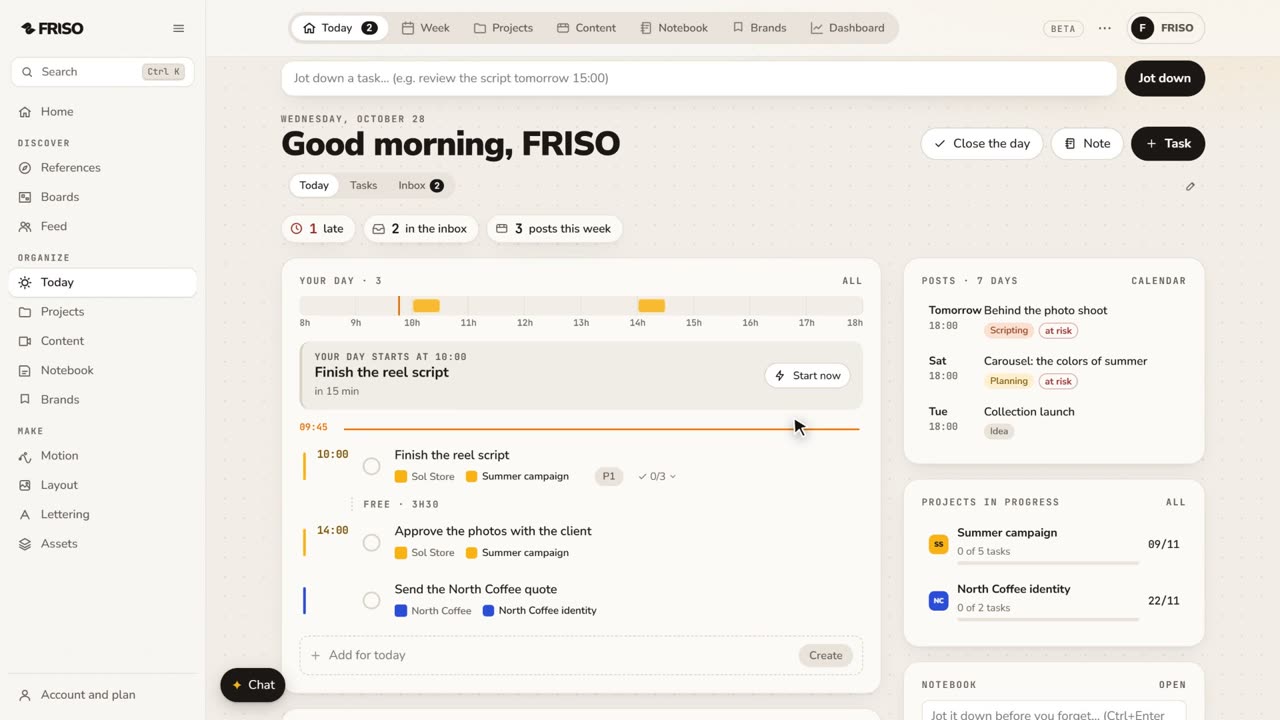 0:56Organize your work: day, week, projects and contentToday, Week, Projects, Content, Notes and Brands, one by one. Write tasks the way you say them, and let your own AI help organize.
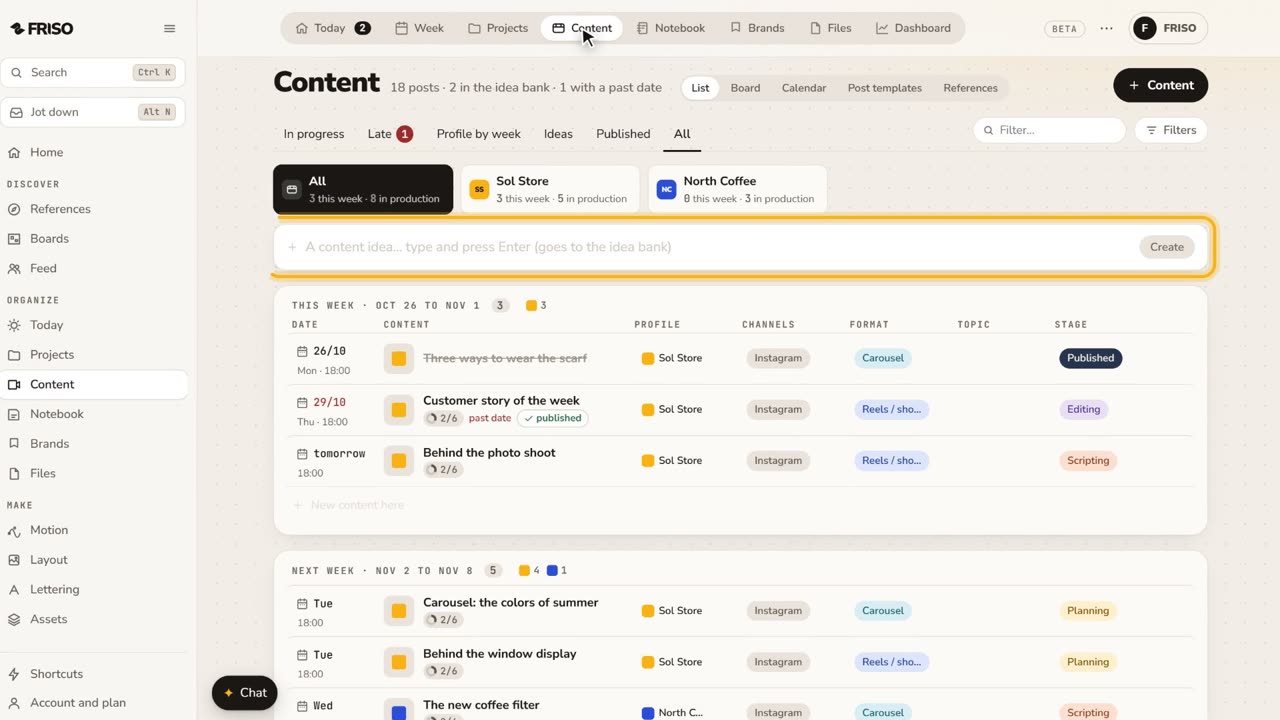 1:22How to organize social media content from idea to postIdeas get lost across notes and chats. Keep each post on one sheet, with its stage, date, caption and result, until it is published.
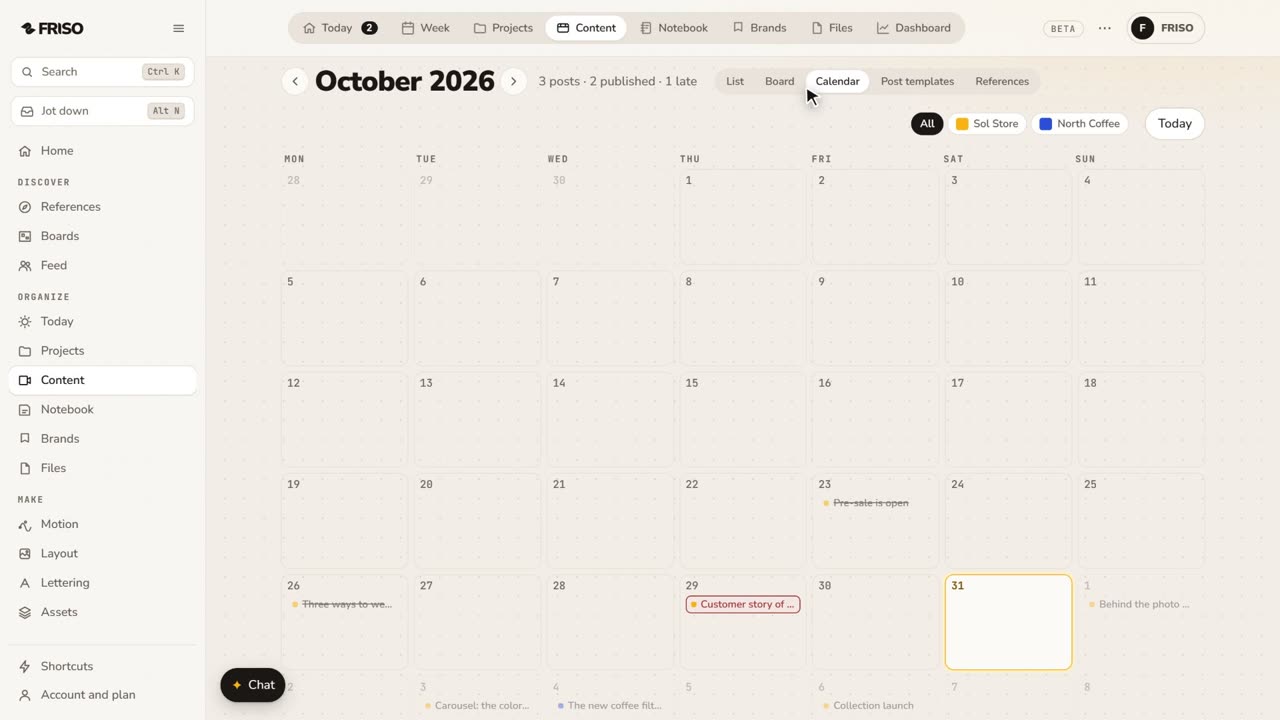 1:24How to build a monthly social media content calendarA month of posts is hard to see in a list. Plan it on a calendar: drag posts between days, filter by profile and repeat what comes back.