Organize your work: day, week, projects and content
Today, Week, Projects, Content, Notes and Brands, one by one. Write tasks the way you say them, and let your own AI help organize.
Chapters
Transcript
Today
The Workspace organizes your creative work: the day, the week, projects and content. Write a task the way you would say it. The day and the time go straight to the calendar. Your day shows each task at its time, and what is running late.
Week
In Week, the days sit side by side, with tasks and posts.
Projects
Each project has a deadline, the stages of the work and the tasks of each one.
Content
Content is your post calendar, from the idea to the day it goes out.
Notes
The Notebook keeps ideas, drafts and meeting notes.
Brands
In Brands, each client has its own color, and everything can be filtered by it.
Your AI
Your own AI, like Claude or ChatGPT, can organize the Workspace with you. It sees your day, never deletes anything, and every change can be undone.
More tutorials
All tutorials →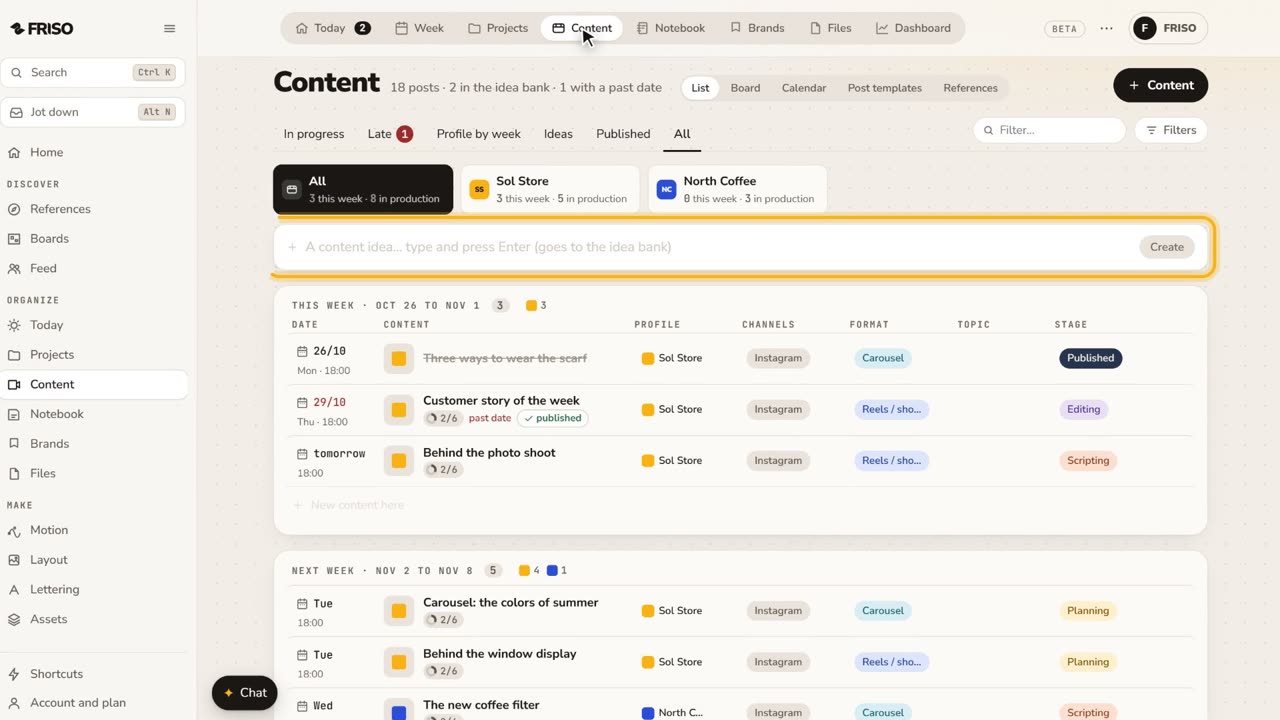 1:22How to organize social media content from idea to postIdeas get lost across notes and chats. Keep each post on one sheet, with its stage, date, caption and result, until it is published.
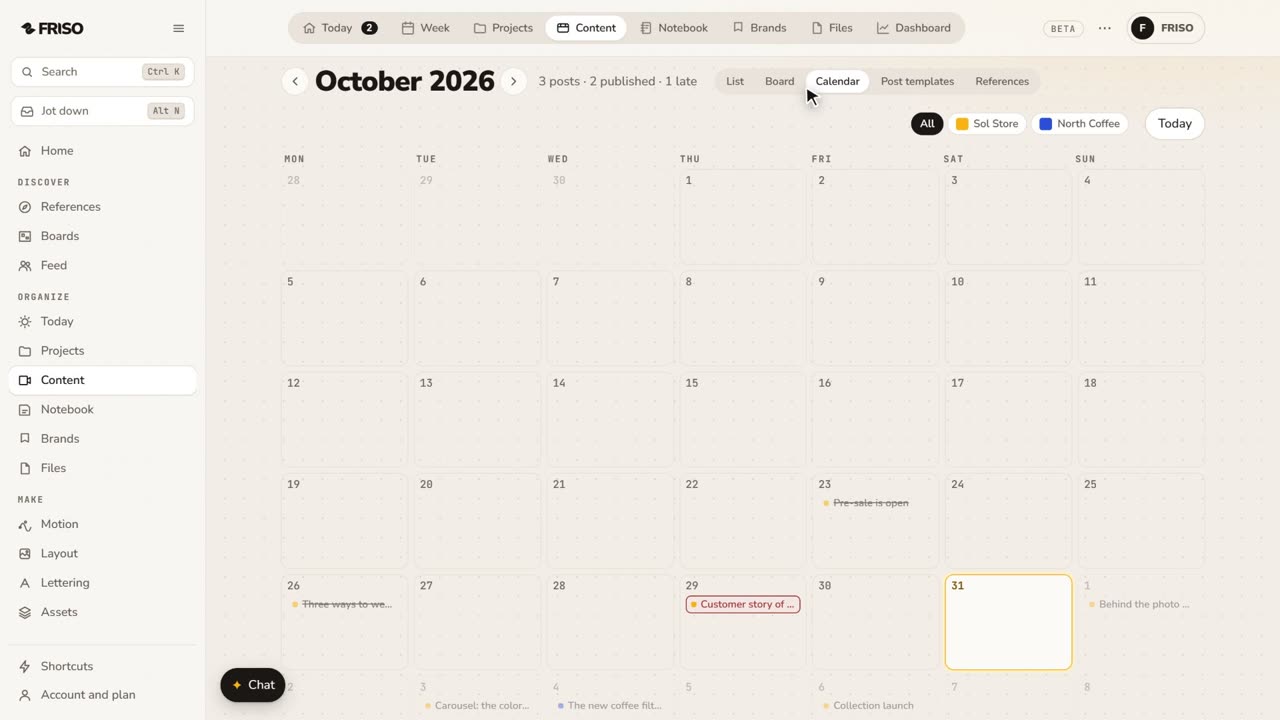 1:24How to build a monthly social media content calendarA month of posts is hard to see in a list. Plan it on a calendar: drag posts between days, filter by profile and repeat what comes back.
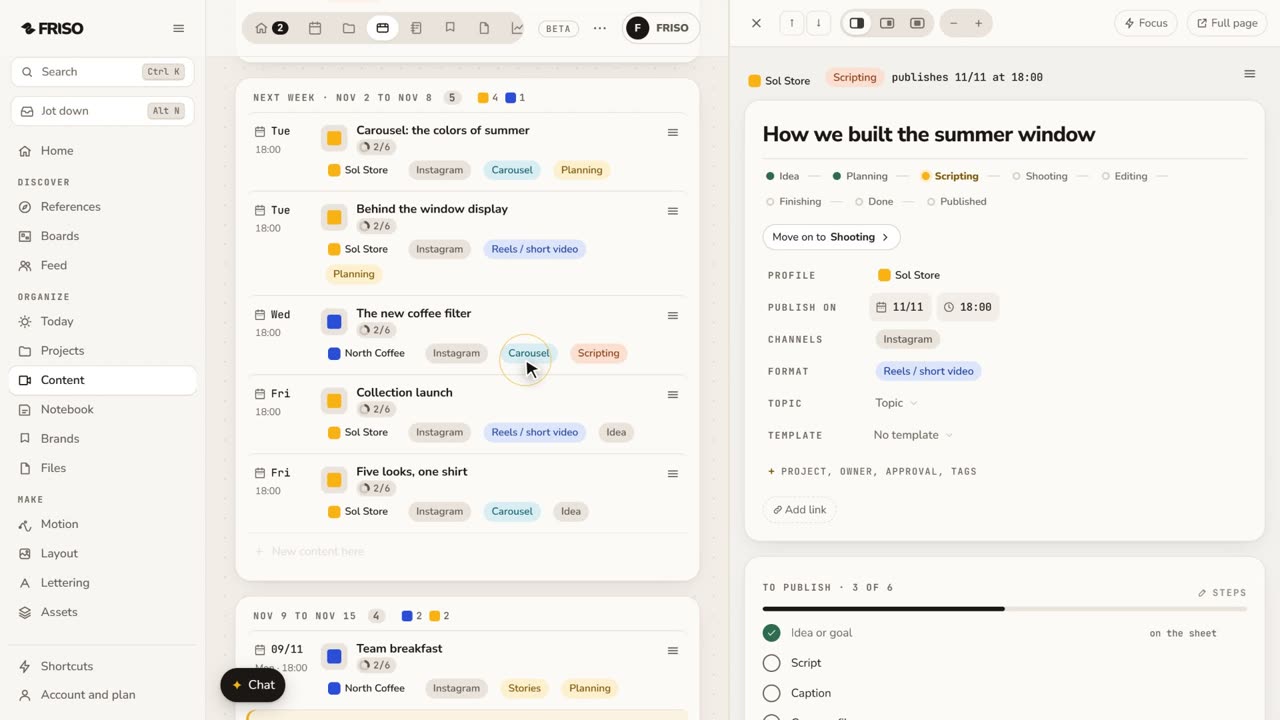 1:34How to write a script and storyboard for short videosA blank page stops the video before it starts. Write the script, use a method if you get stuck, then turn the scenes into a storyboard.