How to manage a creative project from brief to delivery
A job scatters across email, chat and folders. Keep it in one project: brief, tasks, posts, references, documents and a timeline.
Why it matters
The request came by message, the references are in a folder, the tasks in your head, and the deadline shows up too soon. In FRISO a project holds the whole job: start with a name and a delivery date, turn the brief into tasks, keep posts and references next to them, and see every project side by side on the timeline.
Chapters
Transcript
The request
A request came in. In Projects, create it with a name, a brand and a delivery date. The Free plan has one project in progress. The type of work is optional. It suggests the steps later, if you want them.
Stages
The stage guide is yours to call. It stays off until you turn it on in the project menu. Create the steps turns the guide into tasks, with days counted back from the delivery.
Brief
Write the brief here, or paste the link. Each action in it can become a task, and you choose which ones go in.
Tasks
In Tasks, the whole job is on one list. Each task keeps its date and its notes. Prefer columns? Switch to the board and drag tasks between statuses.
Content
The project also holds its posts. They stay linked here and show up on the calendar.
References
References has the project mural: drop images or paste a link, and everything stays with the job.
Documents
Documents keeps the brief, contracts and links, written here or attached.
Timeline
The Timeline puts all your projects side by side, from start to deadline. Open a project and drag a task to change its date. From the request to the delivery, the whole job stays in one place, and you see what comes next.
Questions
How do I turn a client brief into tasks?
Write the brief as a list of actions and use Turn into tasks. FRISO suggests the tasks, and you choose which ones go in.
Do I have to follow fixed stages in a project?
No. The stage guide is off by default. Turn it on in the project menu if you want steps suggested by the type of work.
How many projects can I have for free?
The Free plan has one project in progress, with no time limit. Pro lifts that limit.
More tutorials
All tutorials →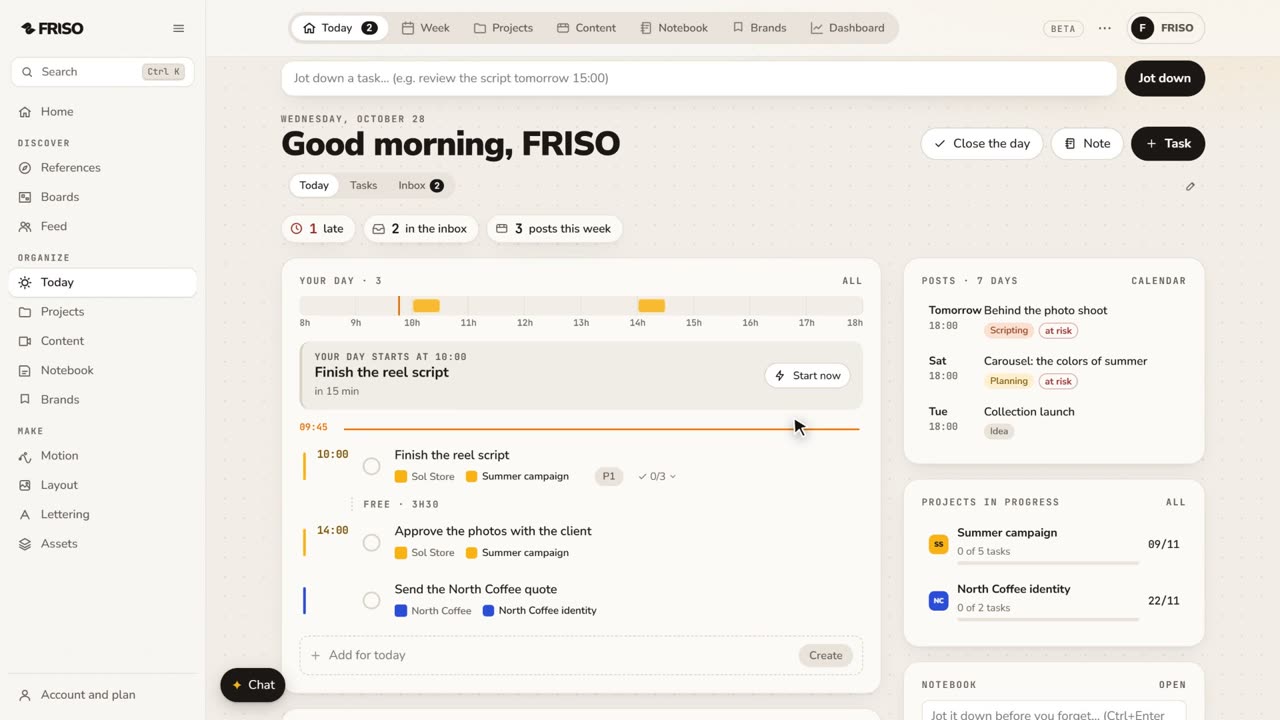 0:56Organize your work: day, week, projects and contentToday, Week, Projects, Content, Notes and Brands, one by one. Write tasks the way you say them, and let your own AI help organize.
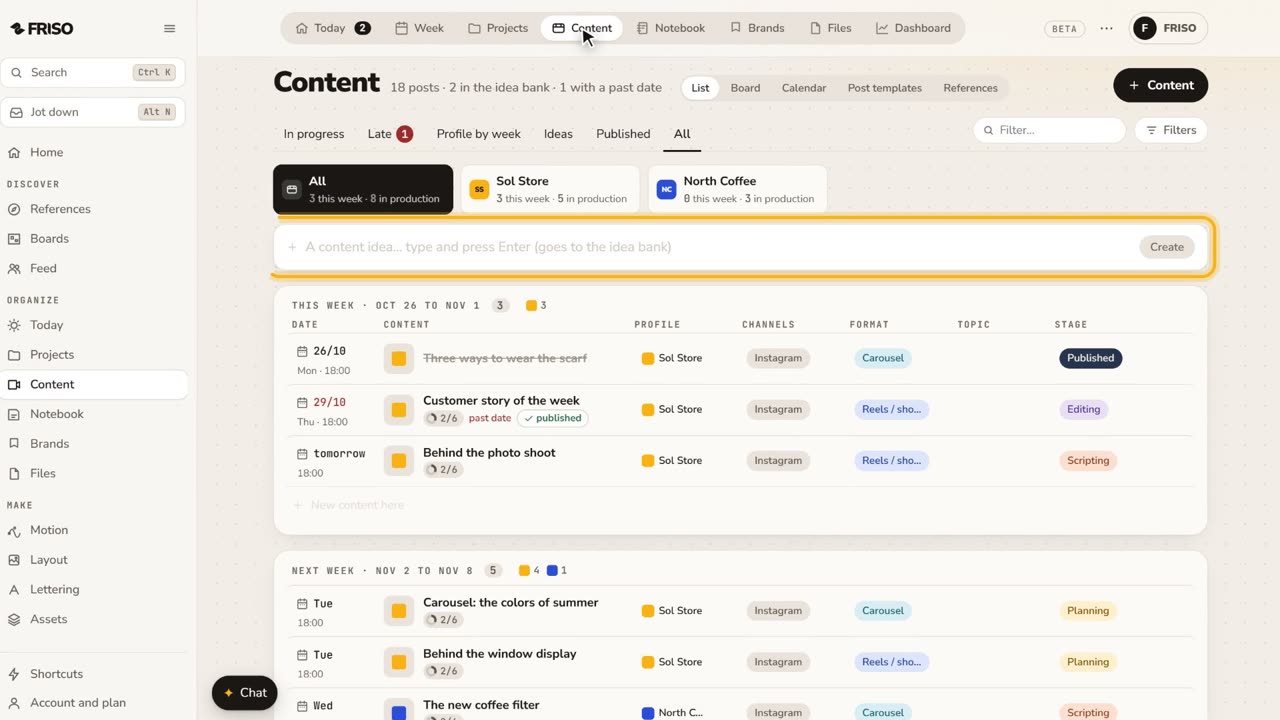 1:22How to organize social media content from idea to postIdeas get lost across notes and chats. Keep each post on one sheet, with its stage, date, caption and result, until it is published.
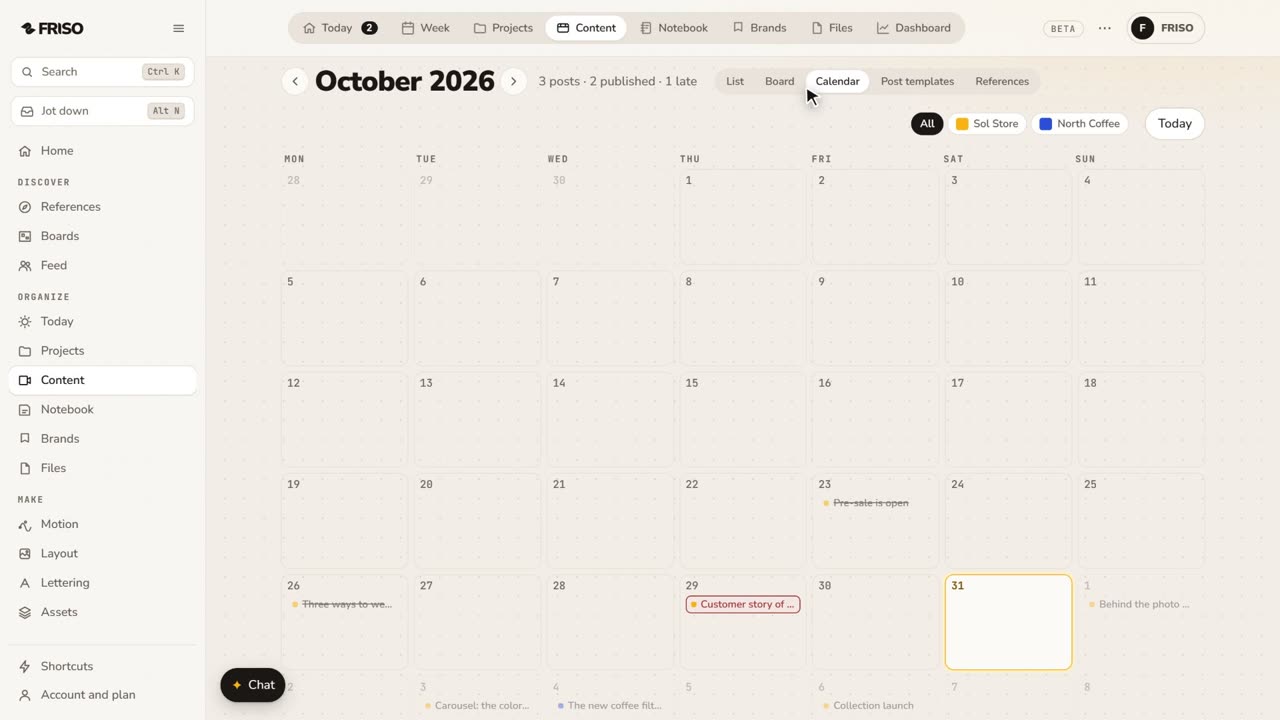 1:24How to build a monthly social media content calendarA month of posts is hard to see in a list. Plan it on a calendar: drag posts between days, filter by profile and repeat what comes back.