How to find design references and keep them organized
References lost in tabs and screenshots? Search by subject or color, see the credit, find similar ones and save them to a board.
Why it matters
You lose an afternoon looking for one good reference, and the next week you cannot find it again. In FRISO, you search in one place, always see who made it, and save it to a board with one click.
Chapters
Transcript
Discover
Good references get lost in open tabs and screenshots. In References, you look in one place and keep everything in one place.
Search
Search by subject, the way you would describe it. Or by color. Type blue, and the grid changes.
Filters
The filters stay tucked away until you need them: type, category, format and color. Pick horizontal, for example. What you filtered stays in view, and one click takes it off.
Credit
Open an image. The credit is always in view, so you know whose work you are looking at.
Similar
Below, More like this follows the same subject, color and shape. One good reference leads to the next.
Save
Found it? Saving takes one click, and you choose the board right there. A board is a collection. Give it the name of the job, and say if it is public or private. Move on to the next image and save it to the same board.
Boards
Everything you saved lives in Mine, and each job has its own board. References are unlimited, in up to five boards on Free. Less time searching, more time creating.
Questions
Where can I find visual references for a design project?
In FRISO References, you search by subject or color and filter by type, category, format and color. Every reference shows its credit.
How do I organize my references by project?
Create a board with the name of the job and save references to it. One reference can be on more than one board.
Is saving references free?
Yes. Free has unlimited references in up to five boards, with no card and no deadline. Pro removes the board limit.
More tutorials
All tutorials →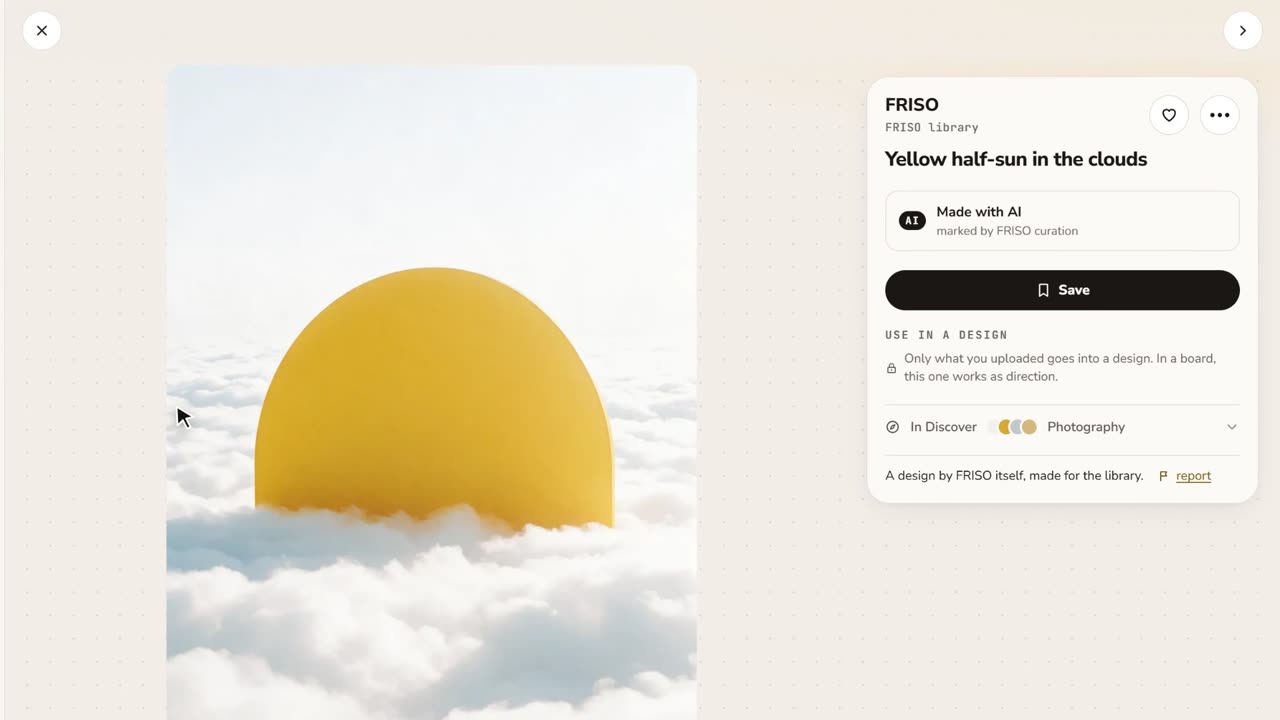 0:48References and boardsDiscover images with credit, search by color or subject, save with one click and keep them on as many boards as you like.
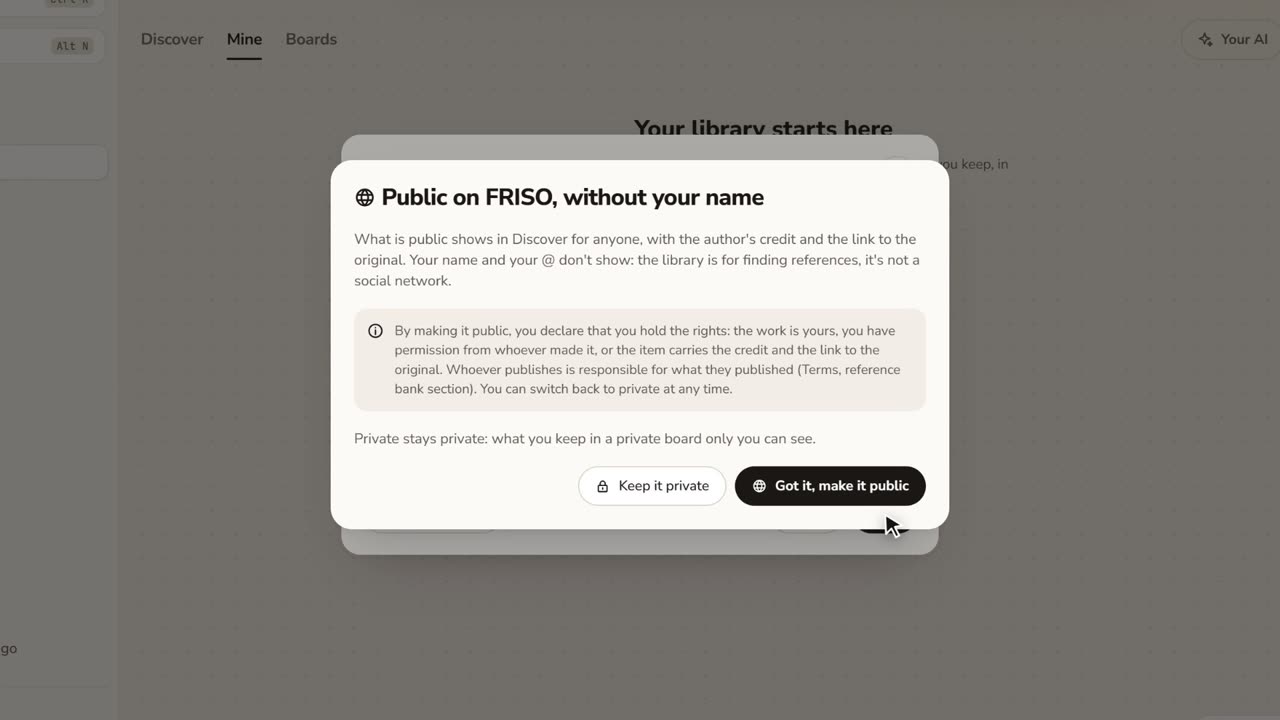 1:17How to save images from the internet with the creditStop saving loose screenshots. Paste a link or drop your files, choose who sees it, and keep the original author credit.
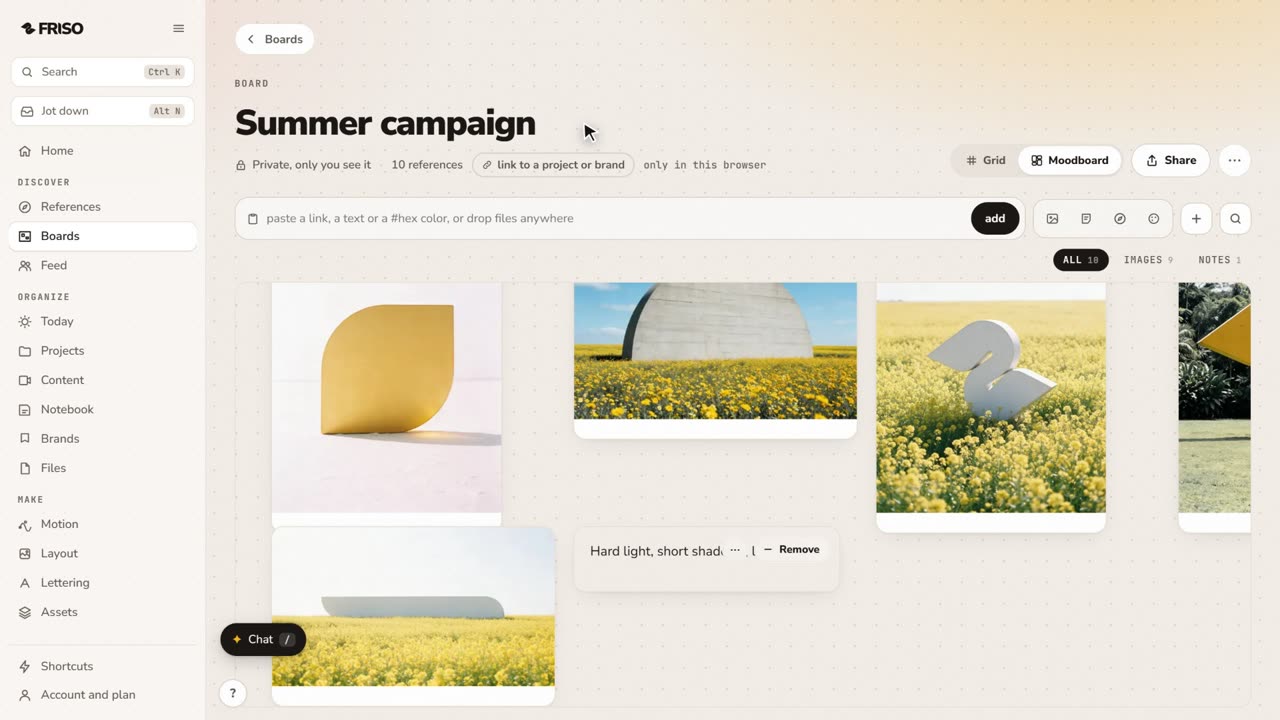 1:02How to make a moodboard and link it to a projectOne board, two views: a grid to browse and a moodboard to think. Pull the palette from your images and link the board to the job.