How to make a moodboard and link it to a project
One board, two views: a grid to browse and a moodboard to think. Pull the palette from your images and link the board to the job.
Why it matters
The moodboard lives in one file, the colors in another, and the project somewhere else. In FRISO, the board is both a grid and a moodboard, the palette comes from your own images, and it shows up inside the project.
Chapters
Transcript
Grid
A board is one collection with two views, on the same button. Grid is for browsing.
Moodboard
Moodboard is for thinking: the same references, loose on a table. Add a note with the idea, right next to the images. Move, resize, group. When it gets messy, tidy it all up in one click.
Palette
Open Palette, and the colors come straight out of your references. Keep it on the board, so the colors of the job stay next to the images.
Project
Now link the board to the job. It can go to a project, a brand or both. Pick the summer campaign. The link stays at the top of the board. And who sees the board is always written up here. This one is private.
In the Workspace
In the project, the board shows up on the References step, ready to open. The references stop being a loose folder and become part of the job.
Questions
What is the difference between Grid and Moodboard?
They are two views of the same board. Grid lines everything up to browse. Moodboard lets you arrange the same items freely.
How do I get a color palette from my references?
Open Palette on the board. The colors come from its images, and you can keep them on the board or start a brand with them.
Can I link a moodboard to a client project?
Yes. Link the board to a project, a brand or both. With the steps guide on, the board shows up on the project References step.
More tutorials
All tutorials →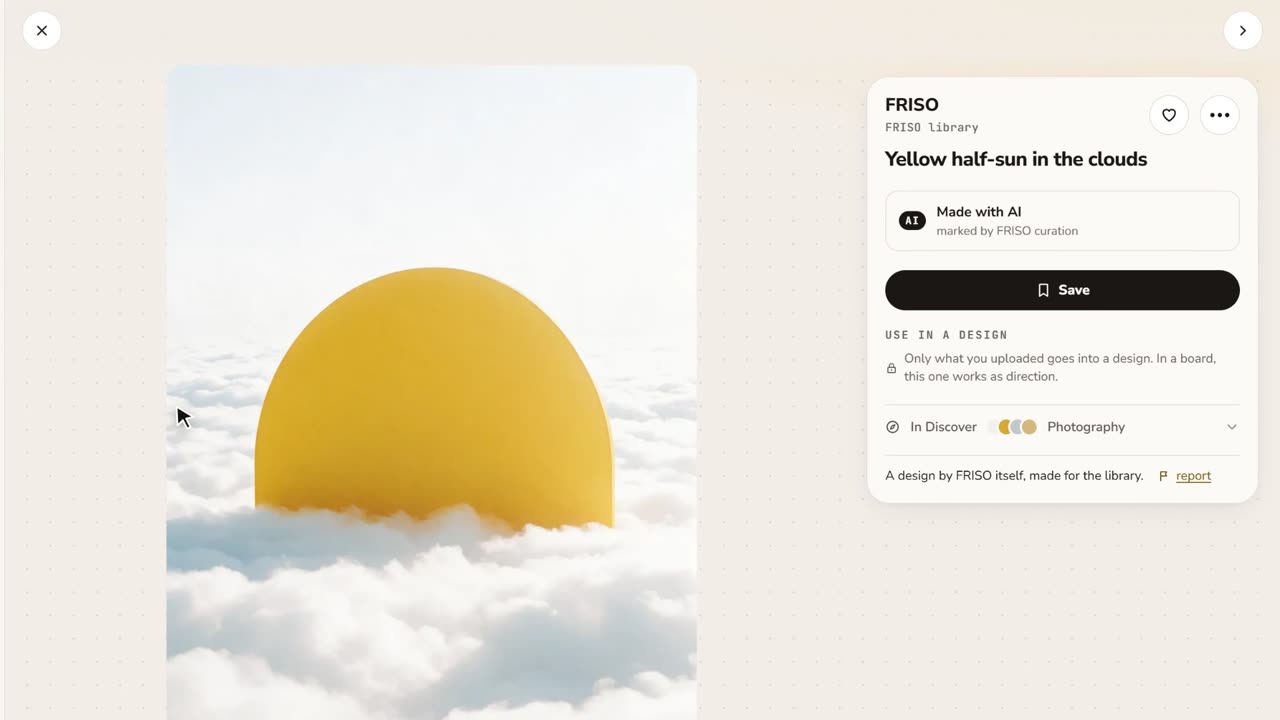 0:48References and boardsDiscover images with credit, search by color or subject, save with one click and keep them on as many boards as you like.
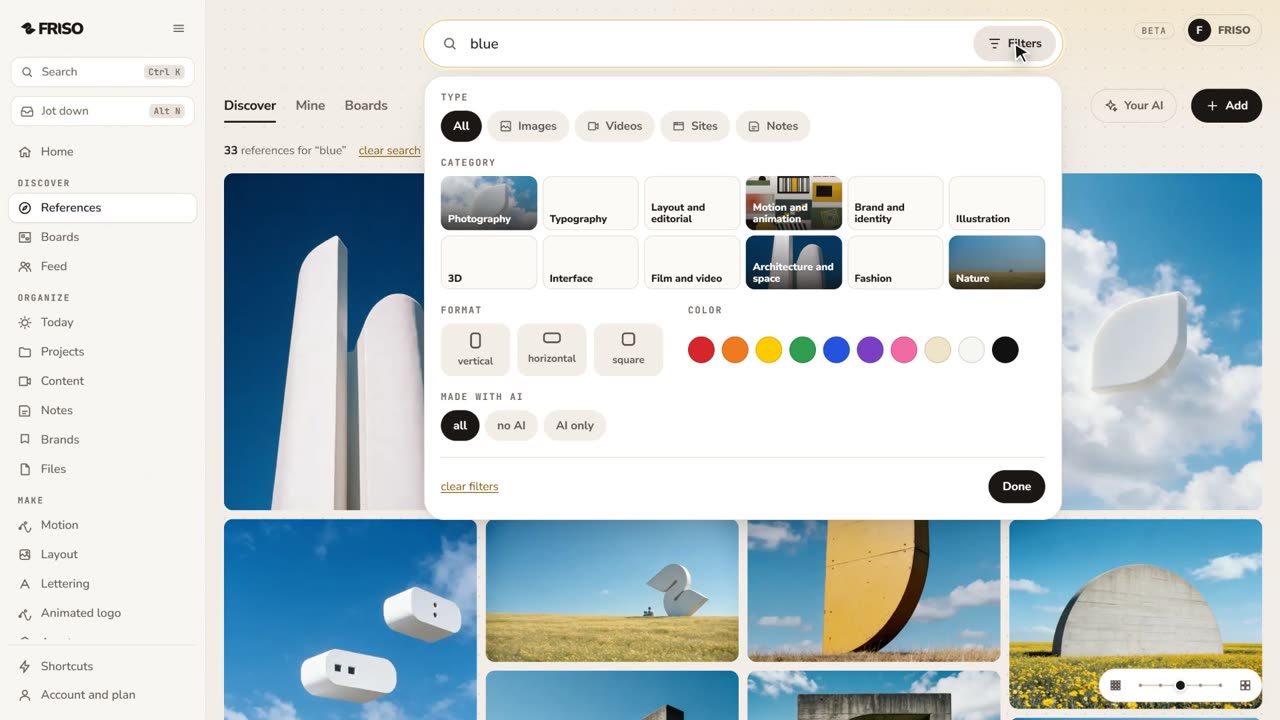 1:28How to find design references and keep them organizedReferences lost in tabs and screenshots? Search by subject or color, see the credit, find similar ones and save them to a board.
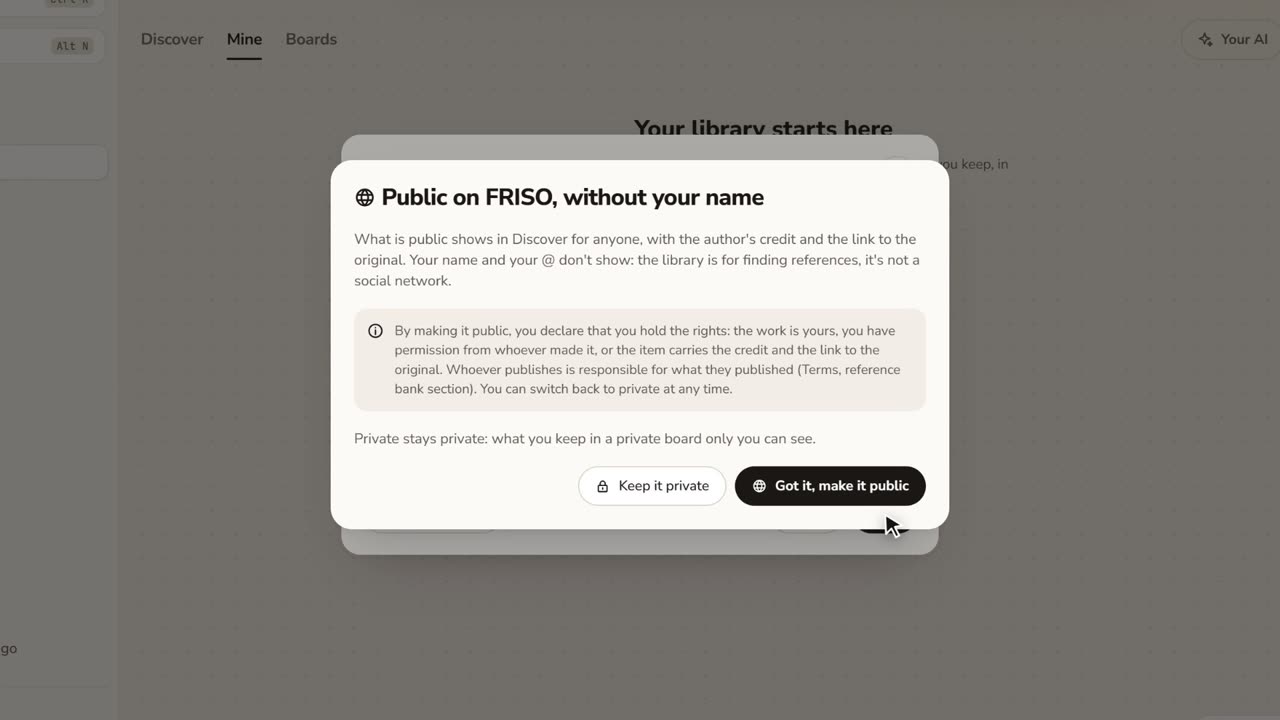 1:17How to save images from the internet with the creditStop saving loose screenshots. Paste a link or drop your files, choose who sees it, and keep the original author credit.