Free
Unlimited references in 5 boards, with both views.
FRISO is a free online moodboard maker. You search visual references, save them to a board and switch the same board between a grid and a free moodboard. You can pull a color palette and link the board to a project. Free accounts have unlimited references in 5 boards.

A moodboard usually means hours collecting screenshots, a folder that nobody opens again, and a slide that has no link to the job.
Grid to browse, moodboard to compose, on the same button.
Find references inside FRISO, with the author's credit always in view.
Pull the colors and use them in every tool.
The board stays inside the job it belongs to.
You always see which one it is before saving.
On Pro, send the board by a link to view.
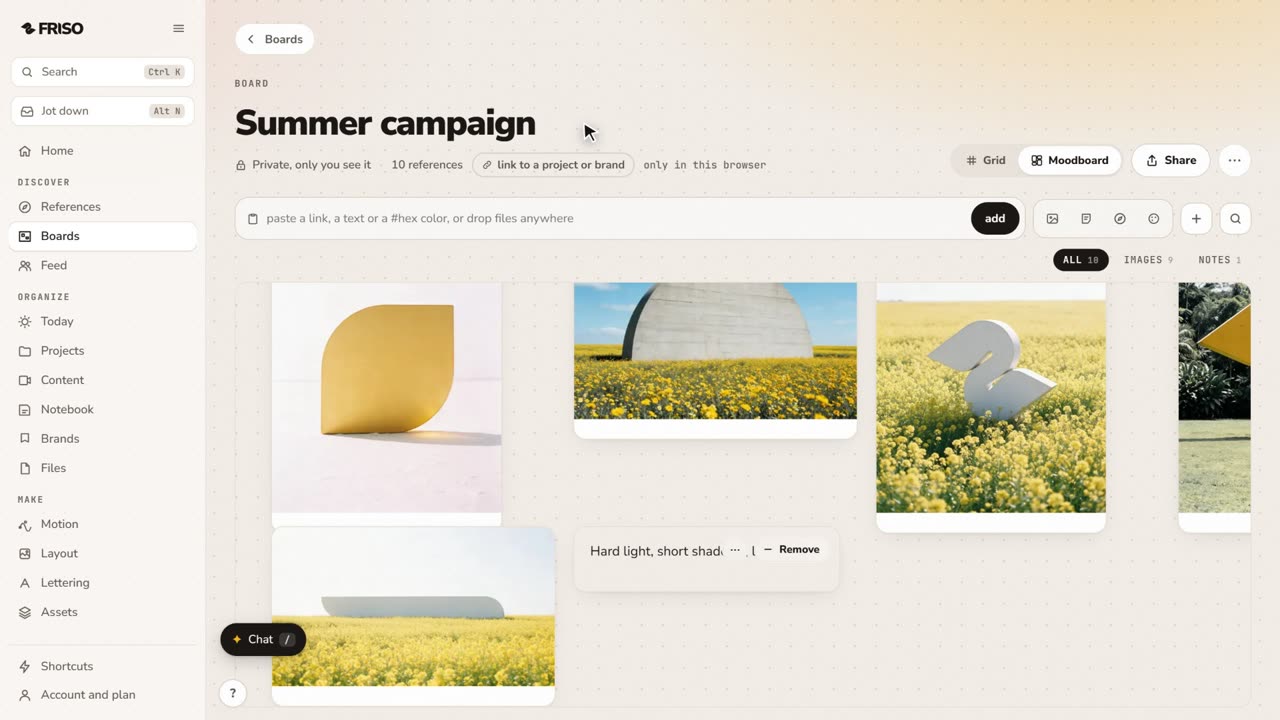 1:02How to make a moodboard and link it to a projectOne board, two views: a grid to browse and a moodboard to think. Pull the palette from your images and link the board to the job.
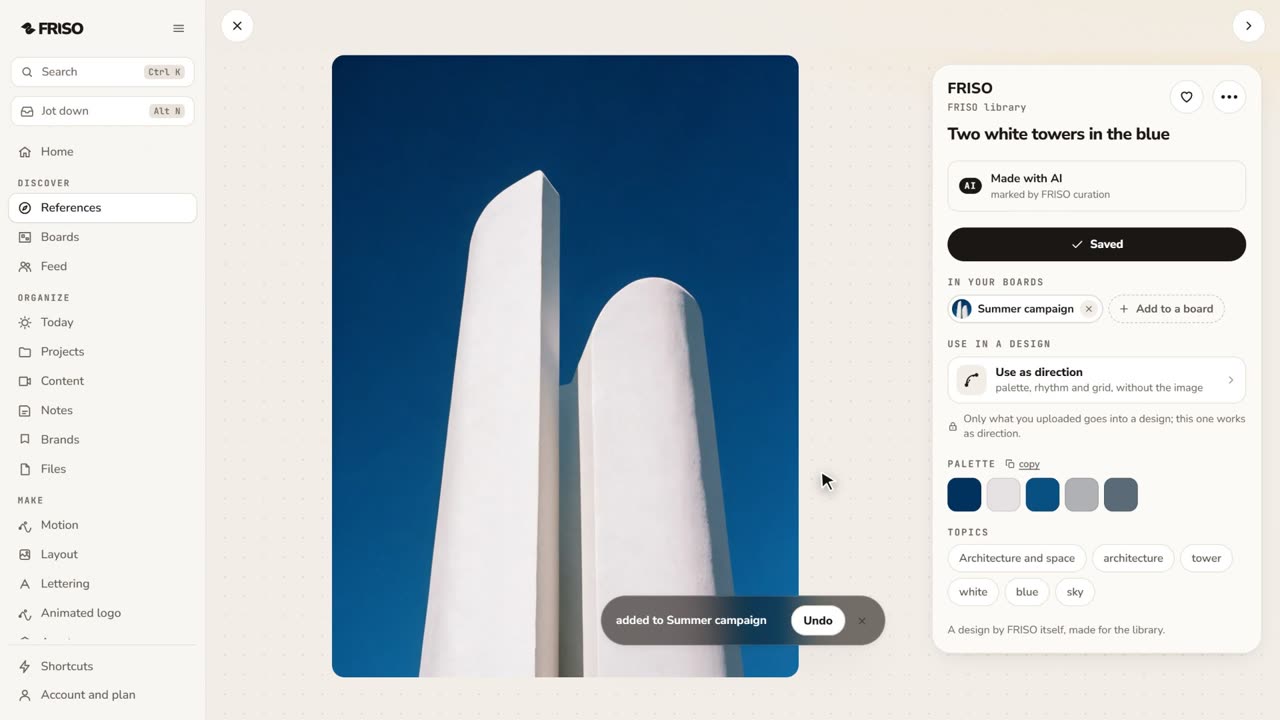 1:55Your moodboard, from the startSave references from the FRISO library to a private board, bring your own images and links, switch to Moodboard on the same button as Grid, pull the palette and link the board to the project. No voice, with captions.
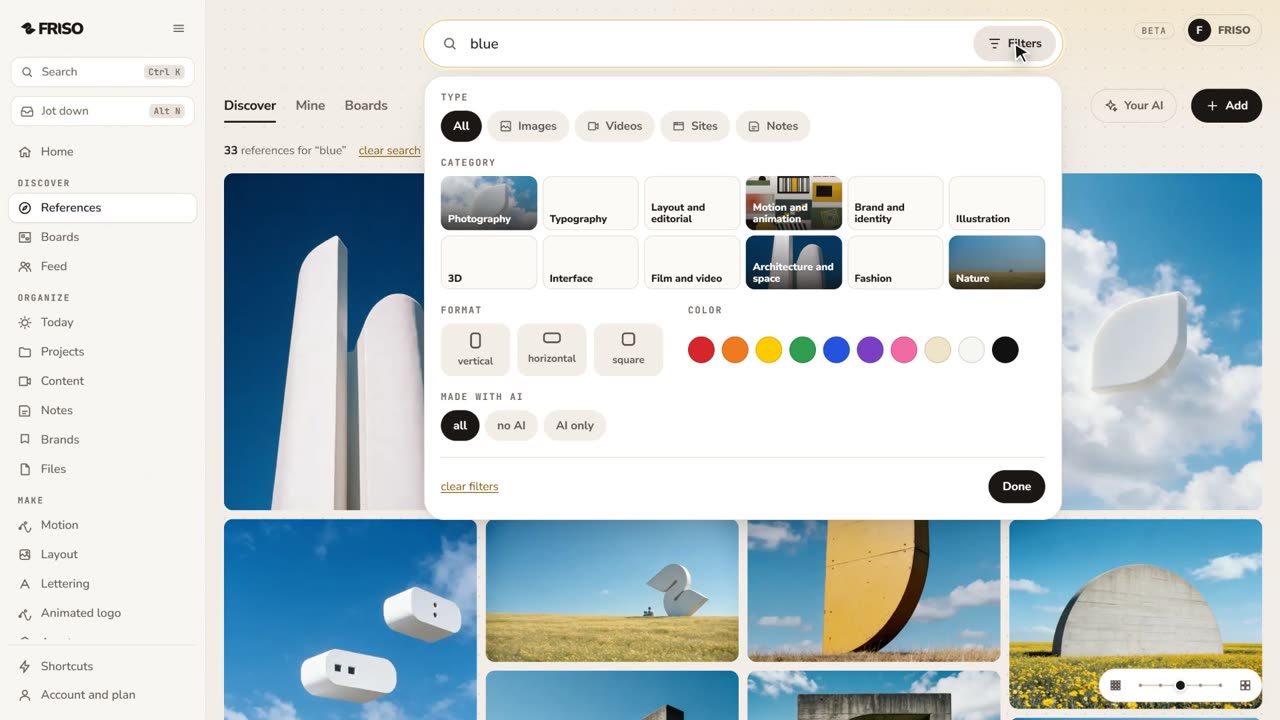 1:28How to find design references and keep them organizedReferences lost in tabs and screenshots? Search by subject or color, see the credit, find similar ones and save them to a board.
Unlimited references in 5 boards, with both views.
Unlimited boards and a link to show them to clients.
Create a free FRISO account, open References, search and save images to a board, then switch the board to the Moodboard view and arrange it freely.
Yes. Upload your files or paste a link to bring in anything you find on the web, keeping the author's credit.
Yes. FRISO pulls the palette from the images on the board, and you can name each color.