References and boards
Discover images with credit, search by color or subject, save with one click and keep them on as many boards as you like.
FRISOscreen recording, with voiceAssista em português
Chapters
Transcript
Discover
In References you discover images, always with credit to whoever made them. Search by subject, color or hashtag.
Save
Open an image to see where it comes from and its details. Saving takes one click, and the image goes to Mine.
Boards
Put it on as many boards as you like, and take it off when you change your mind. Type a name to create a new board, public or private. In Boards, each board opens as a grid or as a moodboard. In the moodboard, arrange your references freely, like on a table.
More tutorials
All tutorials →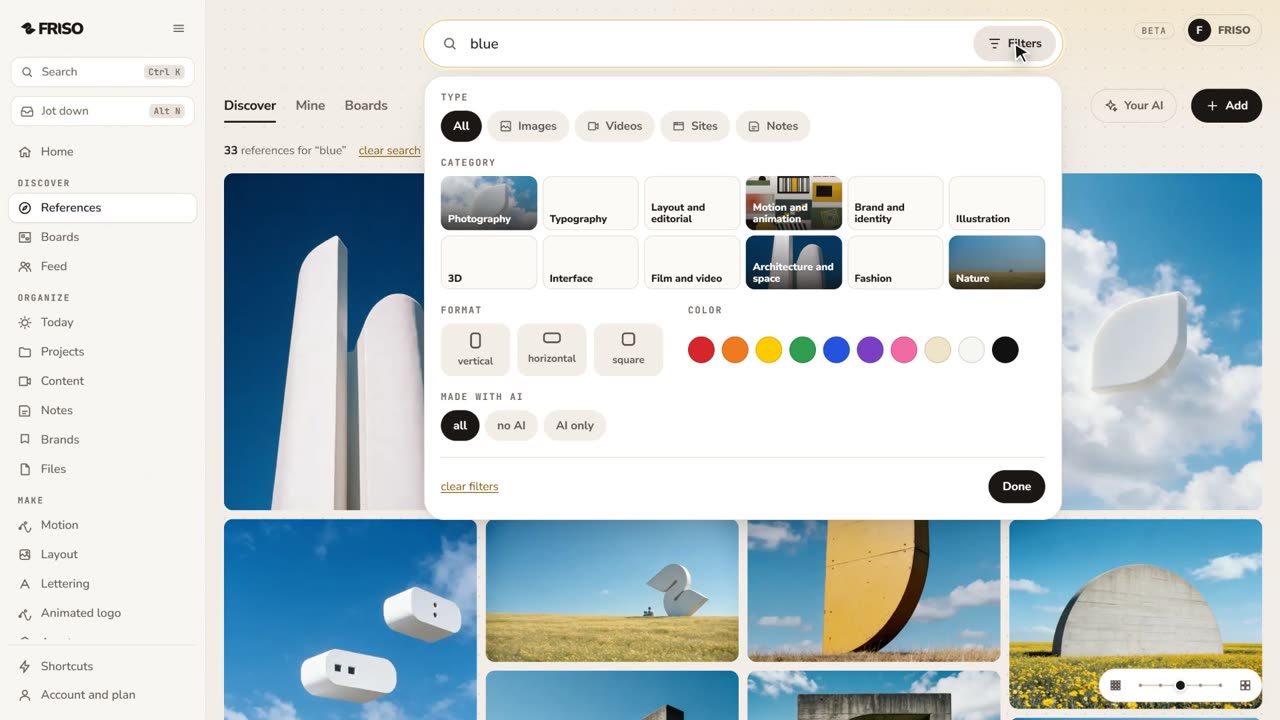 1:28How to find design references and keep them organizedReferences lost in tabs and screenshots? Search by subject or color, see the credit, find similar ones and save them to a board.
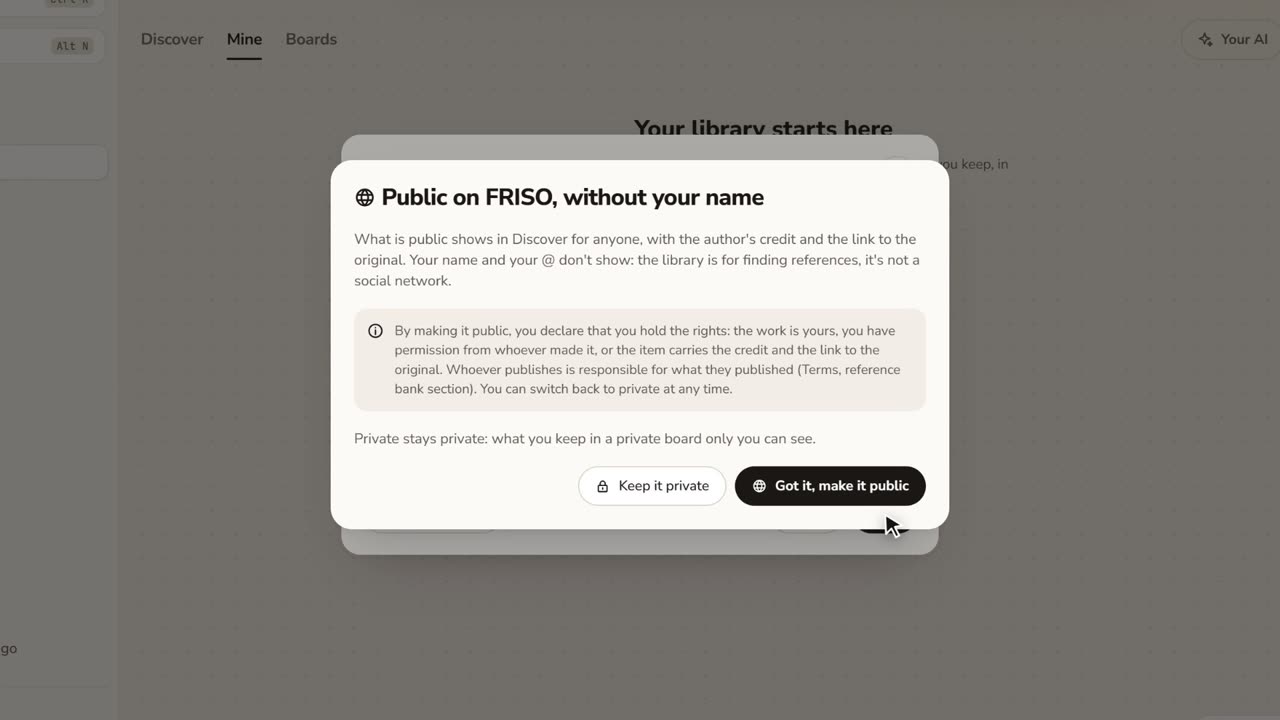 1:17How to save images from the internet with the creditStop saving loose screenshots. Paste a link or drop your files, choose who sees it, and keep the original author credit.
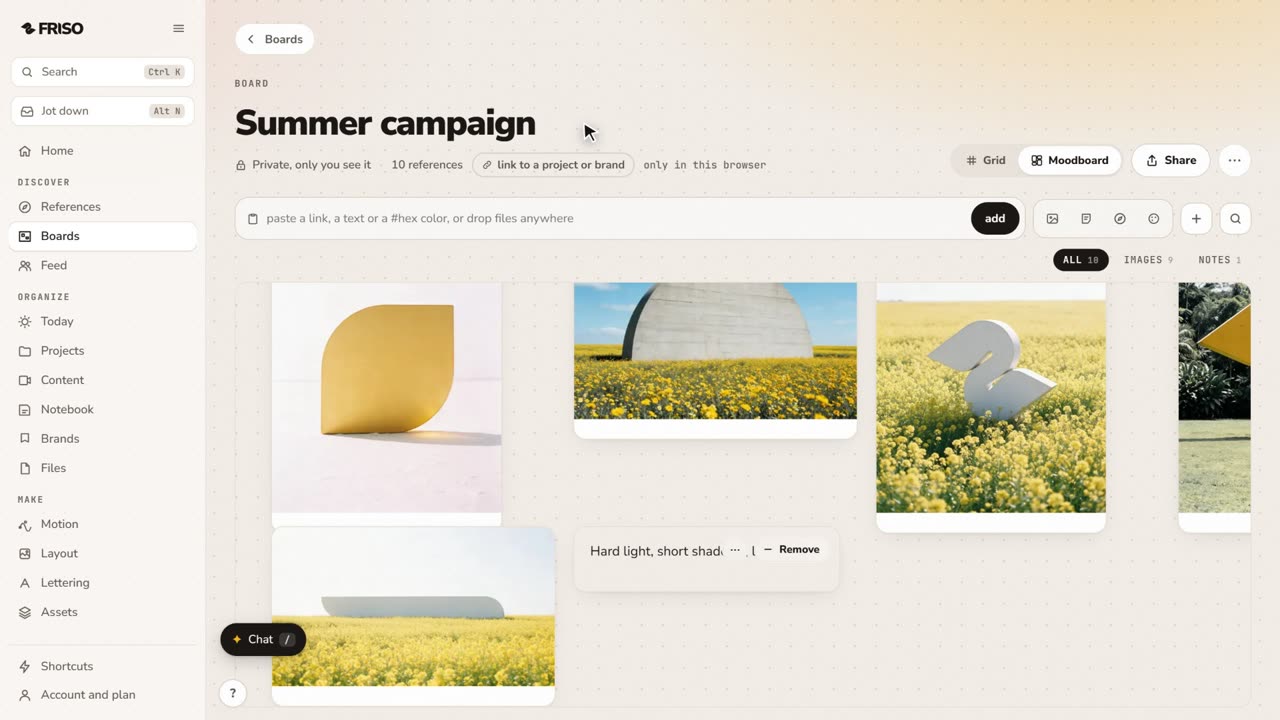 1:02How to make a moodboard and link it to a projectOne board, two views: a grid to browse and a moodboard to think. Pull the palette from your images and link the board to the job.