Free
Saving references is unlimited, in up to 5 boards.
The best place to save design references is one that links them to your work. In FRISO you save images and links from anywhere into boards, keep the original author's credit in view, and tie each board to a project, so a reference is there when the job needs it. Saving references is unlimited, even on the free plan.

References scatter across screenshots, saved posts and browser tabs. When the job starts, you remember seeing something perfect and have no idea where it went.
Paste a link or send a file, and it lands in your board.
Search what the community saved and find similar pieces.
The credit of who made it stays in view. Who uploaded it never appears.
Clean previews, with no embedded player from other networks.
What people save never trains AI.
Link a board to a project and it opens with the job.
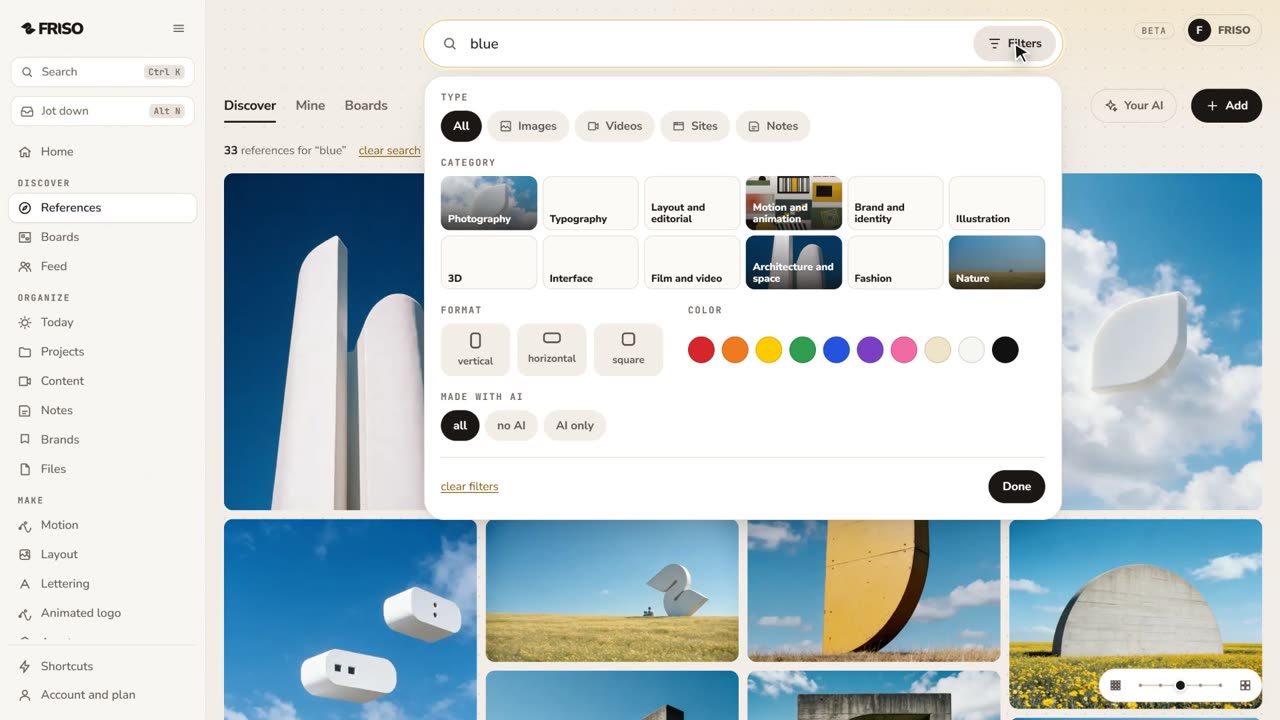 1:28How to find design references and keep them organizedReferences lost in tabs and screenshots? Search by subject or color, see the credit, find similar ones and save them to a board.
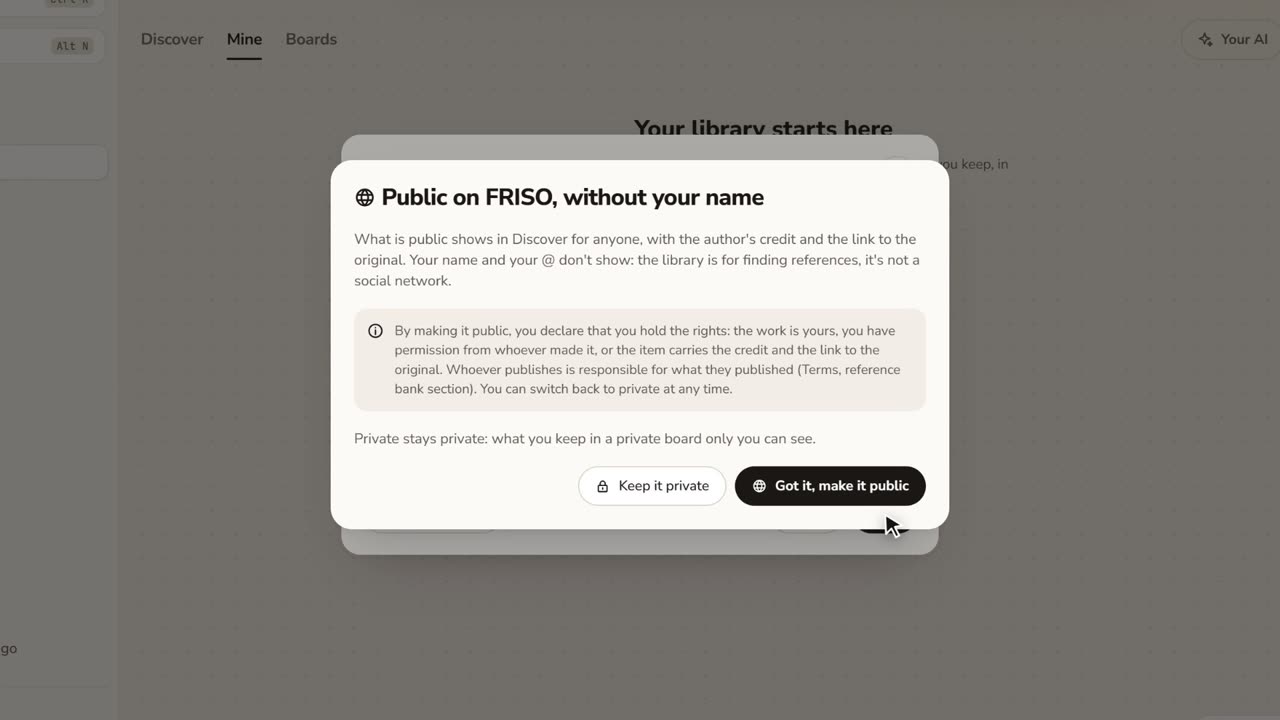 1:17How to save images from the internet with the creditStop saving loose screenshots. Paste a link or drop your files, choose who sees it, and keep the original author credit.
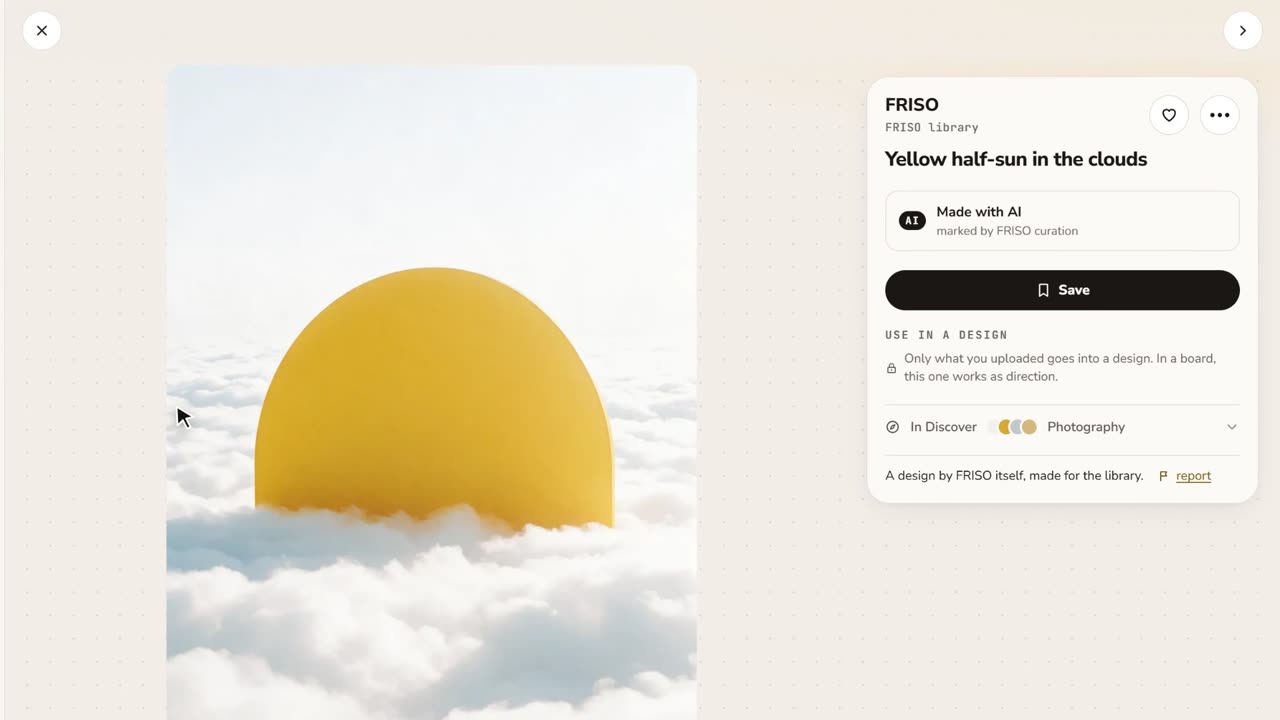 0:48References and boardsDiscover images with credit, search by color or subject, save with one click and keep them on as many boards as you like.
Saving references is unlimited, in up to 5 boards.
Unlimited boards and links to show them.
In a place that is searchable and tied to projects. FRISO boards keep references with the author's credit and link them to the job, so they do not get lost in screenshots.
Only if you choose. Public or private is always stated before you save, with a word and an icon.
No. Nothing people save is used to train AI.