The new Motion in one minute
The scene gets the whole screen, each piece has its own bar and three blocks on the timeline, and groups, gradients and "draw it for me" are one request away. No voice, with captions.
Chapters
Transcript
The scene
The scene gets the whole screen. Settings open only when you ask. + Add, then Text: your word comes into the scene.
The piece
Click a piece: its bar shows up, with color, font and animation.
In, life and out
On the timeline, each piece has three blocks: In, Life and Out. Click In to choose how the piece arrives. Drag the edge to change the timing.
Groups and gradients
Ask the Assistant, for free: gradient on the circle. And a group: the pieces move together.
Draw it for me
Need a new shape? Draw it for me: FRISO AI or your own AI draws it in the engine, and it stays editable.
Format and settings
Format and length live here, next to the scene. Settings opens the drawer with everything else. Esc closes it.
More tutorials
All tutorials →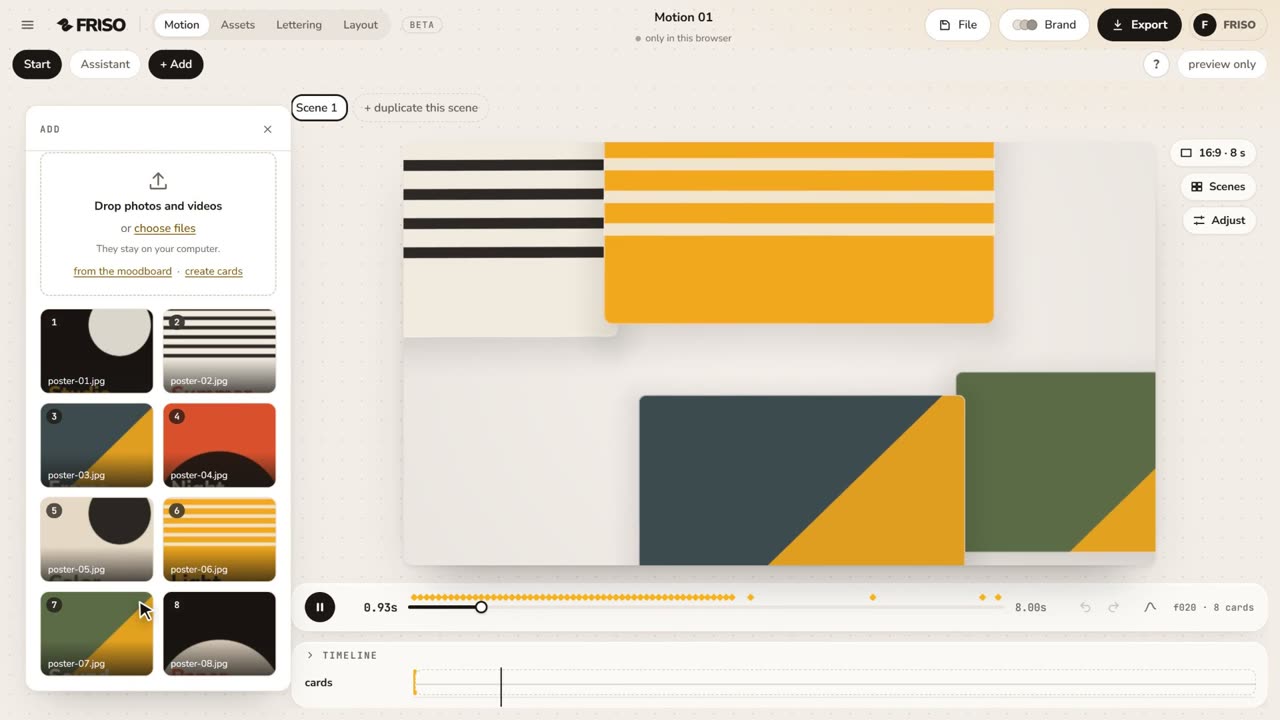 1:02Your first scene in one minutePhotos in, a ready-made scene, the right format for social media and the export menu. The whole path, from zero to a video.
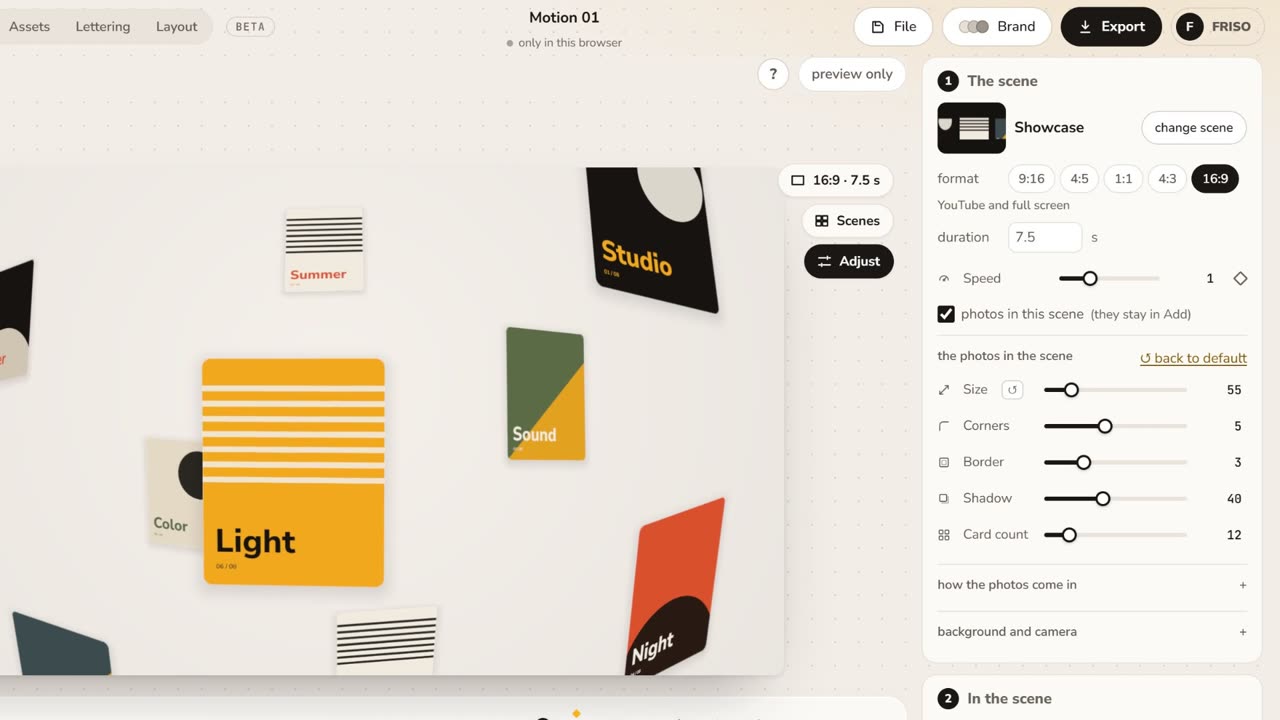 1:05Make it yours: layout, entrance and settingsChange the layout and how the images come in, then tune size, aperture, the Lens, corners, border and background.
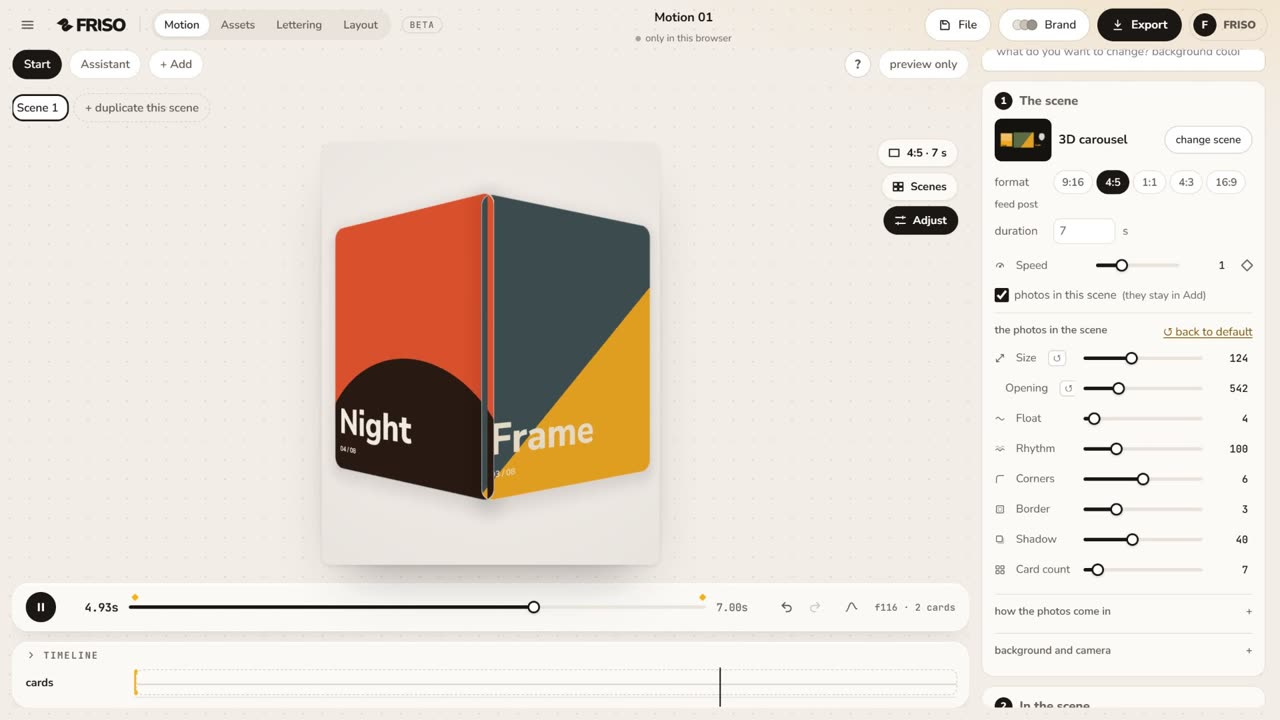 1:01The simple controls, one by oneSize, Aperture, Face camera, Lens, Pass-through, Float, Corners, Border, Shadow and Card count: what each one does, live.