Free
A selection of scenes, 1080p and up to 15 seconds, with no watermark.
To animate photos online, open FRISO Motion, pick a ready-made scene and swap in your photos. The scene moves your images with real motion design, and you adjust the timing while you watch. It does not generate video with AI, so your photos stay as they are. Free exports 1080p scenes up to 15 seconds.

An AI animator changes faces, hands and details, and you get little say in the result. A traditional editor gives you control, but it takes hours to learn.
The scene moves the image and never redraws it.
Start from a scene and swap the photos and the text.
Adjust the movement and watch the result at once.
It runs in the browser, on your computer.
Export mp4, webm or PNG.
Take the scene to After Effects, with layers and controls.
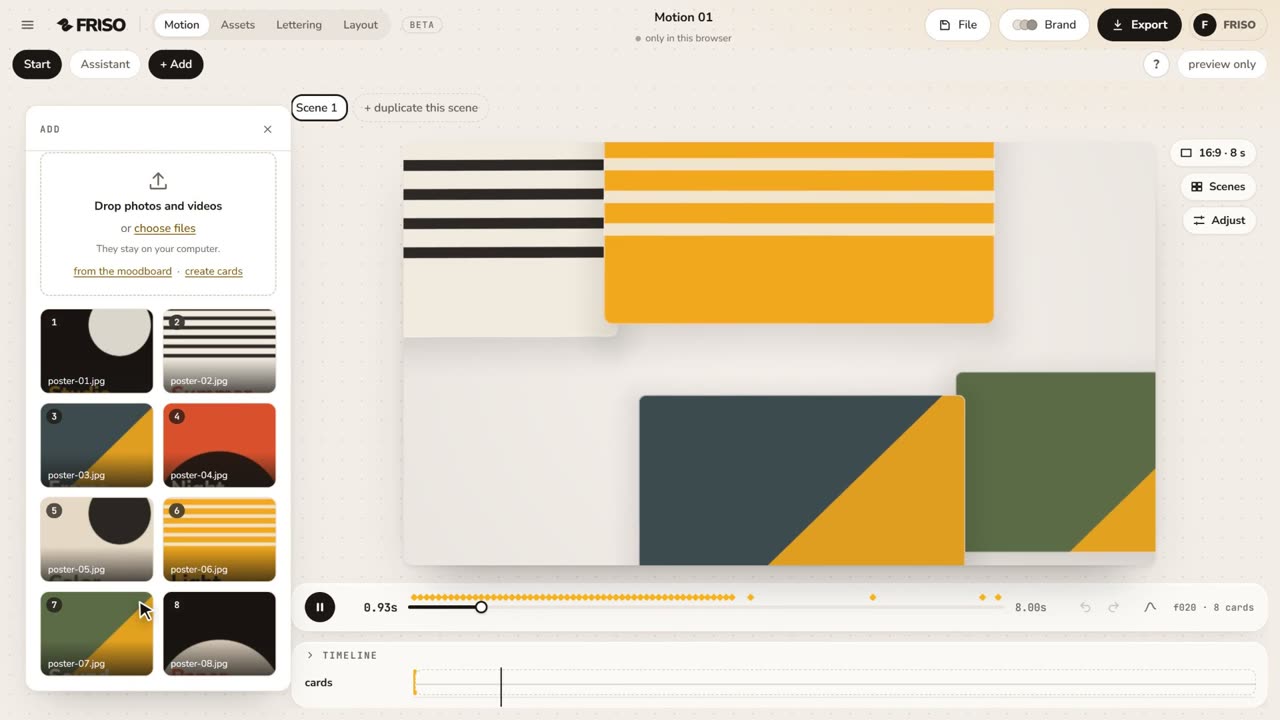 1:02Your first scene in one minutePhotos in, a ready-made scene, the right format for social media and the export menu. The whole path, from zero to a video.
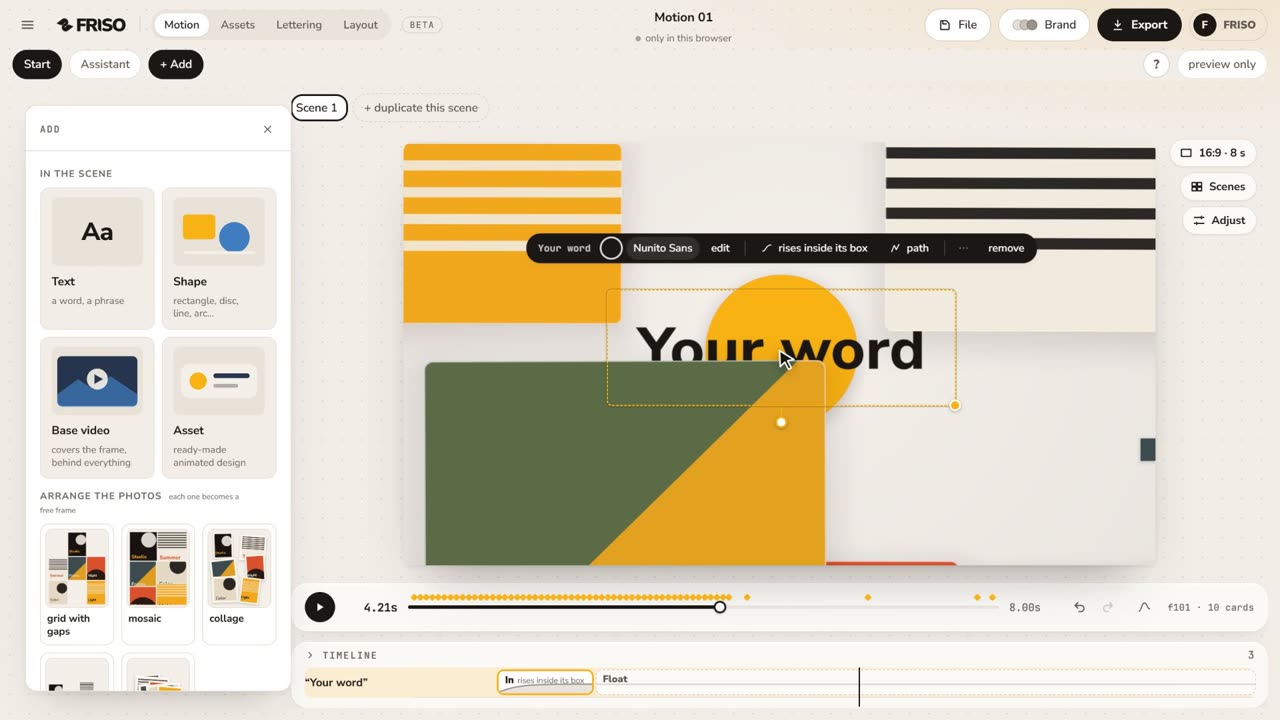 1:15The new Motion in one minuteThe scene gets the whole screen, each piece has its own bar and three blocks on the timeline, and groups, gradients and "draw it for me" are one request away. No voice, with captions.
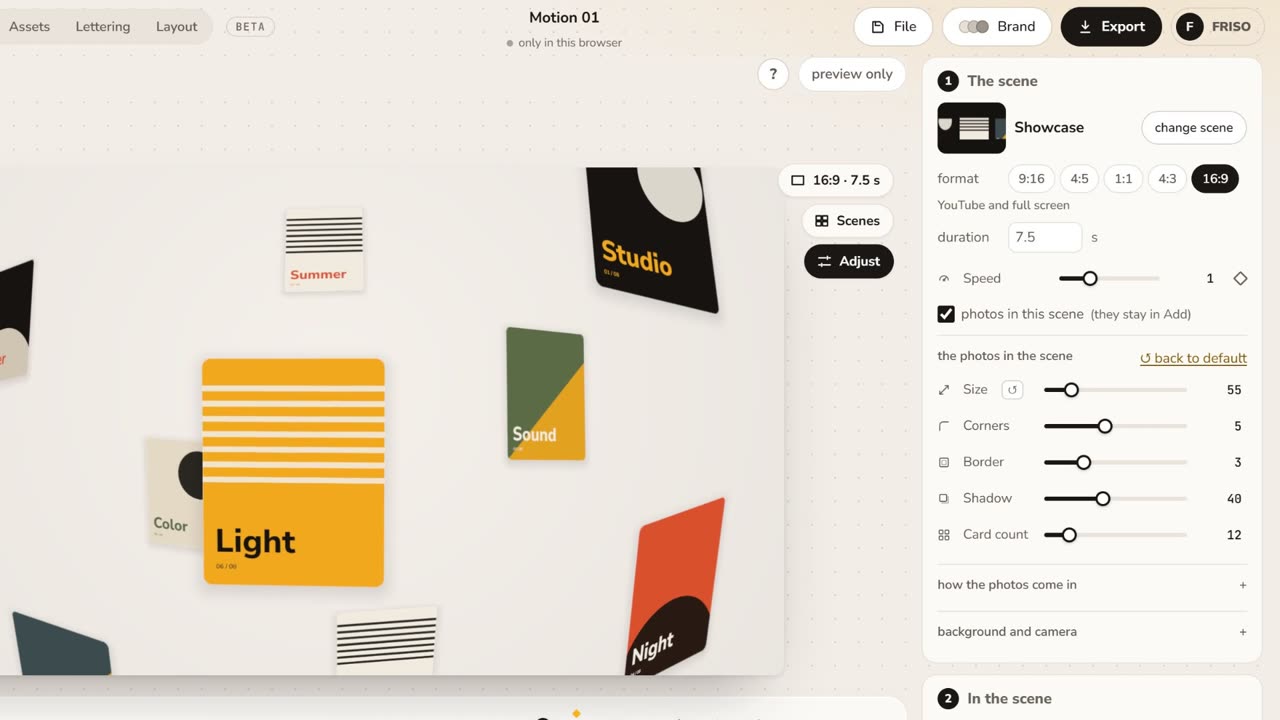 1:05Make it yours: layout, entrance and settingsChange the layout and how the images come in, then tune size, aperture, the Lens, corners, border and background.
A selection of scenes, 1080p and up to 15 seconds, with no watermark.
All scenes and controls, 4K, a transparent background and up to 120 seconds.
No. FRISO Motion moves your photos with motion design scenes. It does not generate new frames, so nothing in the image changes.
No. For that, look for an AI video generator. FRISO is for moving photos in a composition, as a motion designer would.
Up to 12 on Free and up to 80 on Pro.