Your first scene in one minute
Photos in, a ready-made scene, the right format for social media and the export menu. The whole path, from zero to a video.
Chapters
Transcript
The stage
Motion turns your photos and videos into animated scenes. It opens with samples, so you can try everything right away.
Your photos
Drop your photos anywhere on the page. They replace the samples, in order. Each file becomes a card in this list. Drag a card to change the order.
A ready-made scene
Pick a ready-made scene. Each one is a starting point you can change. Try another one: the motion changes, your photos stay.
The format
Choose the format of the network: 9:16 for Reels, Stories and TikTok. 4:5 is the one that takes the most space in the Instagram feed. The scene plays in a loop while you work, and the timeline shows where you are.
Export
When it looks right, open Export. MP4 for social media, or the .jsx that opens the same scene in After Effects. That's the whole path. Next: make the scene yours.
More tutorials
All tutorials →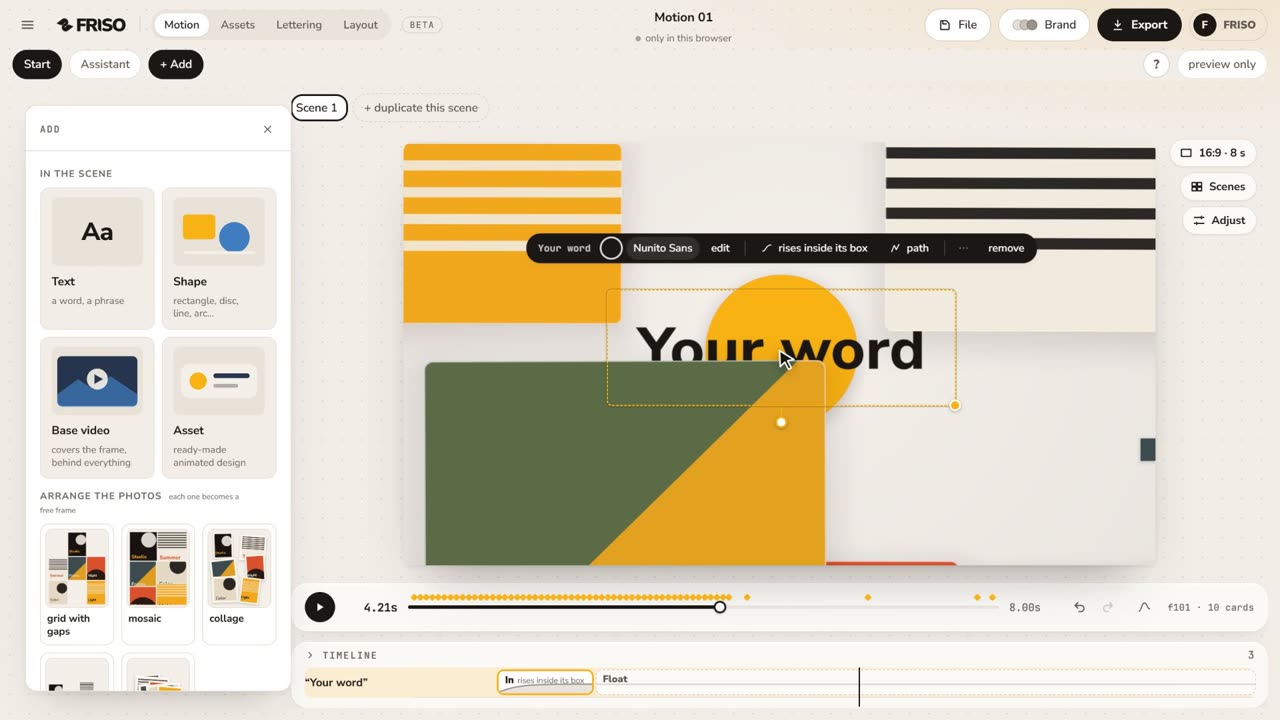 1:15The new Motion in one minuteThe scene gets the whole screen, each piece has its own bar and three blocks on the timeline, and groups, gradients and "draw it for me" are one request away. No voice, with captions.
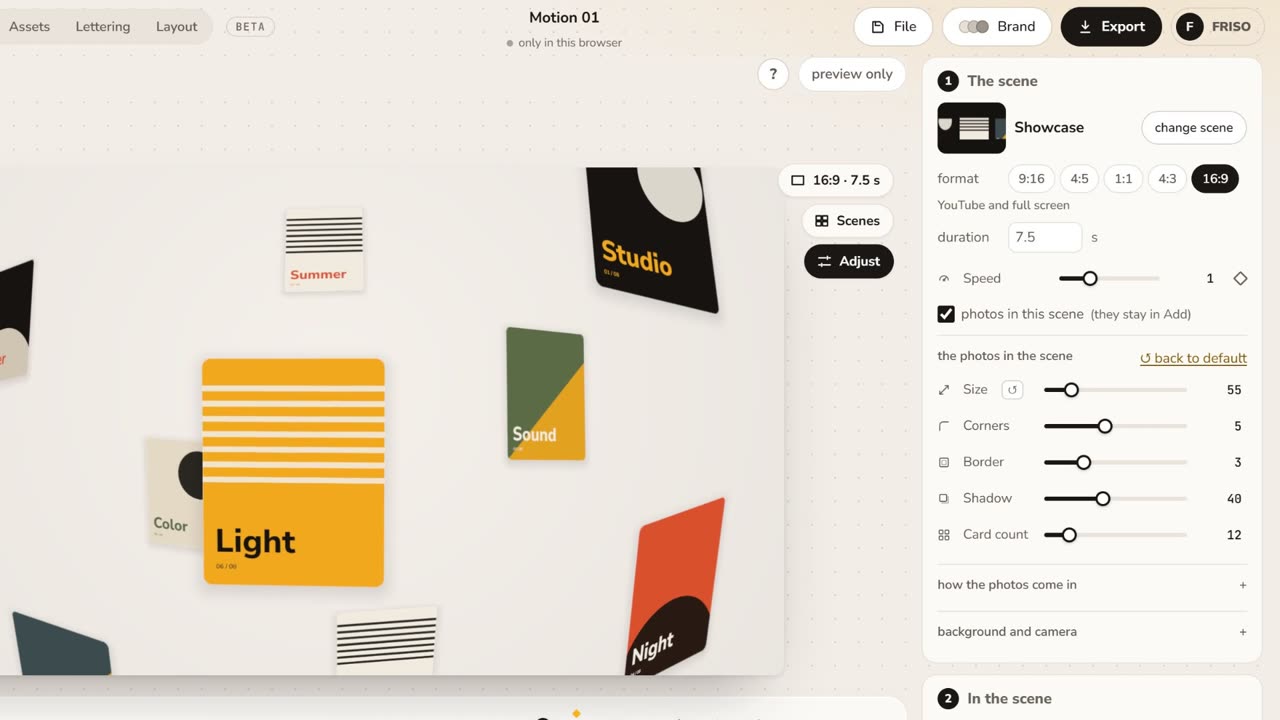 1:05Make it yours: layout, entrance and settingsChange the layout and how the images come in, then tune size, aperture, the Lens, corners, border and background.
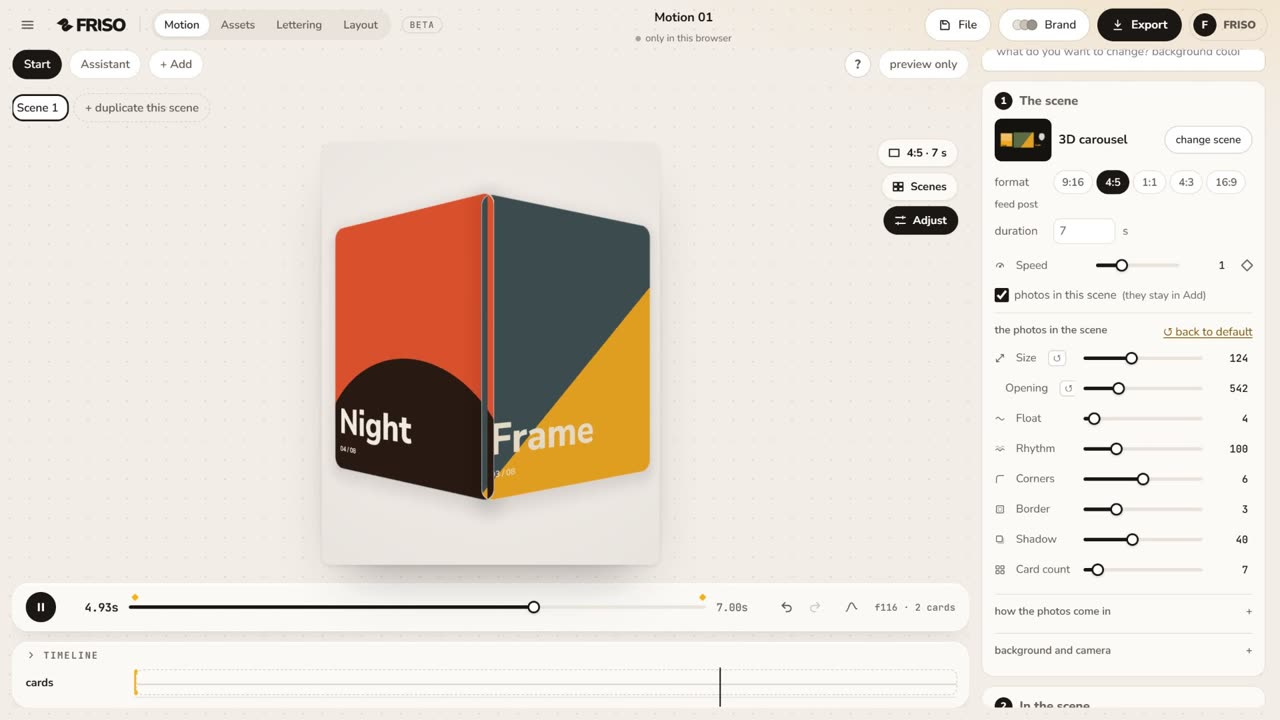 1:01The simple controls, one by oneSize, Aperture, Face camera, Lens, Pass-through, Float, Corners, Border, Shadow and Card count: what each one does, live.