Make it yours: layout, entrance and settings
Change the layout and how the images come in, then tune size, aperture, the Lens, corners, border and background.
FRISOscreen recording, with voiceAssista em português
Chapters
Transcript
Layout
Every scene is a layout plus an entrance. Start with the layout. Grid: every photo in its place. Sphere: the same photos, in 3D.
Settings
Cards overlapping? Lower the Size and open the Aperture, and each card gets its own space. Corners round the cards. Border and Shadow give them weight. The Lens brings the card in focus forward and opens space around it.
Entrance
Now choose how the images come in. From below: each card rises into place, one after the other.
Background
Background: a solid color, or one of your photos, blurred into atmosphere.
Save and share
Like what you made? Save it in My scenes, or send it to the Feed: the best scenes become templates, with your name.
More tutorials
All tutorials →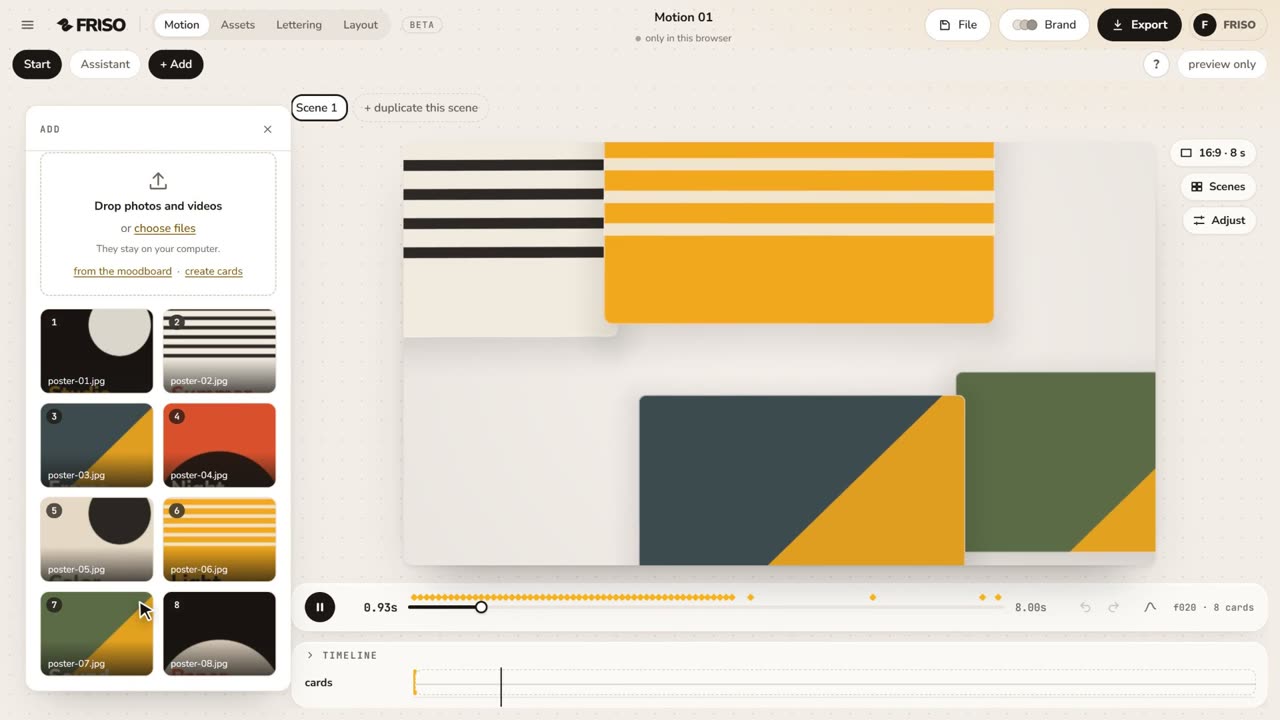 1:02Your first scene in one minutePhotos in, a ready-made scene, the right format for social media and the export menu. The whole path, from zero to a video.
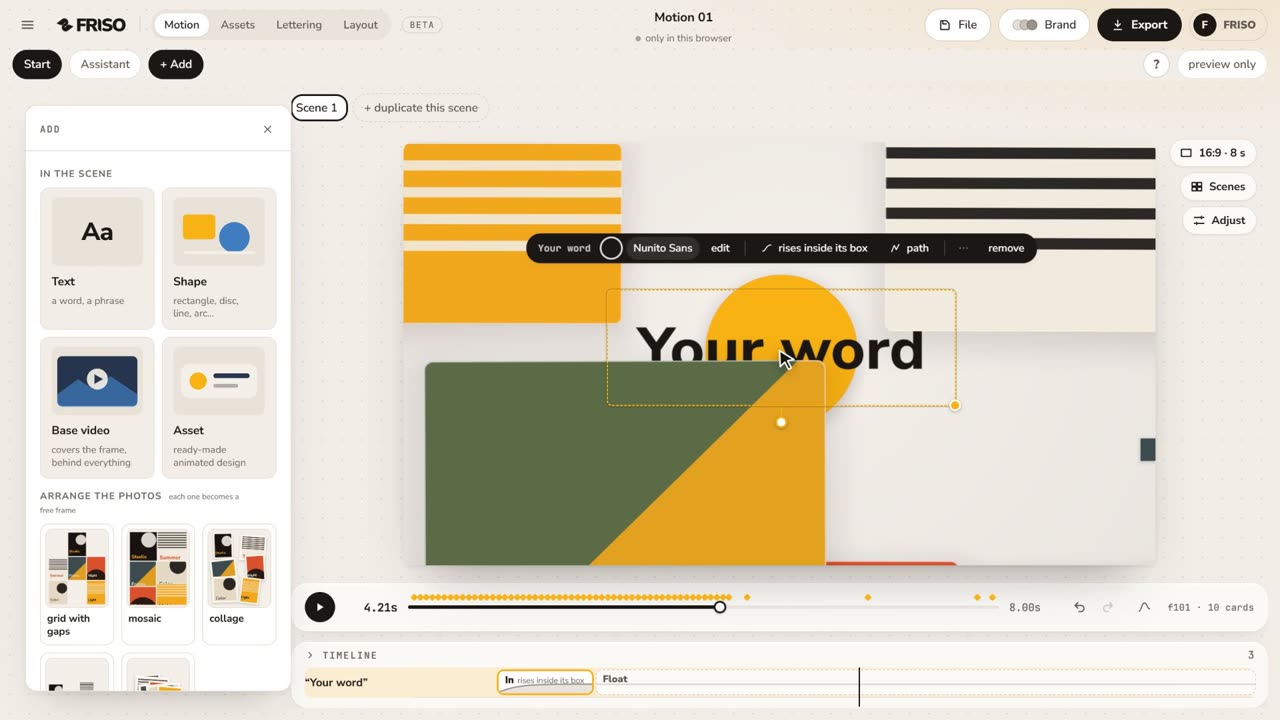 1:15The new Motion in one minuteThe scene gets the whole screen, each piece has its own bar and three blocks on the timeline, and groups, gradients and "draw it for me" are one request away. No voice, with captions.
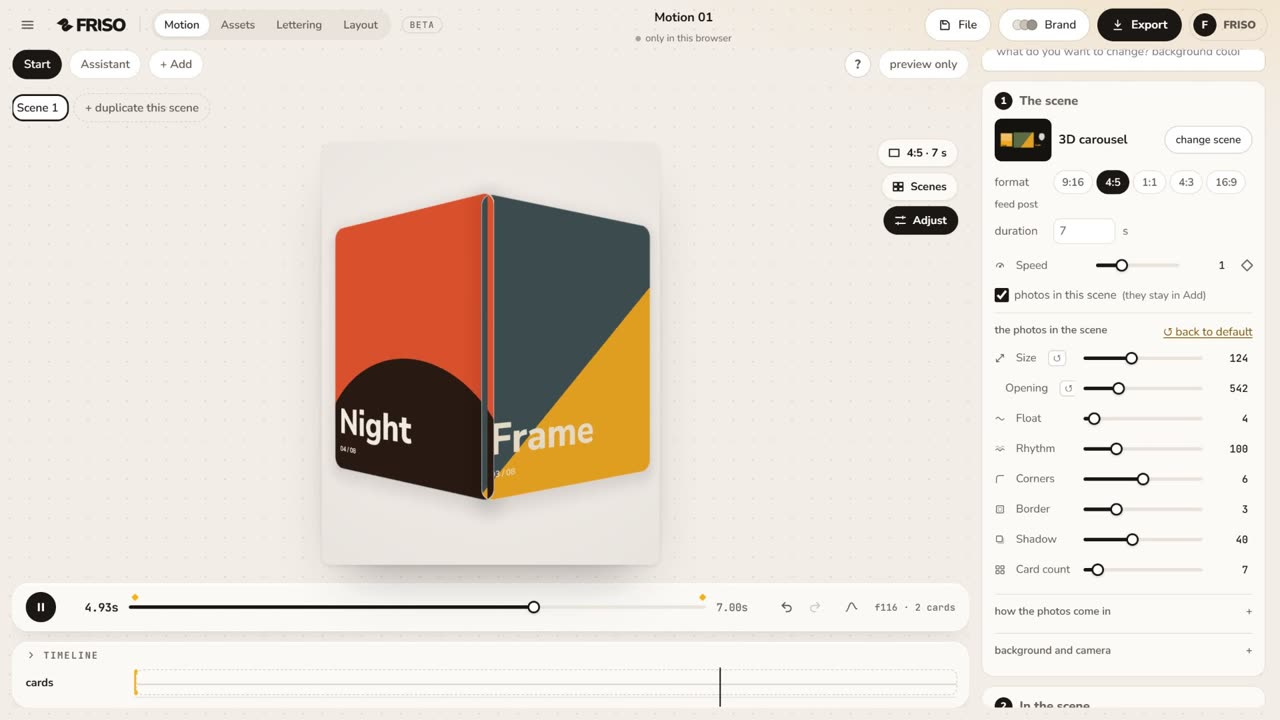 1:01The simple controls, one by oneSize, Aperture, Face camera, Lens, Pass-through, Float, Corners, Border, Shadow and Card count: what each one does, live.