How to keep each client brand kit in one place
Colors, logo and fonts for each client in one place, used by Layout, Motion and Lettering, with everything filtered by brand.
Why it matters
With every new piece, you go back to look for the logo and the color code of that client. In FRISO, each client has a brand with its kit, and the tools open already using it.
Chapters
Transcript
Brands
Every client has a color, a logo and fonts. Keep them here, and stop looking for the file each time.
A new client
Create a brand with the name of the client. Pick its color and drop in the logo. Create, and the client has a page of its own.
The kit
The In your pieces card is the kit: the same colors and fonts in Layout, Motion and Lettering. In Edit you set the background, the text and the highlight. Everything saves by itself. Choose the title and text fonts, and the signature that goes on the pieces.
In the tools
Back on the overview, one button opens each tool with this brand already in. Choose this project, and the piece takes on the client colors, with no copying and pasting of color codes.
Filter by brand
And in the Workspace, everything can be filtered by brand. One click, and only that client remains. One brand on Free, as many as you need on Pro. Each client in its own place.
Questions
What goes in a brand kit?
The background, text and highlight colors, the title and text fonts, and the signature that goes on the pieces. The logo stays in the brand itself.
How many brands can I have?
One on Free and as many as you need on Pro.
How do I see the tasks of one client only?
In Tasks, click the brand at the top of the list. Only what belongs to it remains.
More tutorials
All tutorials →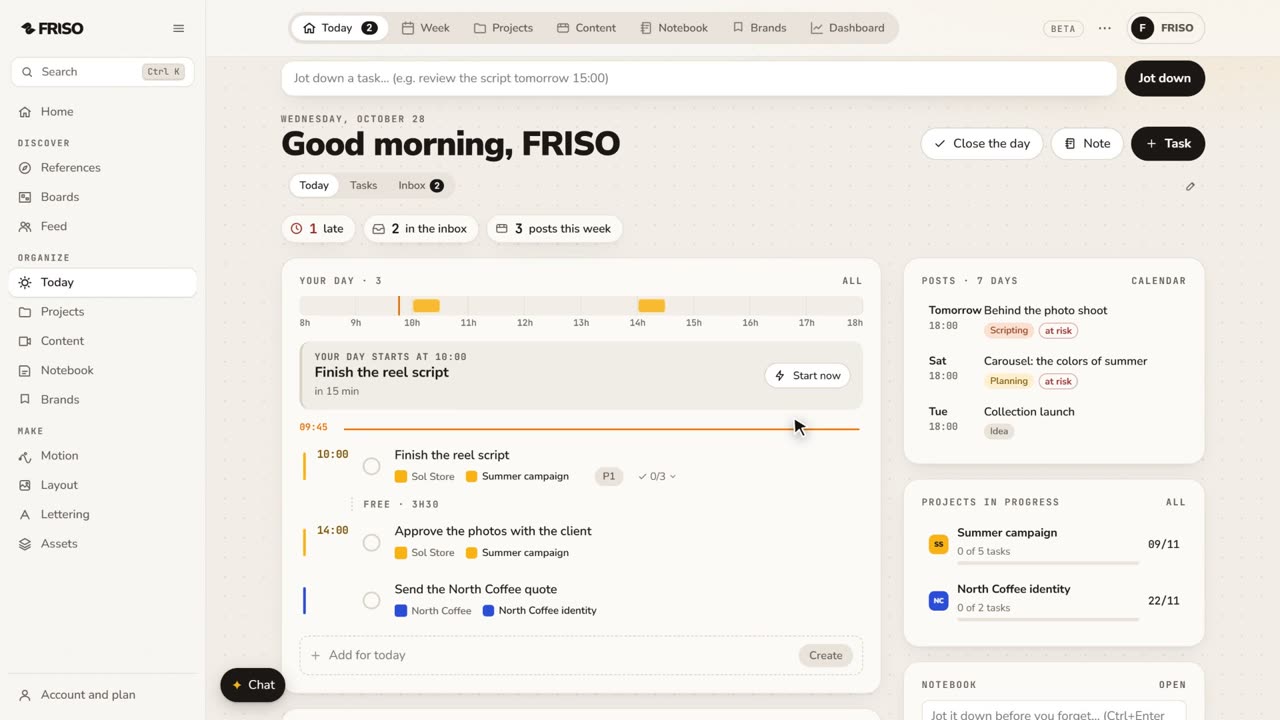 0:56Organize your work: day, week, projects and contentToday, Week, Projects, Content, Notes and Brands, one by one. Write tasks the way you say them, and let your own AI help organize.
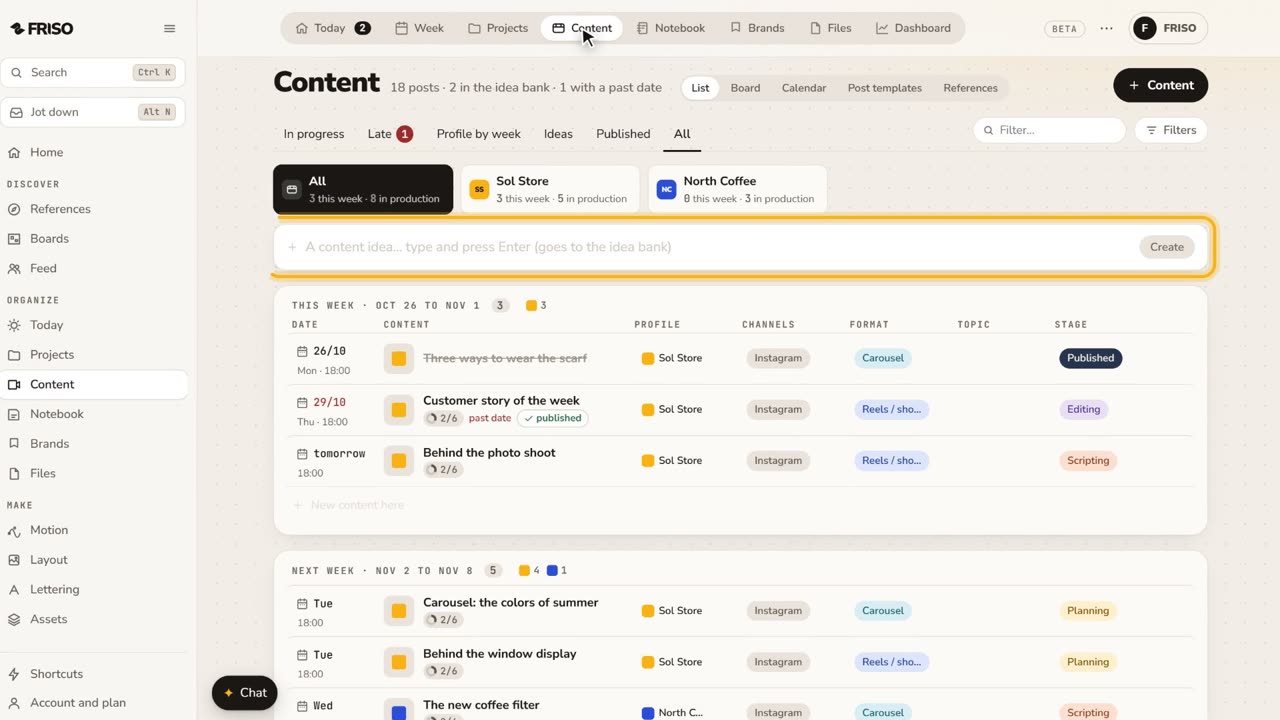 1:22How to organize social media content from idea to postIdeas get lost across notes and chats. Keep each post on one sheet, with its stage, date, caption and result, until it is published.
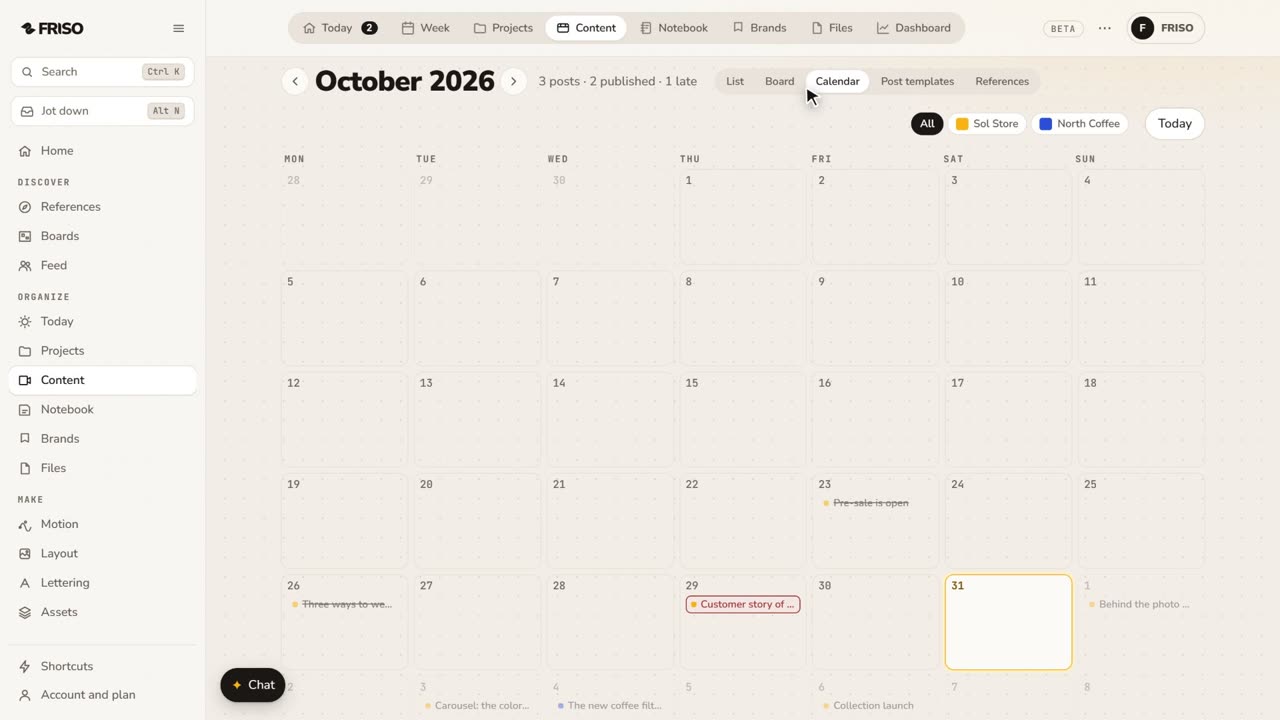 1:24How to build a monthly social media content calendarA month of posts is hard to see in a list. Plan it on a calendar: drag posts between days, filter by profile and repeat what comes back.