Animated logo: your logo, making its entrance
Bring your logo as an SVG or PNG, pick one of six entrance styles, set the background and the format, and download it as a video or for After Effects.
FRISOscreen recording, with voiceAssista em português
Chapters
Transcript
Your logo
Animated logo: bring your logo as an SVG or PNG. Choose the file, drop it or paste the code. The SVG comes in parts: each part of the logo moves on its own.
How it comes in
Pick how it comes in. The preview plays from the start on every click.
The video
Light, dark or transparent background, the format, and a line below if you want.
Download
Download it with a transparent background, as an mp4 or for After Effects. Done opens the full Motion: fine-tune the parts and keep going.
More tutorials
All tutorials →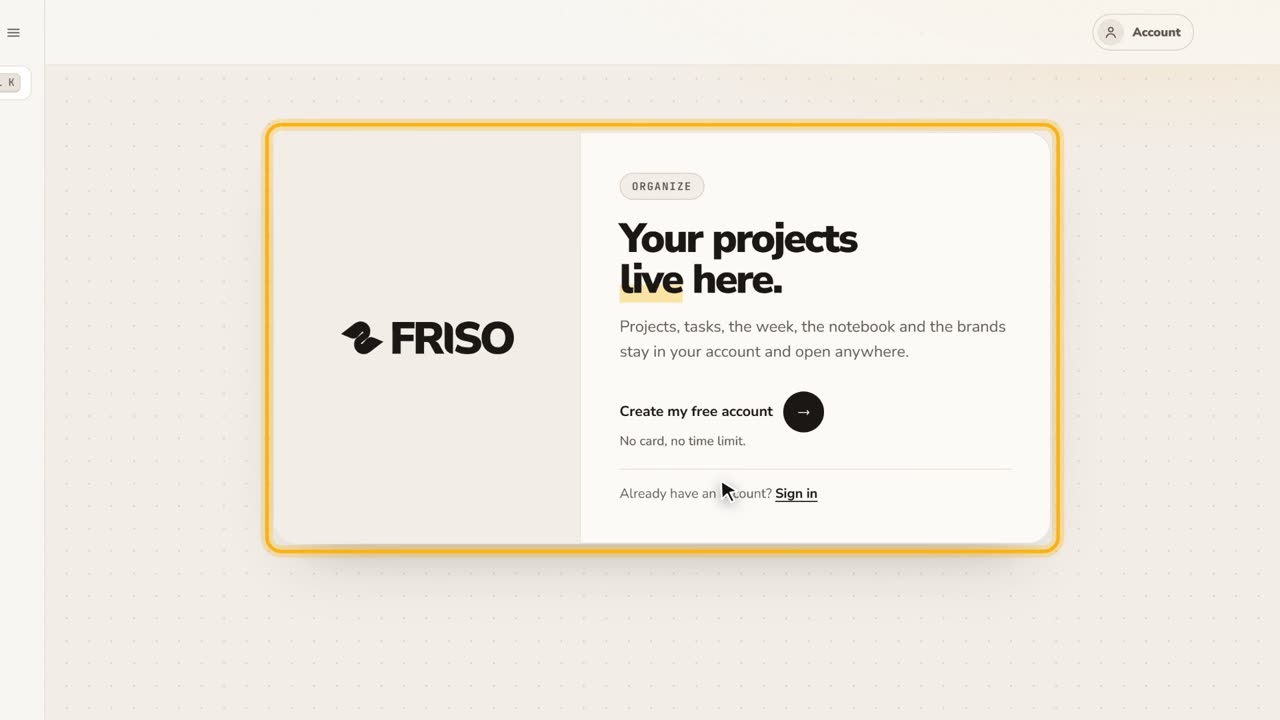 0:27Your free account and the FRISO toolsWhat you can do without an account, why the Workspace asks for one, and the Tools page with every part of FRISO.
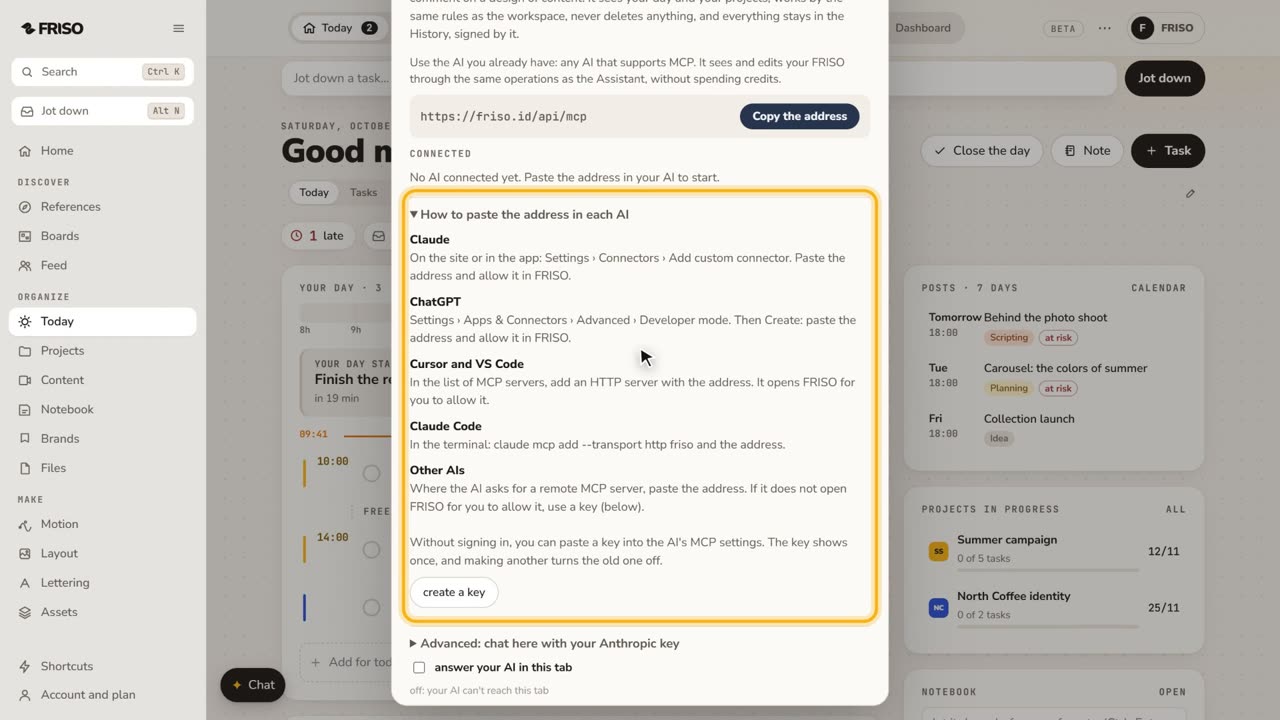 1:07How to connect Claude or ChatGPT to your projectsConnect your own AI to FRISO through MCP and ask it to organize tasks and projects. It never deletes, and every change is signed.
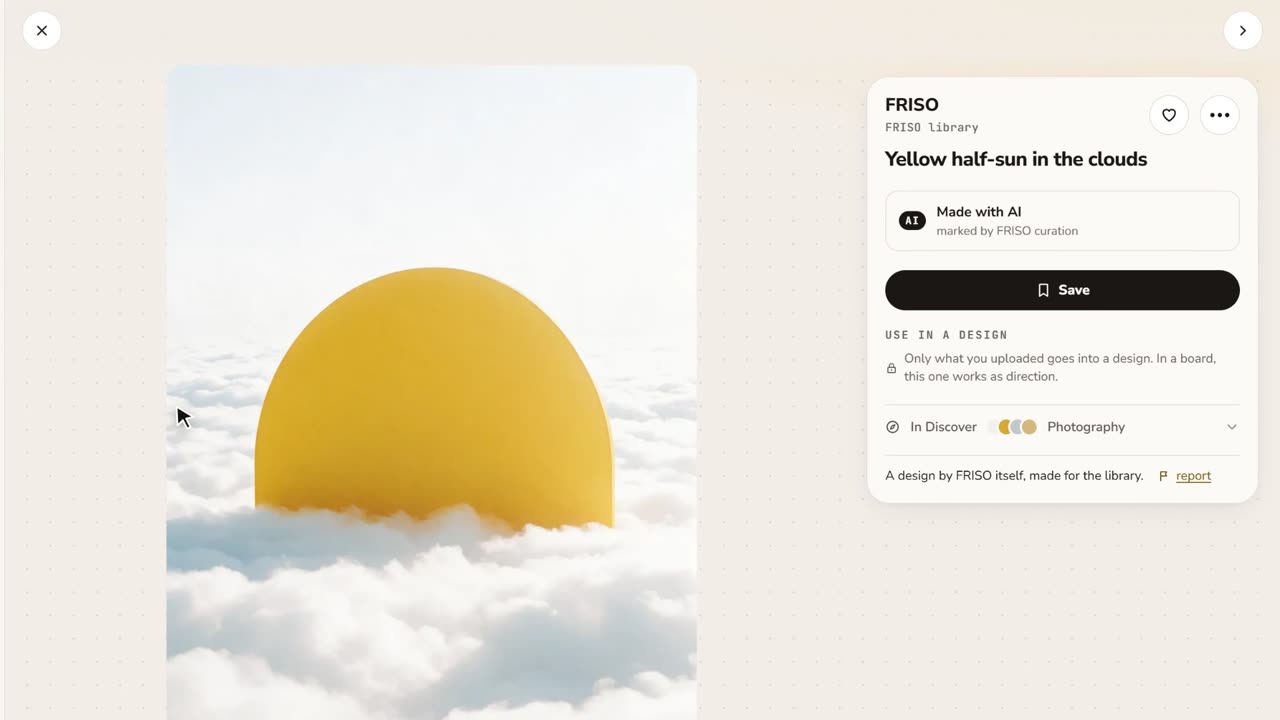 0:48References and boardsDiscover images with credit, search by color or subject, save with one click and keep them on as many boards as you like.