How to make an animated title for Reels online
Write your title, pick an animation, choose font, color and format, and export the video. Nothing to install.
Why it matters
You need a moving title for a Reel, and opening an animation program feels like too much for one line of text. In FRISO Lettering, you write, choose an animation and export.
Chapters
Transcript
Lettering
Lettering does one thing: it makes text move. Letter by letter, word by word or line by line.
The text
Start with your text. It is the only thing you have to write.
The animation
Then pick an animation. Each one enters the preview right away, with your text. Try another. Slide, Line, Typed: changing costs nothing.
The look
Now the look: a font with more presence. The text color, and the background color. Choose where it goes. For Reels, nine by sixteen. Press play and watch it all together.
Export
Happy with it? Export the video. Free has five animations with the FRISO fonts. Pro has all of them, your own fonts and the file for After Effects. With a transparent background, also on Pro, the title goes over any video, in the editor you already use. Write, choose, export. Your title is already moving.
Questions
Can I animate text for free?
Yes. Free has five animations with the FRISO fonts, exported as video, with no watermark.
Can I use my own font?
Yes, on Pro. It also adds all the animations, transparent background and the file for After Effects.
How do I put animated text over a video?
On Pro, turn on the transparent background and export. The title goes over any video, in the editor you use.
More tutorials
All tutorials →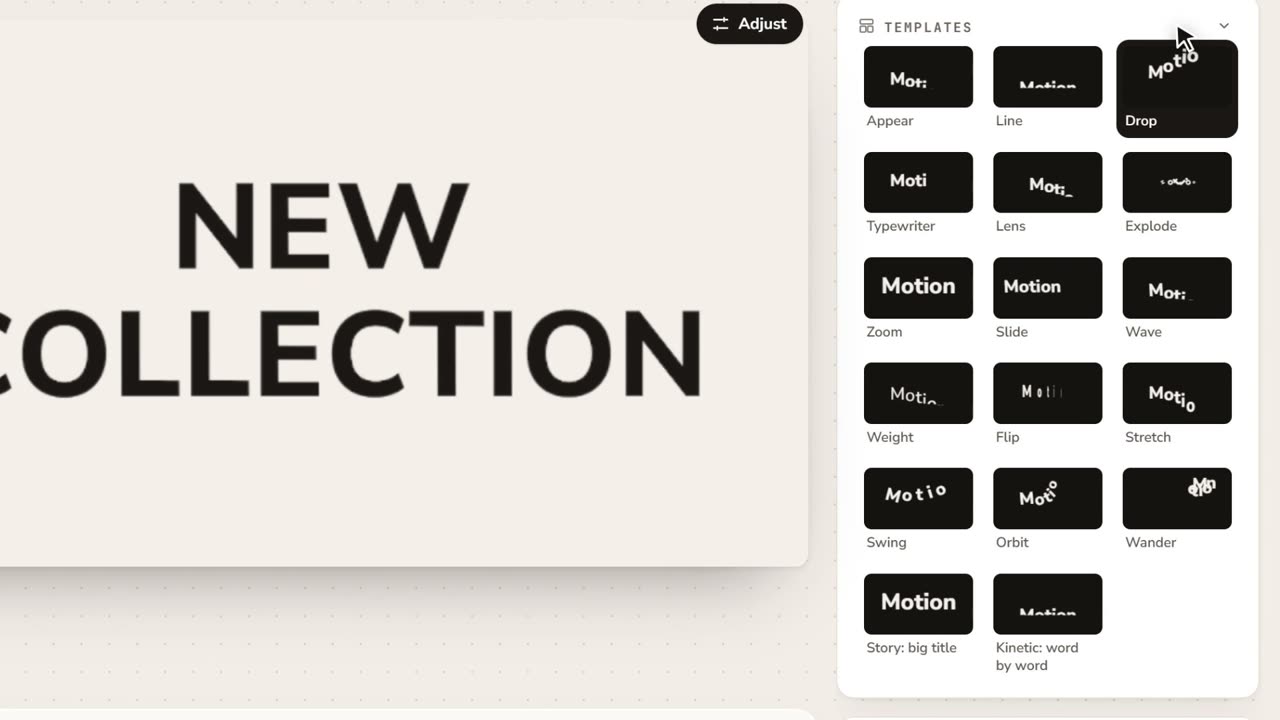 0:51Lettering: gradients and the way into MotionWrite your text, pick a template that plays in its thumbnail, paint it with a gradient that arrives in After Effects, and take it into a Motion scene. No voice, with captions.
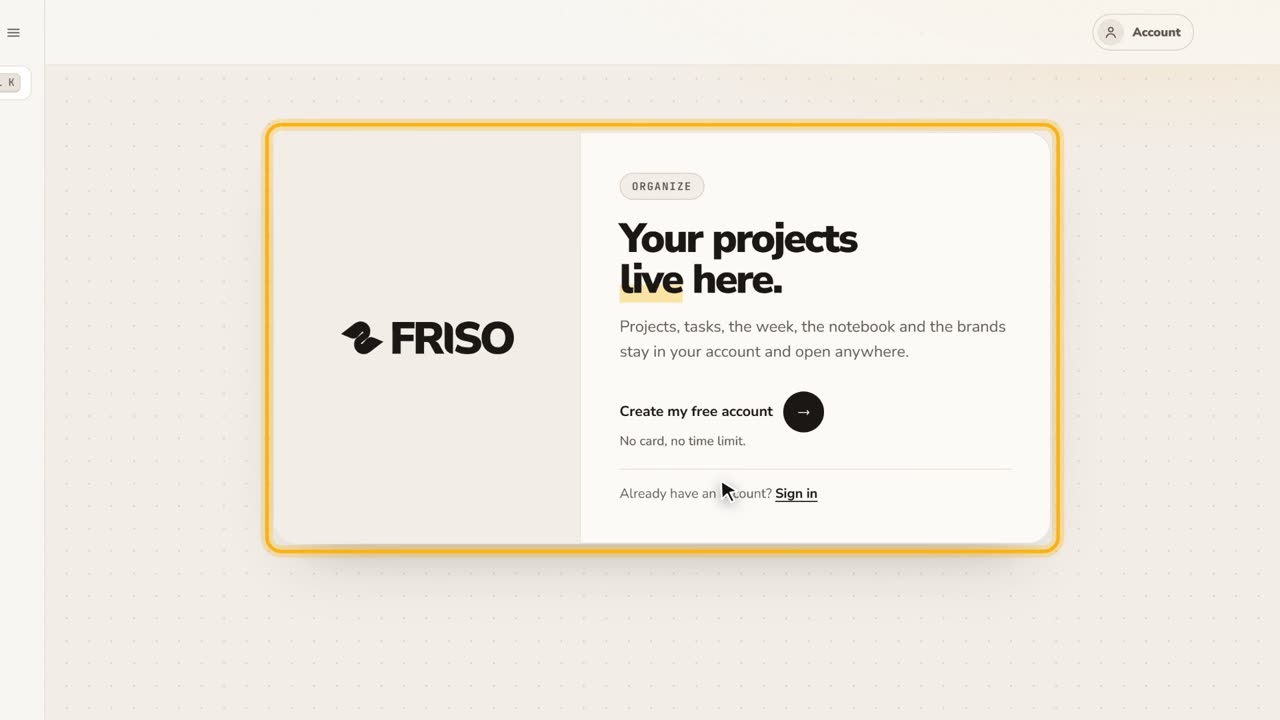 0:27Your free account and the FRISO toolsWhat you can do without an account, why the Workspace asks for one, and the Tools page with every part of FRISO.
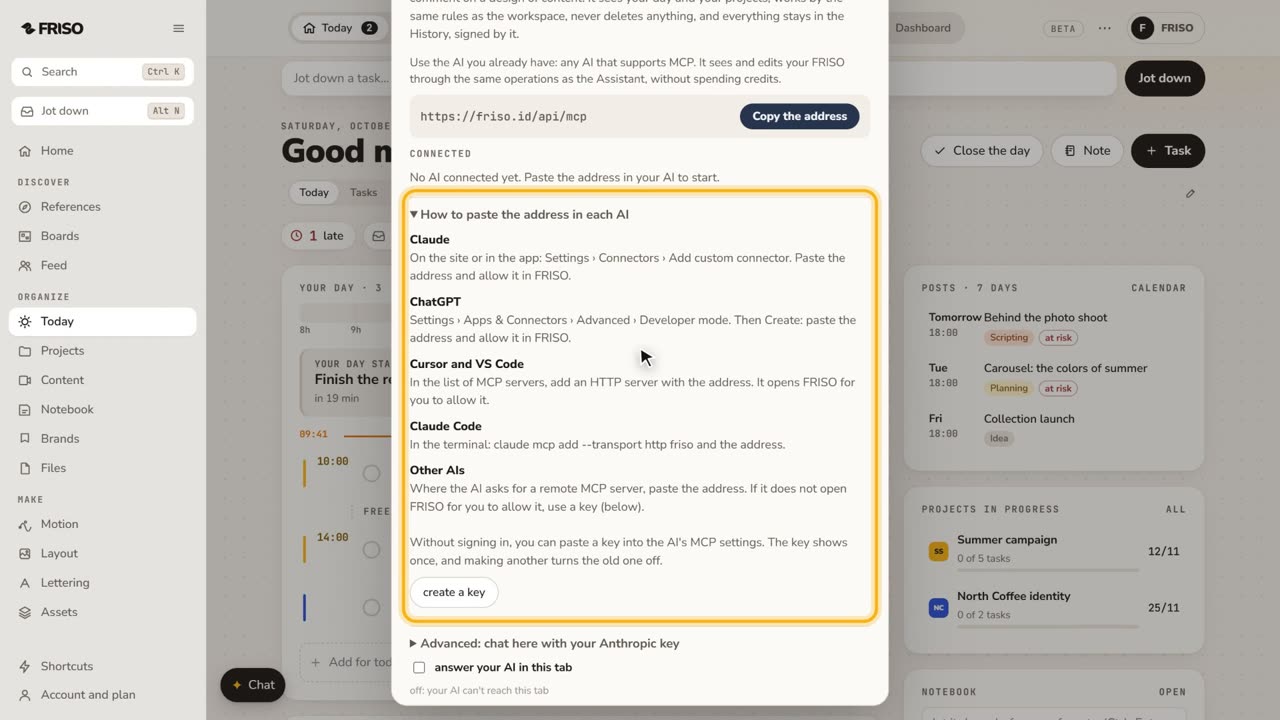 1:07How to connect Claude or ChatGPT to your projectsConnect your own AI to FRISO through MCP and ask it to organize tasks and projects. It never deletes, and every change is signed.