Lettering: gradients and the way into Motion
Write your text, pick a template that plays in its thumbnail, paint it with a gradient that arrives in After Effects, and take it into a Motion scene. No voice, with captions.
FRISOscreen recording, with voiceAssista em português
Chapters
Transcript
Your text
Write your text. Each line is a line on screen.
Templates
Each template plays in its thumbnail: pick how the letters arrive.
Gradient
Gradient: from your color to a second one, in a line or from the center out. It arrives in After Effects the same way: a Gradient Ramp on every letter.
Just ask
Or ask the Assistant, for free: radial gradient.
Into Motion
Done? Take to Motion puts your animated text in a scene.
More tutorials
All tutorials →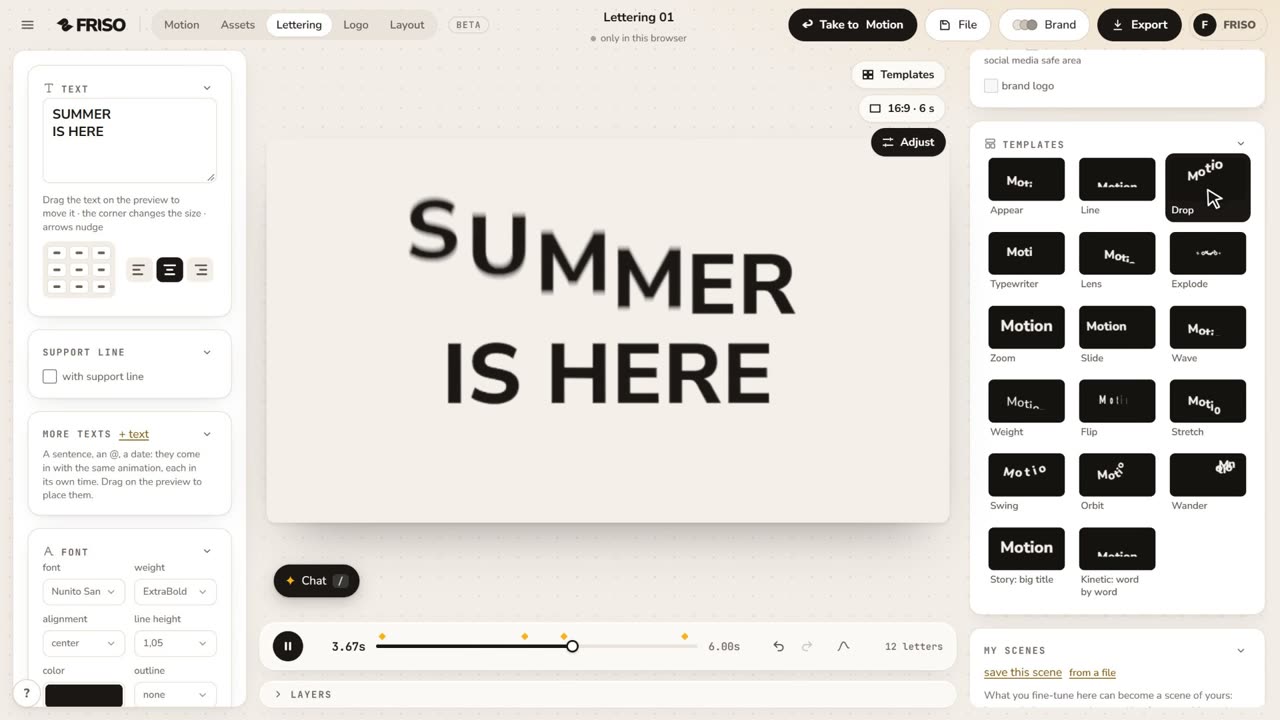 1:17How to make an animated title for Reels onlineWrite your title, pick an animation, choose font, color and format, and export the video. Nothing to install.
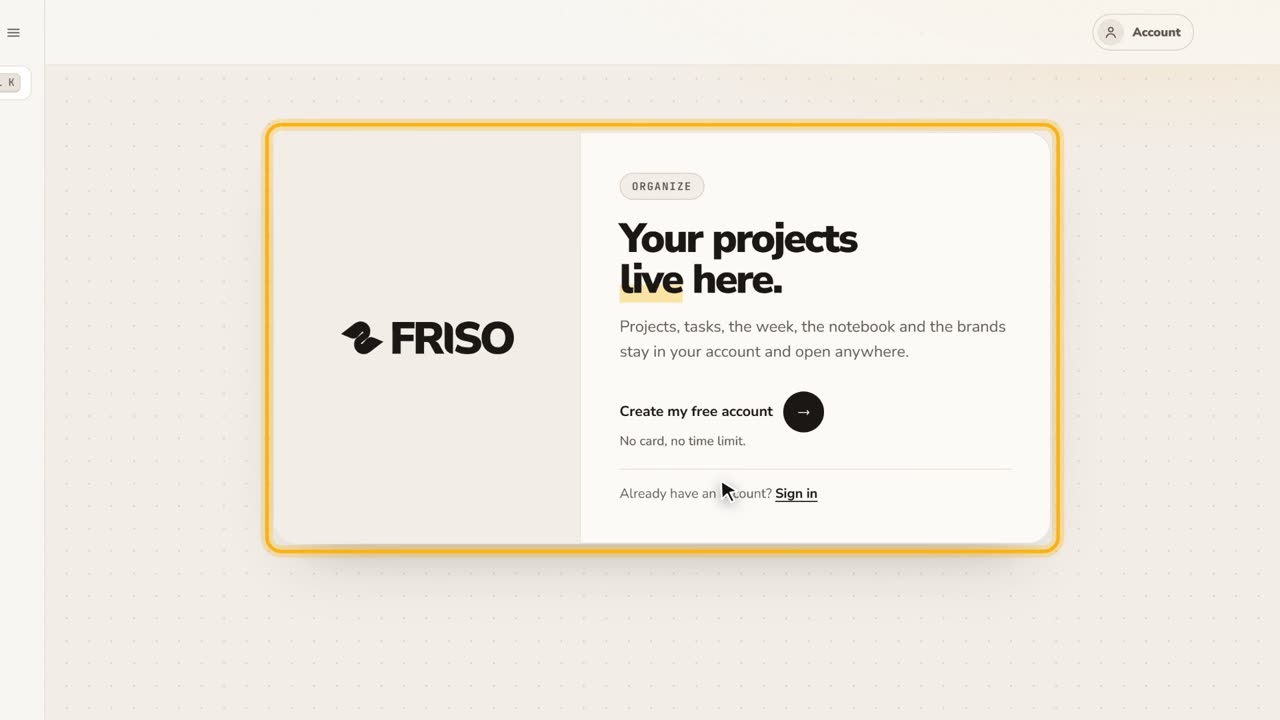 0:27Your free account and the FRISO toolsWhat you can do without an account, why the Workspace asks for one, and the Tools page with every part of FRISO.
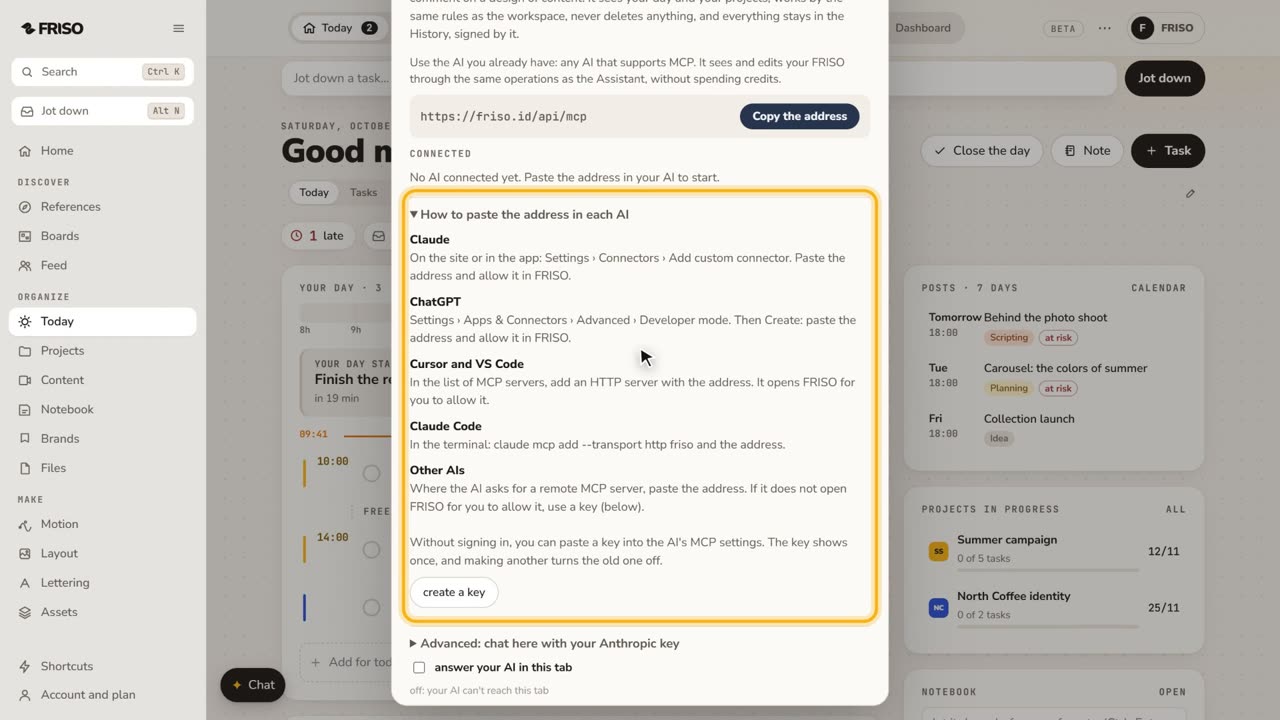 1:07How to connect Claude or ChatGPT to your projectsConnect your own AI to FRISO through MCP and ask it to organize tasks and projects. It never deletes, and every change is signed.