Layout: your first carousel
The cards on a table, one bar for what you pick, the carousel styles, Copy style, See on Instagram and the export to PNG, PDF, video or Photoshop.
FRISOscreen recording, with voiceAssista em português
Chapters
Transcript
The canvas
Layout makes posts and carousels. The slides sit side by side, like on a table.
Text
Pick a slide and write: the text fits the brand sizes on its own.
Templates
Swap the template: cover, photo, quote, data, list, question, call to action. Images come from your computer, from the moodboard or generated with AI. Dragging one onto the slide works too.
Background
Change the background of this slide, or go back to the brand one.
Free blocks
The bar at the top adds text, shapes and gradients anywhere on the slide.
Export
Export PNG, one slide or all of them, or a Photoshop file with editable text.
More tutorials
All tutorials →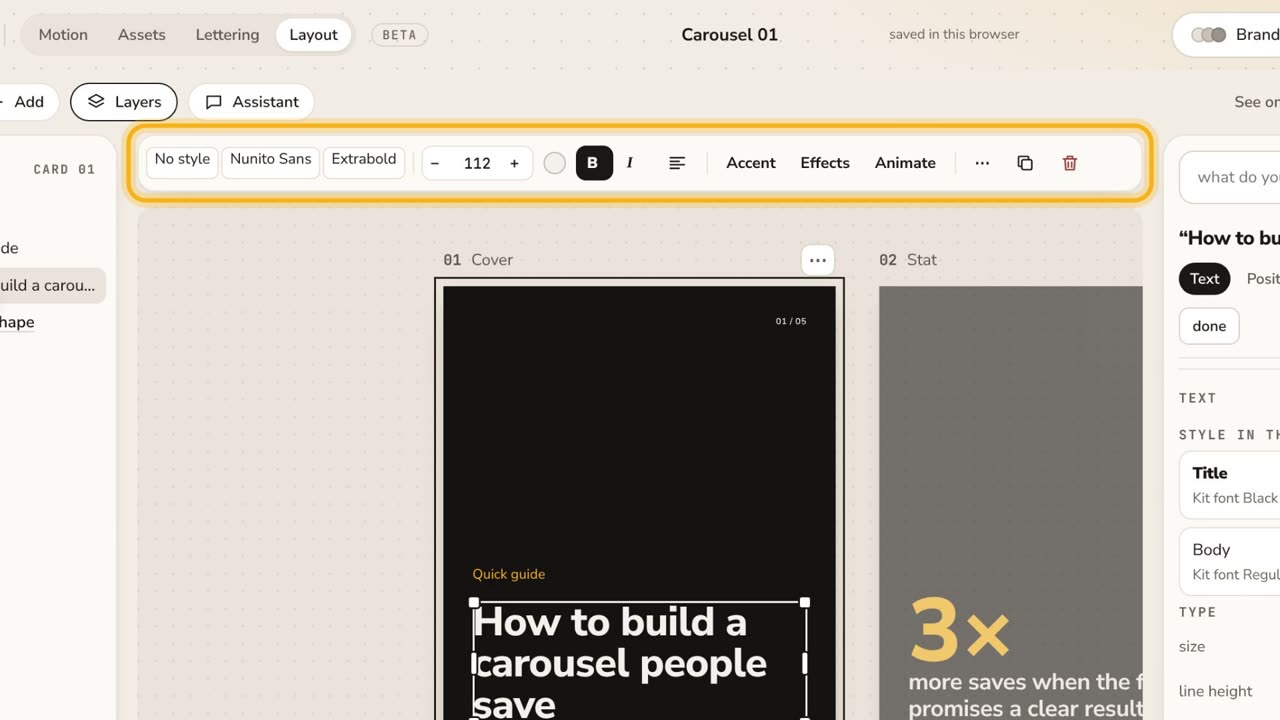 1:32The new Layout in one minuteThe cards on a table, one bar for what you pick, templates in your kit, Google Fonts in the font menu, "draw it for me" and See on Instagram. No voice, with captions.
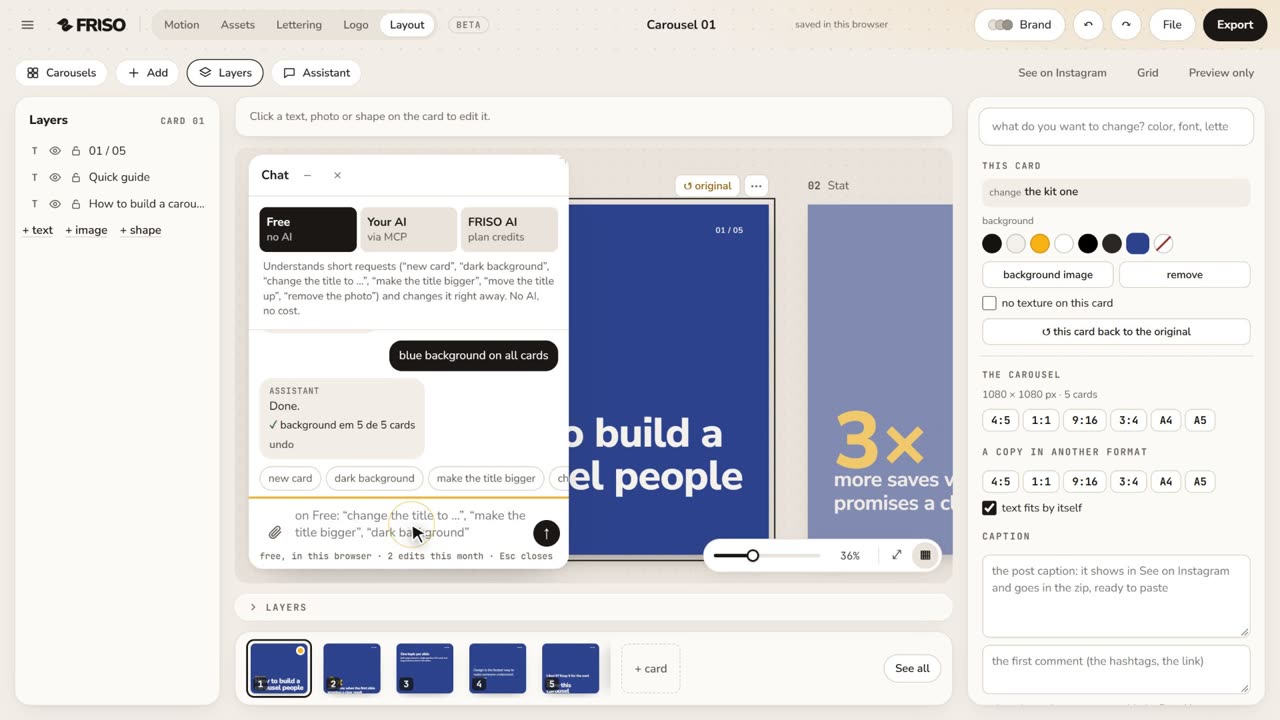 1:04Layout with the AssistantPick the format, ask the Assistant in your own words (bigger title, cream background on all cards), describe a new carousel and make a variation. No voice, with captions.
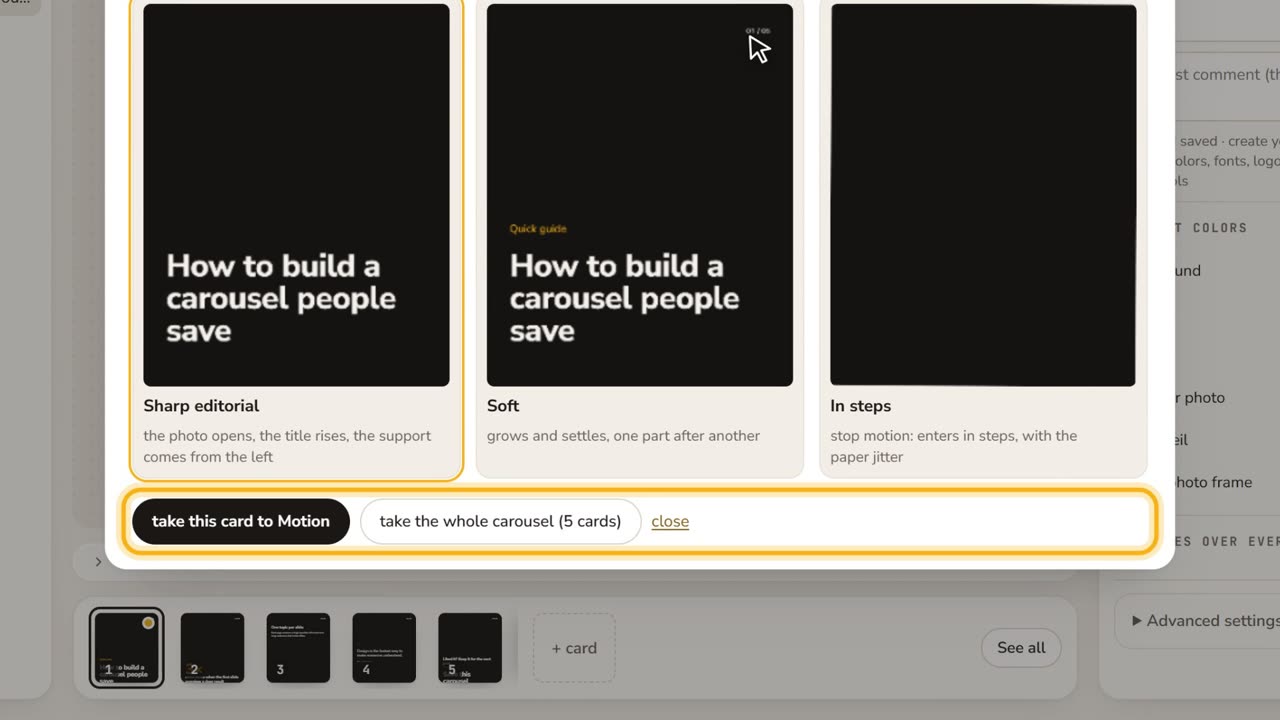 0:42Styles, brand and animationThe carousel styles, the kit colors, the Brand button, and Animate: three choreographies of your card, to Motion or to mp4. No voice, with captions.