The new Layout in one minute
The cards on a table, one bar for what you pick, templates in your kit, Google Fonts in the font menu, "draw it for me" and See on Instagram. No voice, with captions.
Chapters
Transcript
The table
The cards sit side by side, on a table. Whatever you pick gets one bar, above the table.
Templates
Carousels opens the templates: cards ready in your brand kit.
Text
Pick a text: the bar changes font, size and color, and never covers the card.
Google Fonts
The font menu searches Google Fonts. FRISO fetches the font: your browser never talks to Google. Pick one: it stays in your account and works in every tool.
Styles
On the right, the carousel styles come first: change the Title and every title follows.
Draw it for me
+ Add starts with "draw anything": FRISO AI draws the shape or icon you ask for, and it stays editable. The basic shapes are right below, in your kit colors.
Cards
Each card has one menu: animate, duplicate, move and remove.
See on Instagram
See on Instagram shows the carousel swiping like in the feed, and the cover on your profile grid.
Export
Export to PNG, JPG, PDF, video, or Photoshop with live text. FRISO checks the cards first.
More tutorials
All tutorials →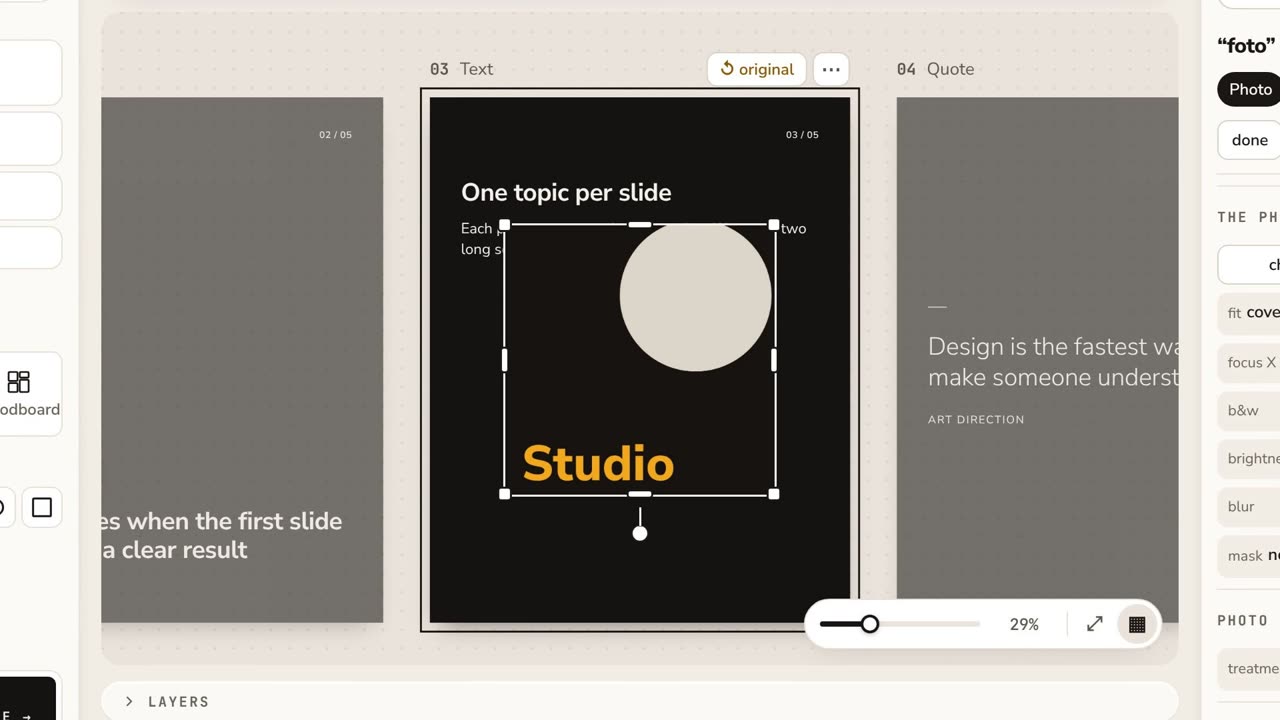 0:53Layout: your first carouselThe cards on a table, one bar for what you pick, the carousel styles, Copy style, See on Instagram and the export to PNG, PDF, video or Photoshop.
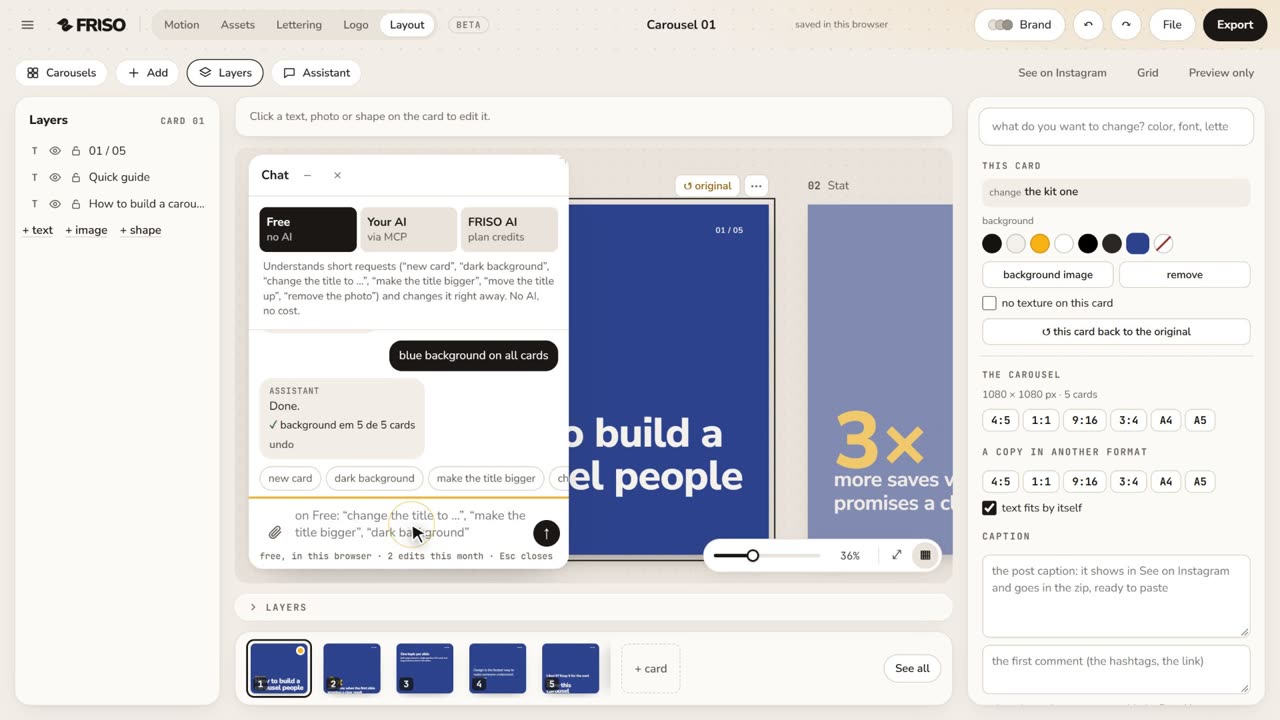 1:04Layout with the AssistantPick the format, ask the Assistant in your own words (bigger title, cream background on all cards), describe a new carousel and make a variation. No voice, with captions.
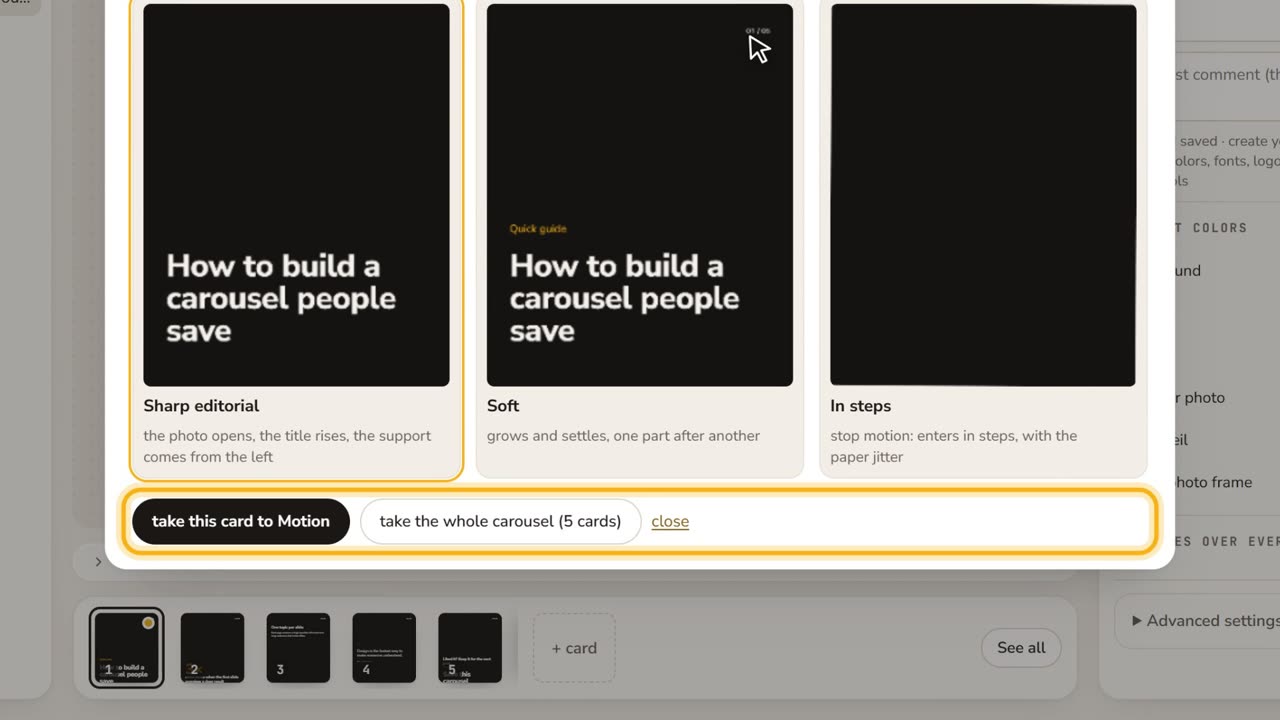 0:42Styles, brand and animationThe carousel styles, the kit colors, the Brand button, and Animate: three choreographies of your card, to Motion or to mp4. No voice, with captions.