Styles, brand and animation
The carousel styles, the kit colors, the Brand button, and Animate: three choreographies of your card, to Motion or to mp4. No voice, with captions.
FRISOscreen recording, with voiceAssista em português
Chapters
Transcript
Styles
The carousel styles: Title, Subtitle, Body. Change one and every text with it follows.
Kit colors
The kit colors are for the whole carousel: background, text and highlight.
Brand
The Brand button keeps colors, fonts and logo, and they follow you in every tool.
Animate
The card menu › Animate: three choreographies of your card, by the FRISO engine, with no fade. Then take the card, or the whole carousel, to Motion: a video ready for Reels.
Video
Or export straight from Layout: mp4 of each card, with the text entrances.
More tutorials
All tutorials →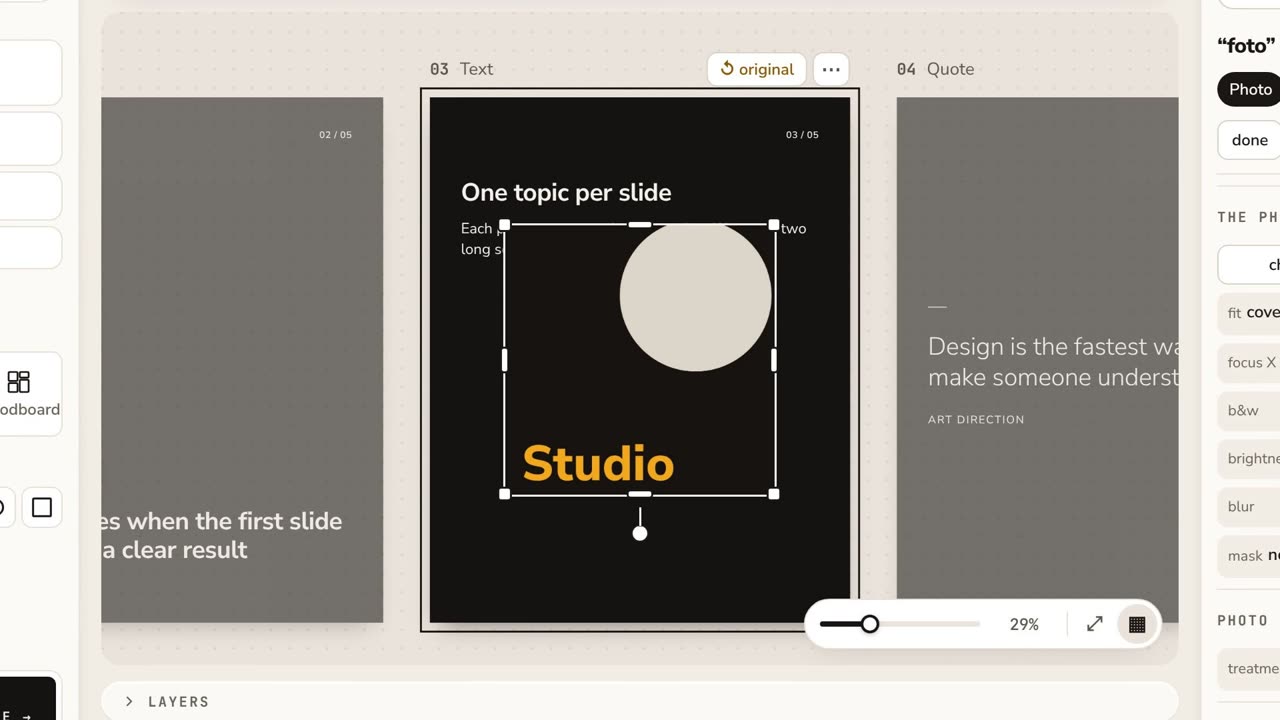 0:53Layout: your first carouselThe cards on a table, one bar for what you pick, the carousel styles, Copy style, See on Instagram and the export to PNG, PDF, video or Photoshop.
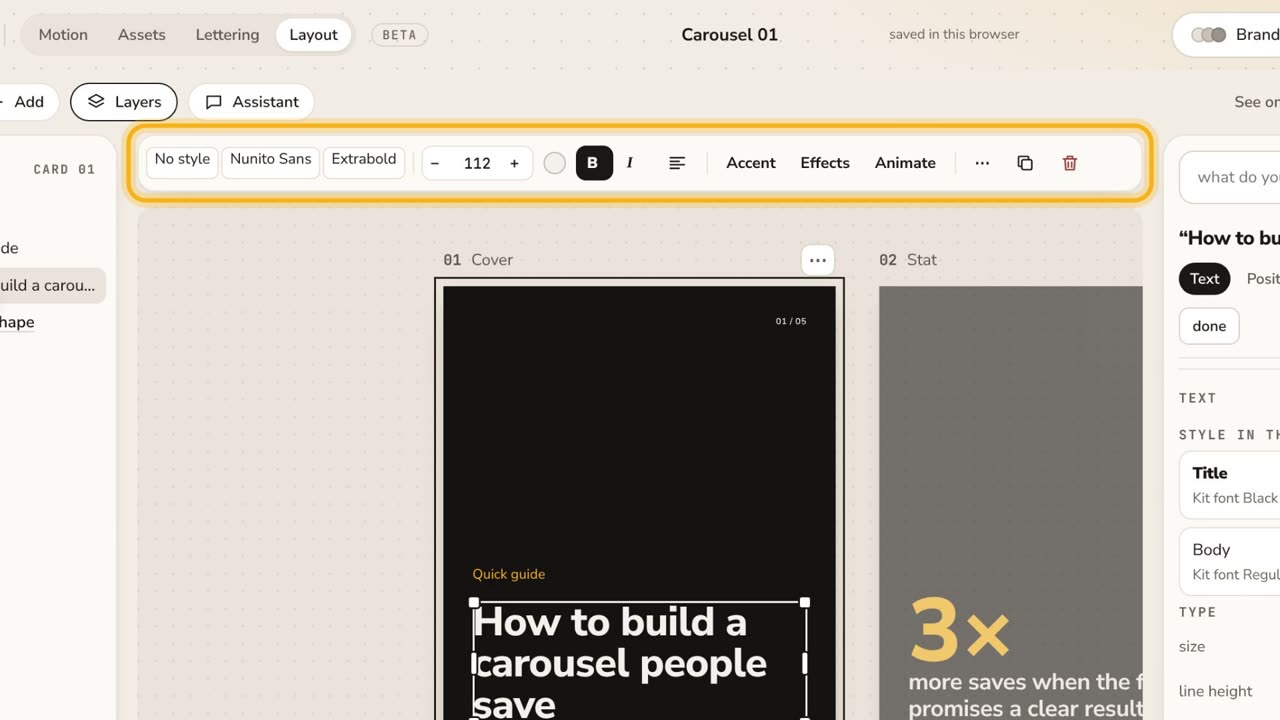 1:32The new Layout in one minuteThe cards on a table, one bar for what you pick, templates in your kit, Google Fonts in the font menu, "draw it for me" and See on Instagram. No voice, with captions.
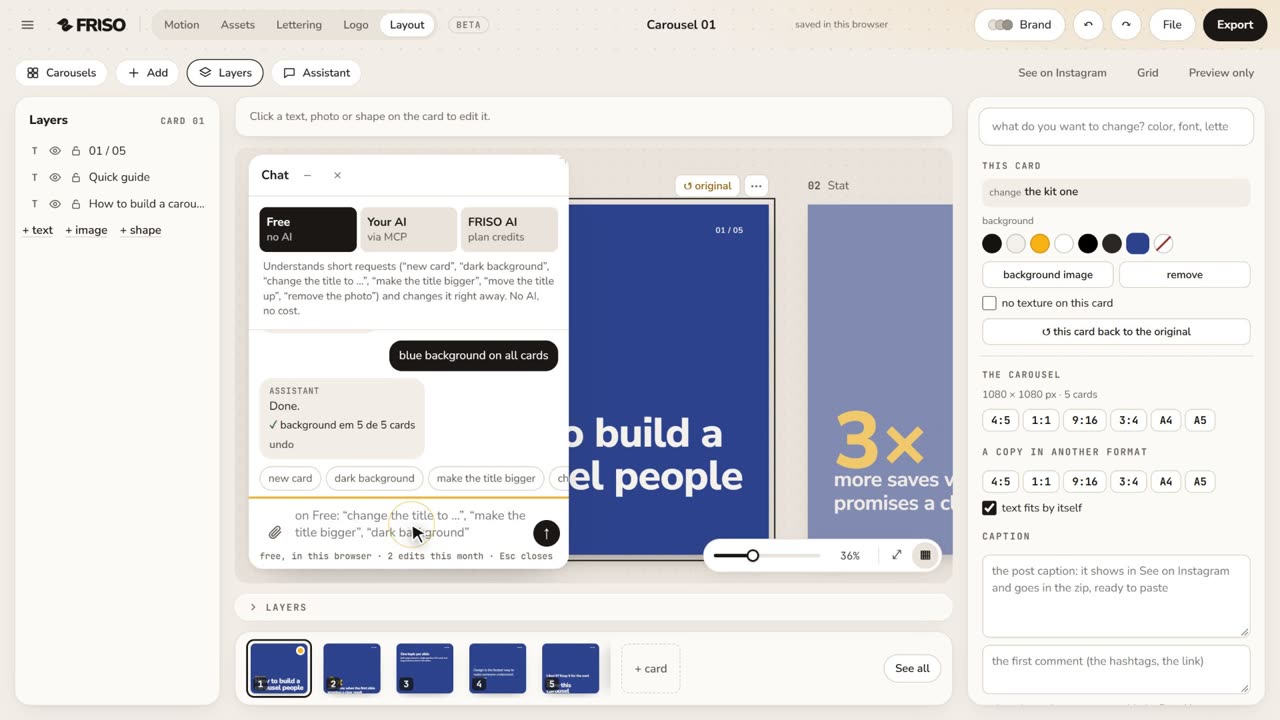 1:04Layout with the AssistantPick the format, ask the Assistant in your own words (bigger title, cream background on all cards), describe a new carousel and make a variation. No voice, with captions.