How to organize social media content from idea to post
Ideas get lost across notes and chats. Keep each post on one sheet, with its stage, date, caption and result, until it is published.
Why it matters
The idea is in your phone notes, the caption in a chat, the date in your head, and the numbers nowhere. Then the post goes out late, or never. In FRISO every post has one sheet: write the idea in a line, then add the profile, format, date, brief and caption, and follow it stage by stage until the result.
Chapters
Transcript
The idea
Every post starts as a loose idea. Content keeps all of them, from the first line to the day it goes out. Write the idea on the top line and press Enter. It goes straight to your idea bank.
The post sheet
Open it by the title. Every post has its own sheet, and Full page gives it more room. Pick the profile, the format and the channels. If a format is missing, type it and create it right there. Give it a day and a time. The post is now on the calendar.
Stages
This line shows where the post is, from idea to published. One click moves it forward.
Brief
In the brief, write it loose: the idea, the goal and the hook for the first seconds.
Caption
The caption has a counter for characters and hashtags, so you know when it is too long. To publish shows what is still missing. Each thing you fill in ticks itself off.
Published
When the post goes out, mark it as published. The sheet gains a Result section: note reach, saves and shares, and the rates appear on their own. From the first line to the result, one post, one sheet, nothing lost along the way.
Questions
What is the best way to keep track of content ideas?
Write each idea on one line as soon as it shows up. In FRISO it goes to the idea bank, and later it becomes a post sheet with everything else.
How do I know a post is ready to publish?
The To publish list on the sheet shows what is missing: idea, script, caption, cover, channels and date. Each item ticks itself off when you fill it in.
Is organizing content in FRISO free?
Yes. Posts have no limit on the Free plan, with one profile, one brand and three post templates. Pro gives you more freedom.
More tutorials
All tutorials →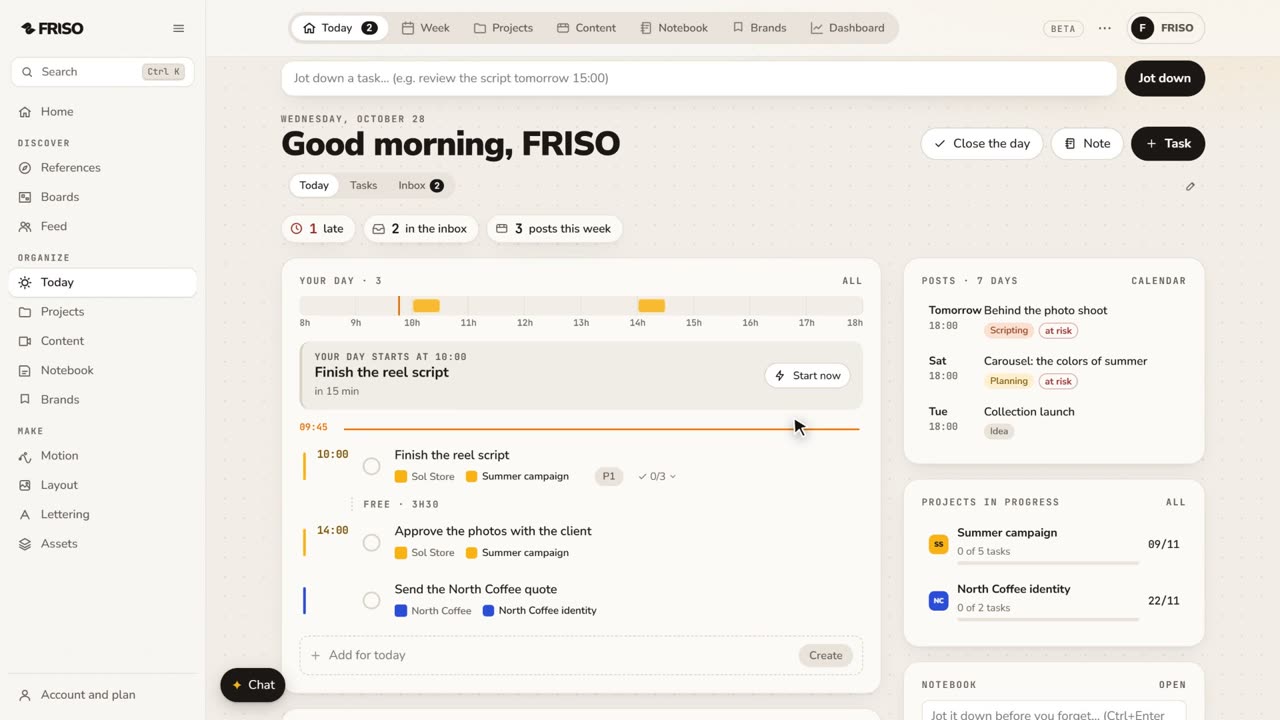 0:56Organize your work: day, week, projects and contentToday, Week, Projects, Content, Notes and Brands, one by one. Write tasks the way you say them, and let your own AI help organize.
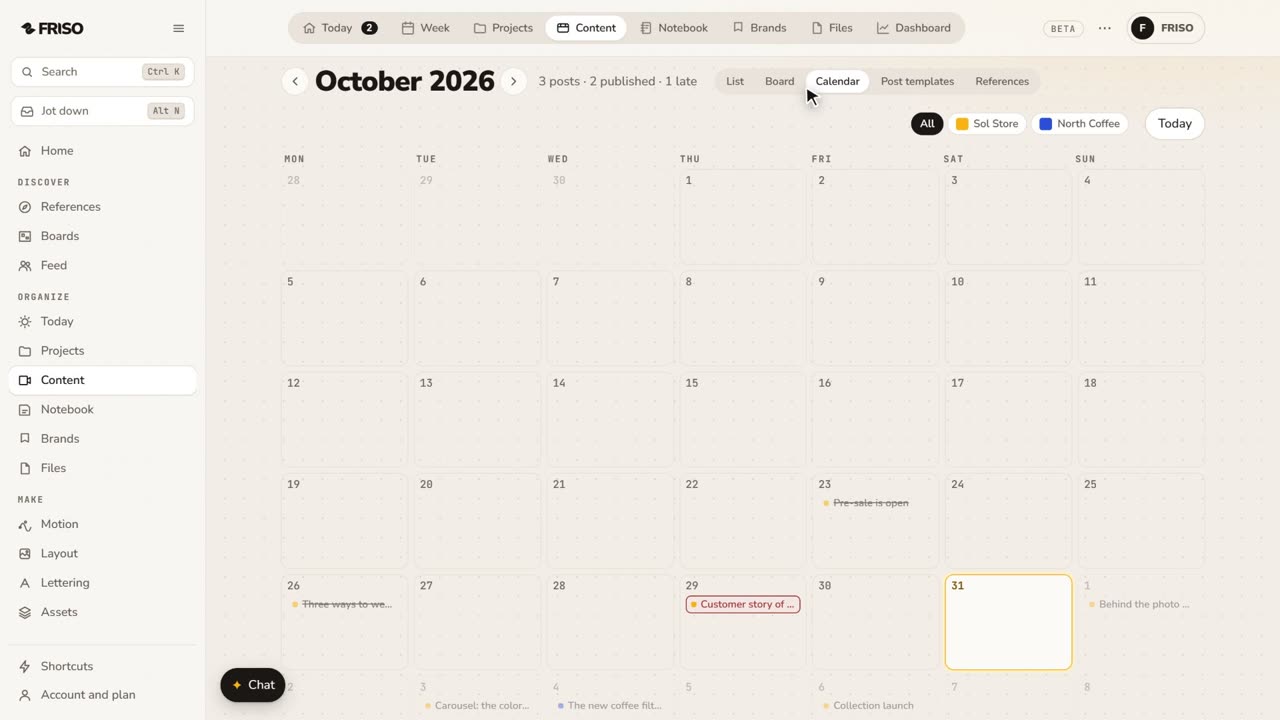 1:24How to build a monthly social media content calendarA month of posts is hard to see in a list. Plan it on a calendar: drag posts between days, filter by profile and repeat what comes back.
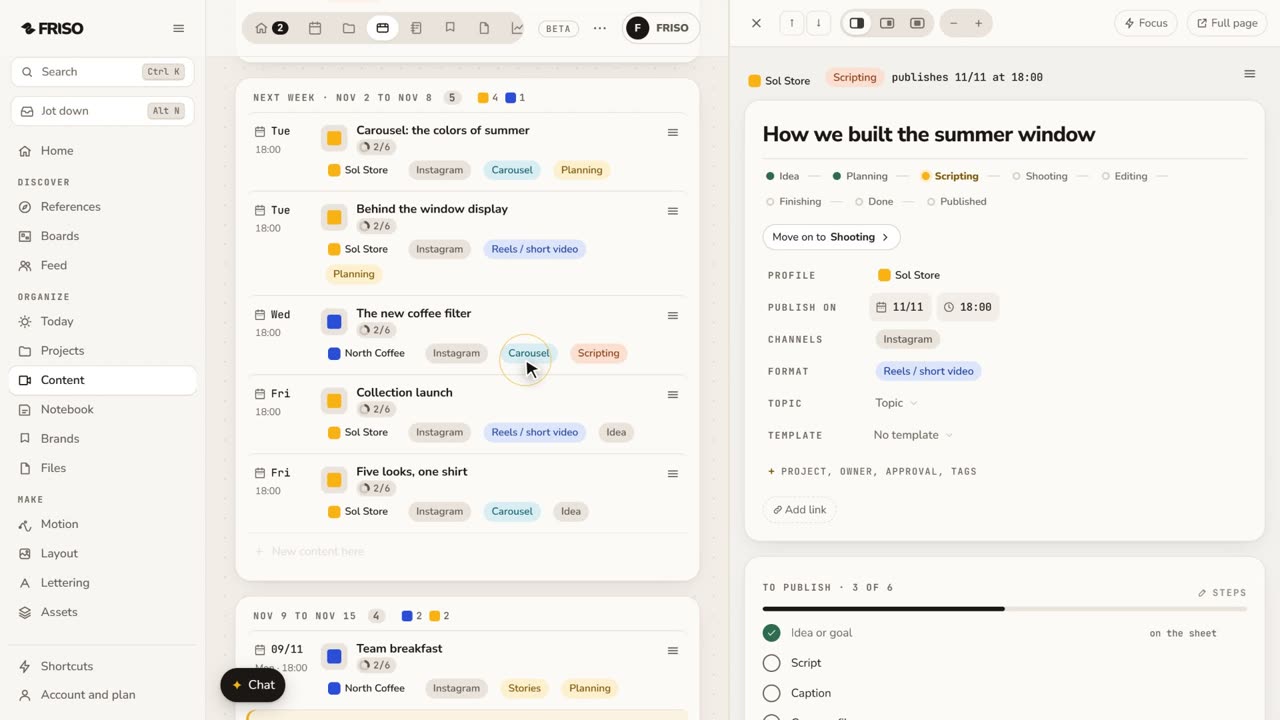 1:34How to write a script and storyboard for short videosA blank page stops the video before it starts. Write the script, use a method if you get stuck, then turn the scenes into a storyboard.