How to capture ideas fast and keep them organized
Good ideas show up at bad times. Jot them down with Alt N from any screen, sort them later into tasks, content or notes.
Why it matters
The idea comes while you are doing something else, and by the time you find the right place to write it, it is gone. In FRISO you press Alt N, write, and go back to work. Later the inbox lets you turn each note into a task, a post or a note in Notes, with attachments, and a password for what nobody can see yet.
Chapters
Transcript
Jot it down
An idea shows up in the middle of something else. Press Alt N, on any screen with the sidebar. Write and press Enter. It is saved in the inbox, and you go back to what you were doing.
Inbox
Later, open the inbox and sort. Each note can become a task, a post or a Notebook note. A task goes to your task list. A note goes to the Notebook. And a post opens its own sheet, ready to fill in.
Notes
The Notebook keeps notes in notebooks you create, with tags and a search. See them as a list, a gallery, a table or a board, whatever suits the moment.
A note
Attach photos and PDFs to a note. Paste, drag, or use the button. The text of a PDF becomes searchable. A note can become something else: turn it into a task or into content, with nothing to copy.
A note with a password
For what nobody can see yet, add a password to the note. The text locks, and only you can open it. One warning: without the password the text does not come back. Nobody can open it, not even FRISO. Type the password, and the text is back. Jot it down when it shows up, sort it when you can, and the idea never gets lost.
Questions
What is the fastest way to save an idea while I work?
Press Alt N on any FRISO screen with the sidebar, or use the Jot down button. Write, press Enter, and it is saved in the inbox.
Can I attach files to a note?
Yes. Paste, drag or use the button to add photos and PDFs to a note, and the text of a PDF goes into the search.
Can I put a password on a note?
Yes. The text locks and only opens with the password. Without it the text does not come back: nobody can open it, not even FRISO.
More tutorials
All tutorials →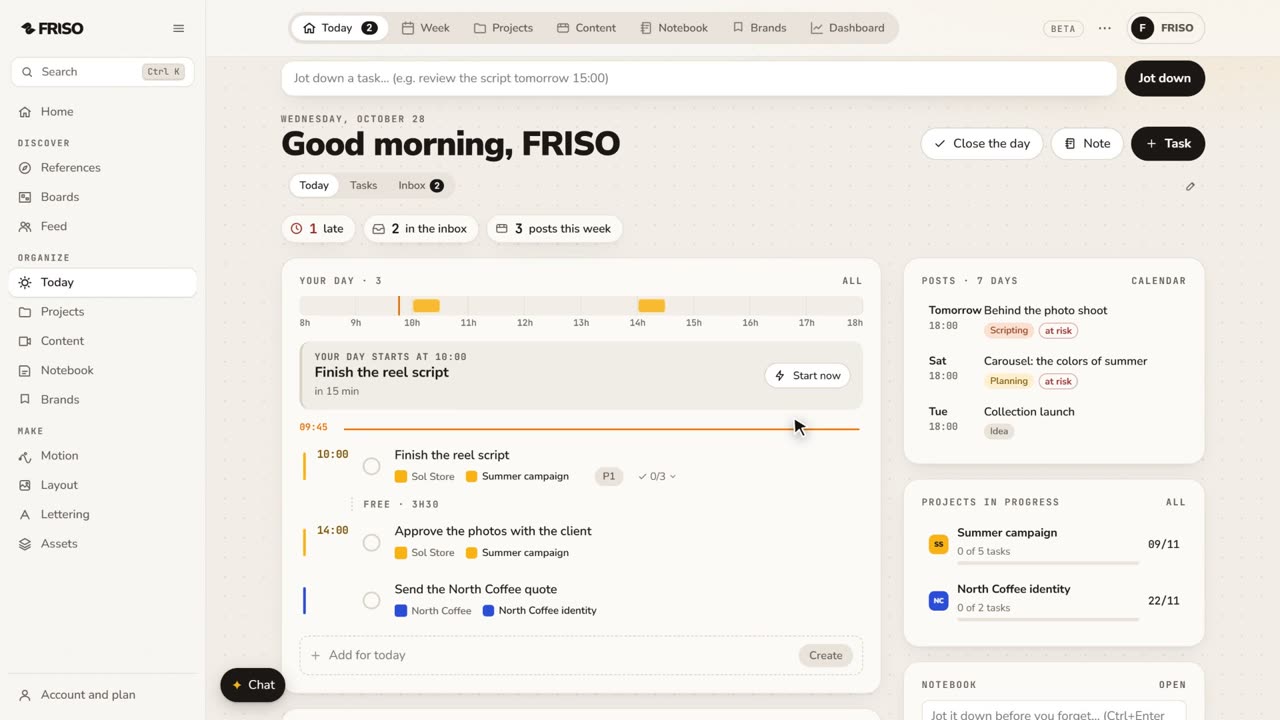 0:56Organize your work: day, week, projects and contentToday, Week, Projects, Content, Notes and Brands, one by one. Write tasks the way you say them, and let your own AI help organize.
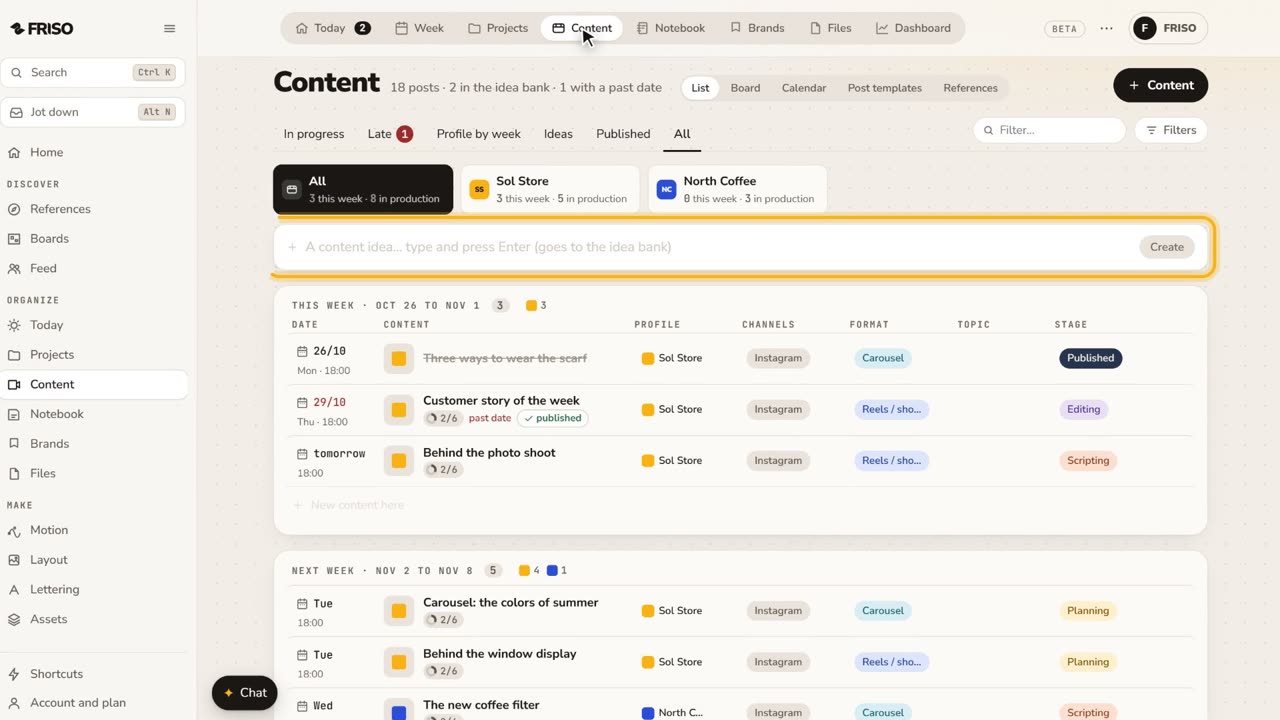 1:22How to organize social media content from idea to postIdeas get lost across notes and chats. Keep each post on one sheet, with its stage, date, caption and result, until it is published.
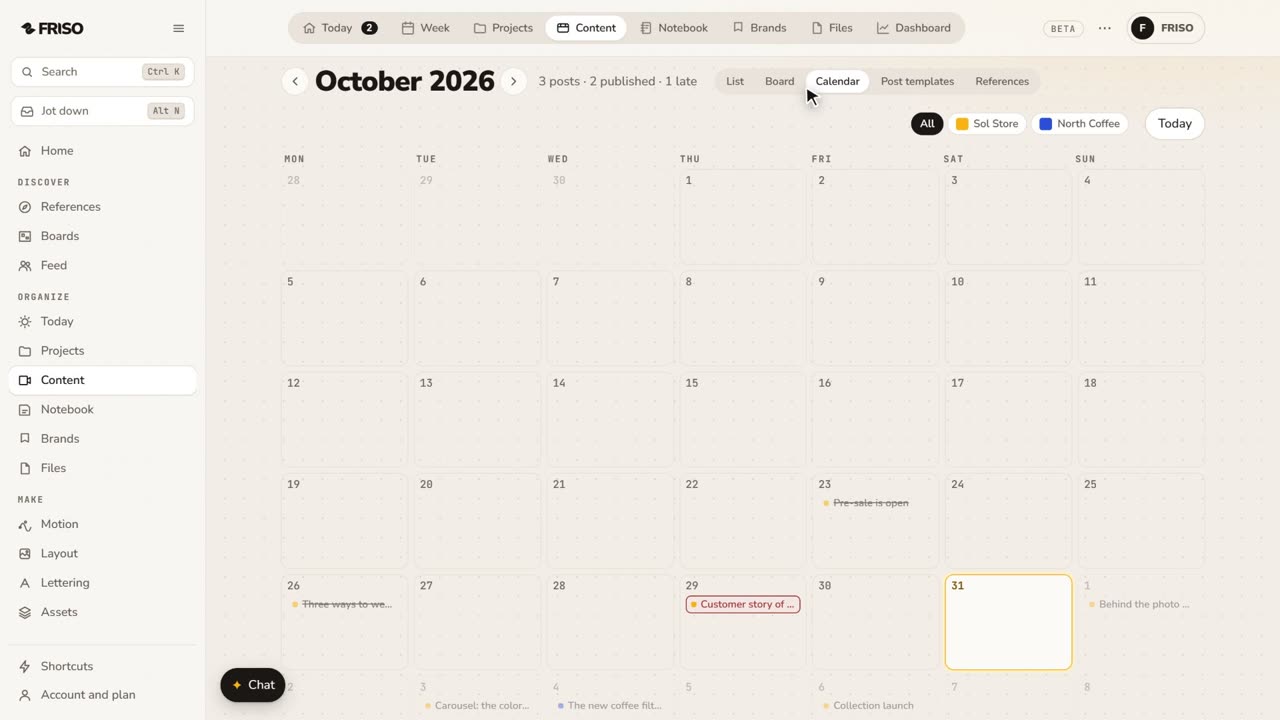 1:24How to build a monthly social media content calendarA month of posts is hard to see in a list. Plan it on a calendar: drag posts between days, filter by profile and repeat what comes back.