Free
See how it works in your project. Approval links are on Pro.
For video review and approval, FRISO sends the cut to the client by link, with no account. The client comments on the exact second and approves, each new version keeps the history of the last one, and each round becomes a PDF receipt. It is made for freelancers and small studios, and comes with FRISO Pro.

Feedback on a video usually arrives as "at around one minute, something feels off". You hunt for the moment, fix it and send it again, and nobody knows which cut was approved.
The client marks the exact moment, so there is nothing to guess.
One link, a name to reply, and nothing to install.
A new cut goes on top of the old one, and asks for approval again.
Each request goes back to the project as a task.
File, version, who approved and when, saved as a PDF.
Release the download when the client approves.
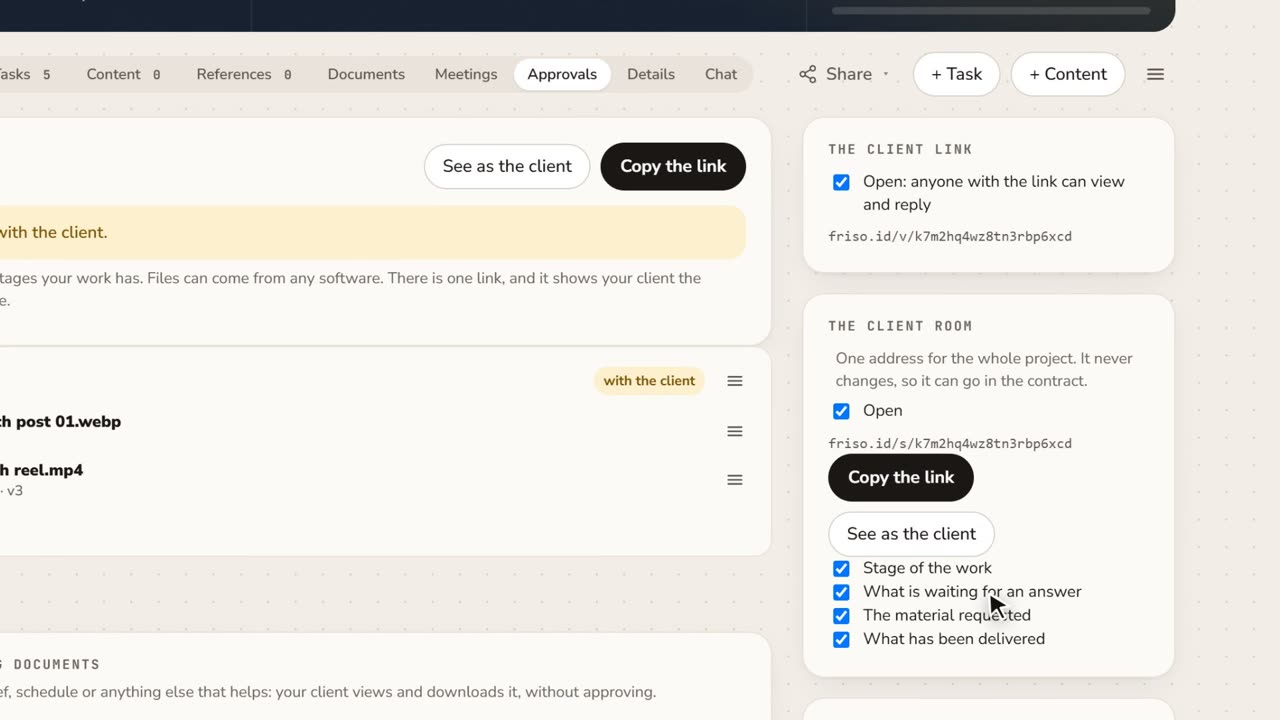 1:15A client portal for each project, with approval receiptsClient asking where things stand? Give them one address for the whole project, and keep a receipt of every approval as a PDF.
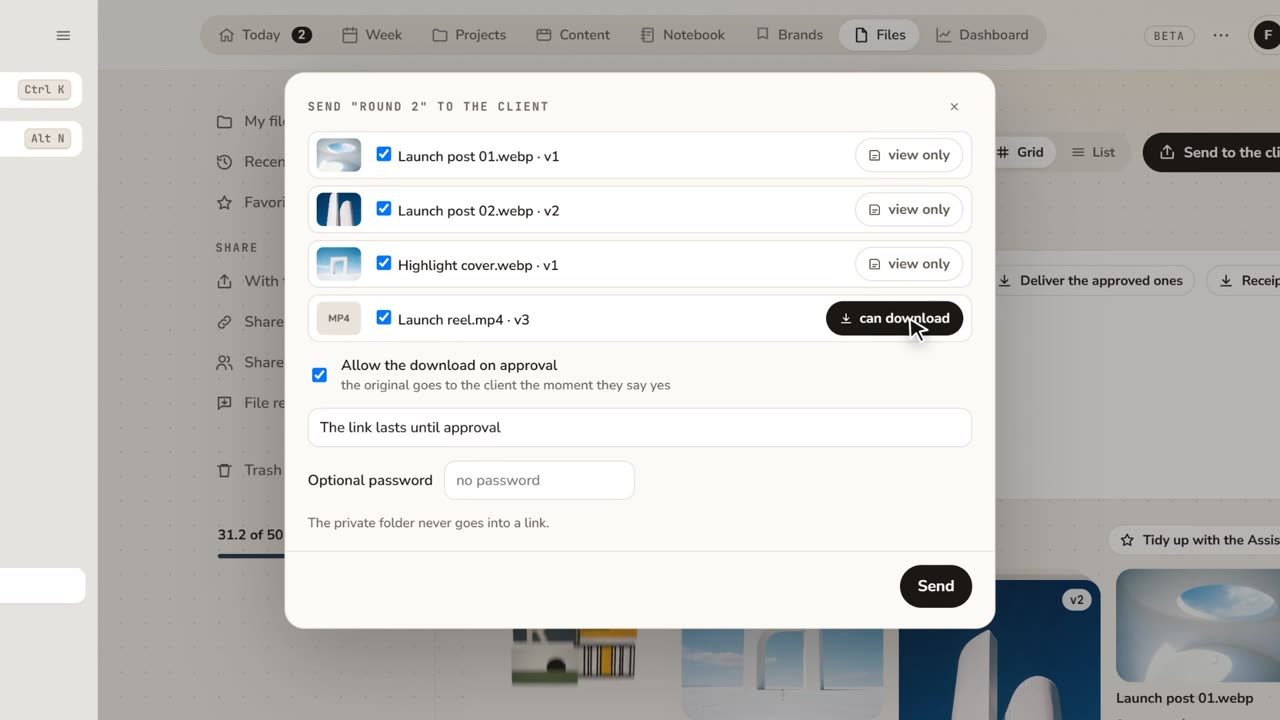 1:48How to share files with clients for approvalFeedback lost in email threads? Send a folder as a link: the client comments on the exact spot and approves, with no account.
See how it works in your project. Approval links are on Pro.
Approval links, comments on the second, versions, PDF receipts and 50 GB with no limit per file.
You send a FRISO link. The client plays the video in the browser, pauses on the moment, writes the comment and approves, with no account.
No. You export the cut and upload it to FRISO. FRISO has no panel inside editing software today.
Yes. Each version stays under the same file, with its comments and its approval.