Free
See how it works in your project. Approval links are on Pro.
For client approval without a login, FRISO gives each project one address. The client sees the stage of the work, what is waiting for an answer, where to send material and what was delivered. Every approval records the file, the version, who approved and when, and becomes a PDF receipt.

Approvals get lost in email and chat. The client says they never approved that version, the invoice waits, and you spend the afternoon scrolling through old messages.
It never changes, so it can go in the contract. You choose what appears.
The client sees where things are, never your internal tasks or notes.
File, version, who, when and what was asked before, saved as a PDF.
Change requests turn into tasks in the project with one click.
The client sees your name and your colors.
An approved round appears as a milestone in the project.
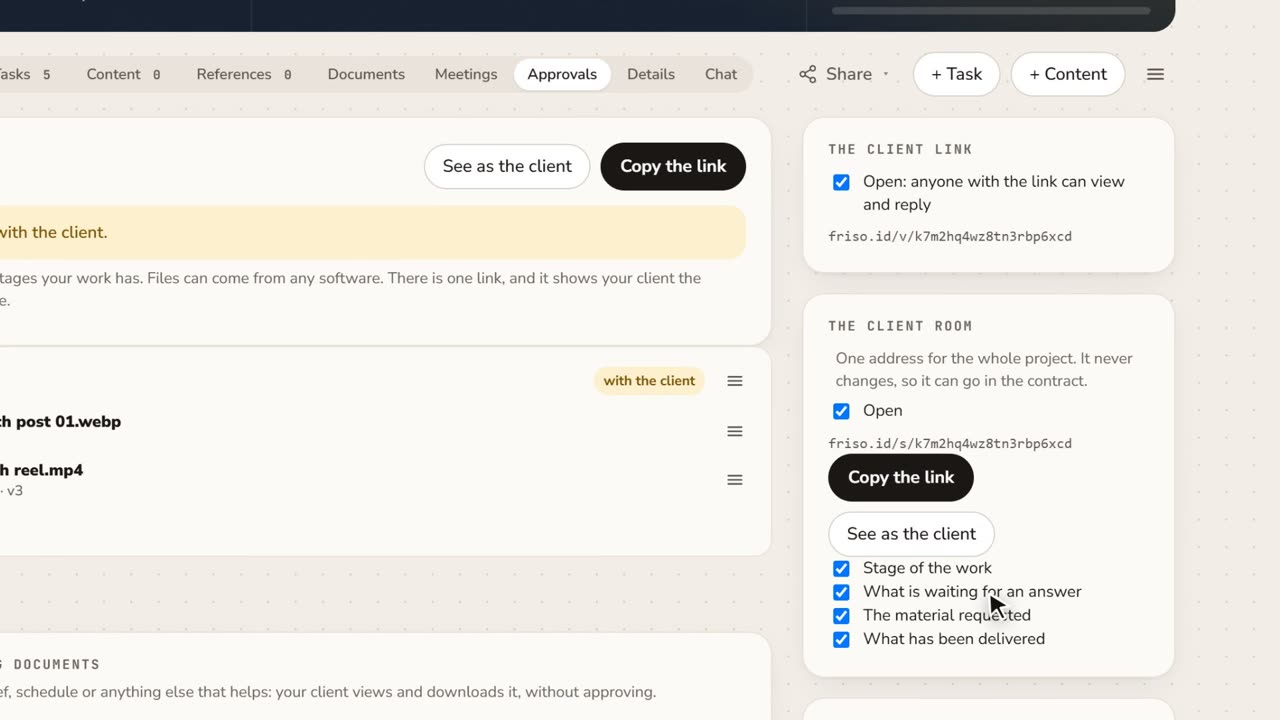 1:15A client portal for each project, with approval receiptsClient asking where things stand? Give them one address for the whole project, and keep a receipt of every approval as a PDF.
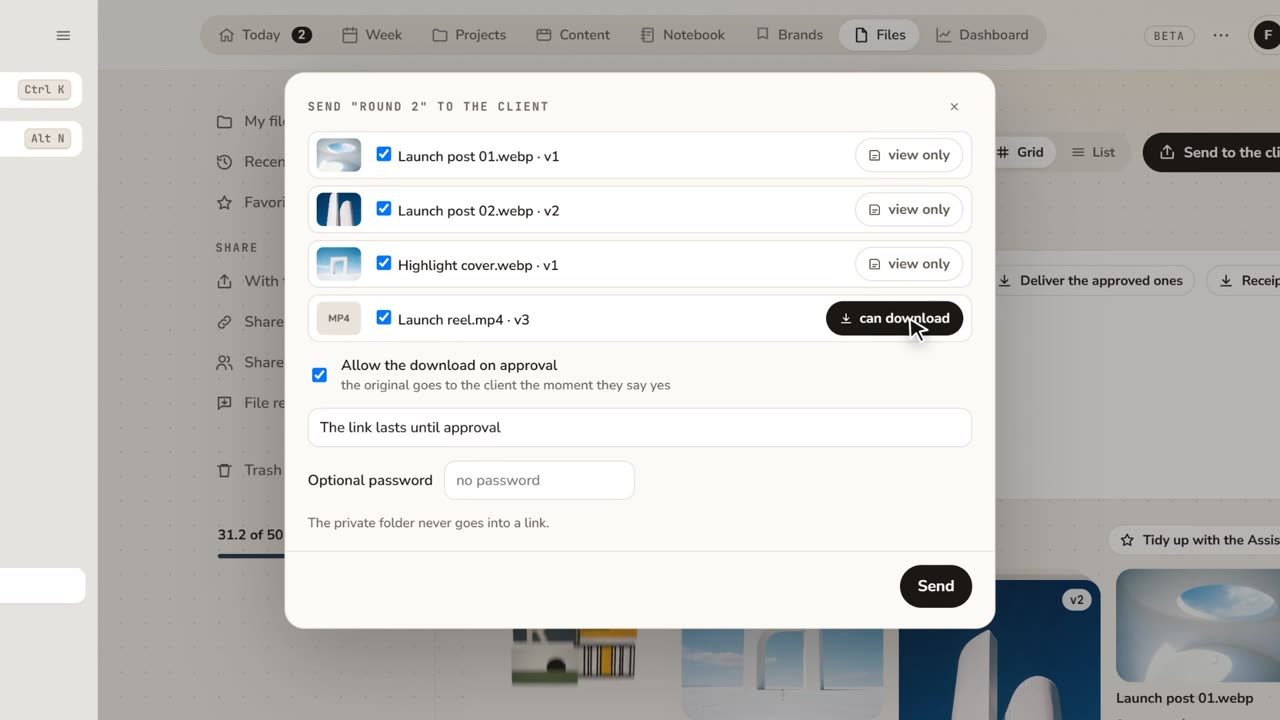 1:48How to share files with clients for approvalFeedback lost in email threads? Send a folder as a link: the client comments on the exact spot and approves, with no account.
See how it works in your project. Approval links are on Pro.
Approval links, the client room, PDF receipts, versions and comments.
Send the work by a FRISO link. When the client approves, FRISO records the file, version, name and time, and you can save a PDF receipt of that round.
No. The client room shows the stage of the work and what you choose. Task titles, notes and private folders never appear.
Yes. The client comments on the exact second of the video, and each new version keeps the history of the previous one.