A client portal for each project, with approval receipts
Client asking where things stand? Give them one address for the whole project, and keep a receipt of every approval as a PDF.
Why it matters
The client keeps asking where the project stands, and months later someone says they never approved that version. With FRISO, each project has one address that never changes: the client sees the stage, what needs an answer and what was delivered. And each answered round has a receipt saying who approved, which version and when.
Chapters
Transcript
One address
The client room is a single address for the whole project. It is part of Pro. Open it, and the project gets its address. It never changes, so it can go in the contract. You choose what appears: the stage of the work, what is waiting for an answer, the material requested and what has been delivered.
What the client sees
The client opens it without an account and sees what stage the work is in. A task title or a private note never shows up. Waiting for you: what needs their answer, one click from approving. Here they send the material you asked for, right in the room. And what has been delivered stays here, ready to download whenever they need it.
The receipt
Every round the client answers has a receipt. It shows who approved, which version and when, file by file. What came before goes along too, and a request for changes is on record. The record does not change after approval. Even if a file is renamed, the receipt stays the same. Save it as a PDF. The client follows along in one place, and you keep proof of what was approved.
Questions
What does the client see in the client room?
The stage of the work, what is waiting for an answer, the material you requested and what has been delivered. You choose which of these appear, and task titles and private notes never show up.
What does the approval receipt show?
Who approved each file, which version and when, plus any change requests. It opens as a page and can be saved as a PDF.
Does the receipt change if I rename a file later?
No. The answer keeps the file name from that moment, so the record stays the same.
More tutorials
All tutorials →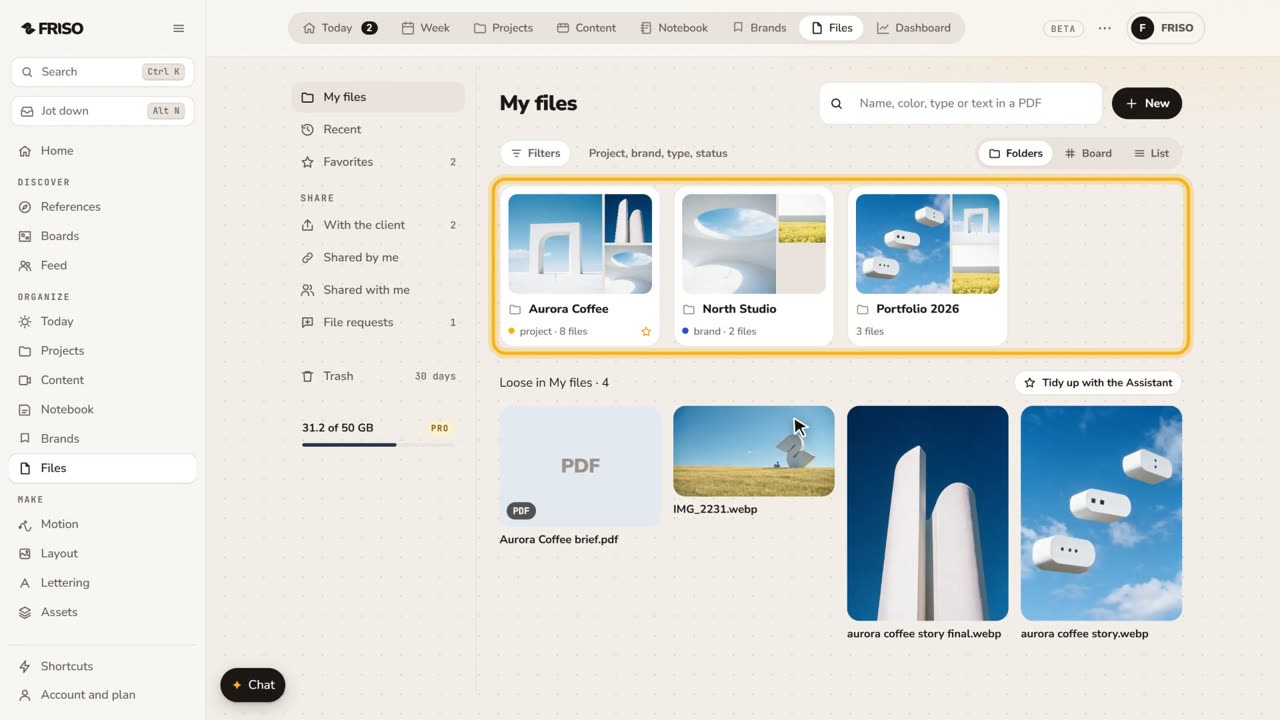 1:31How to store and organize creative files in one placeYour work scattered across drives and chats? FRISO Files is your cloud: folders linked to projects, search and private folders.
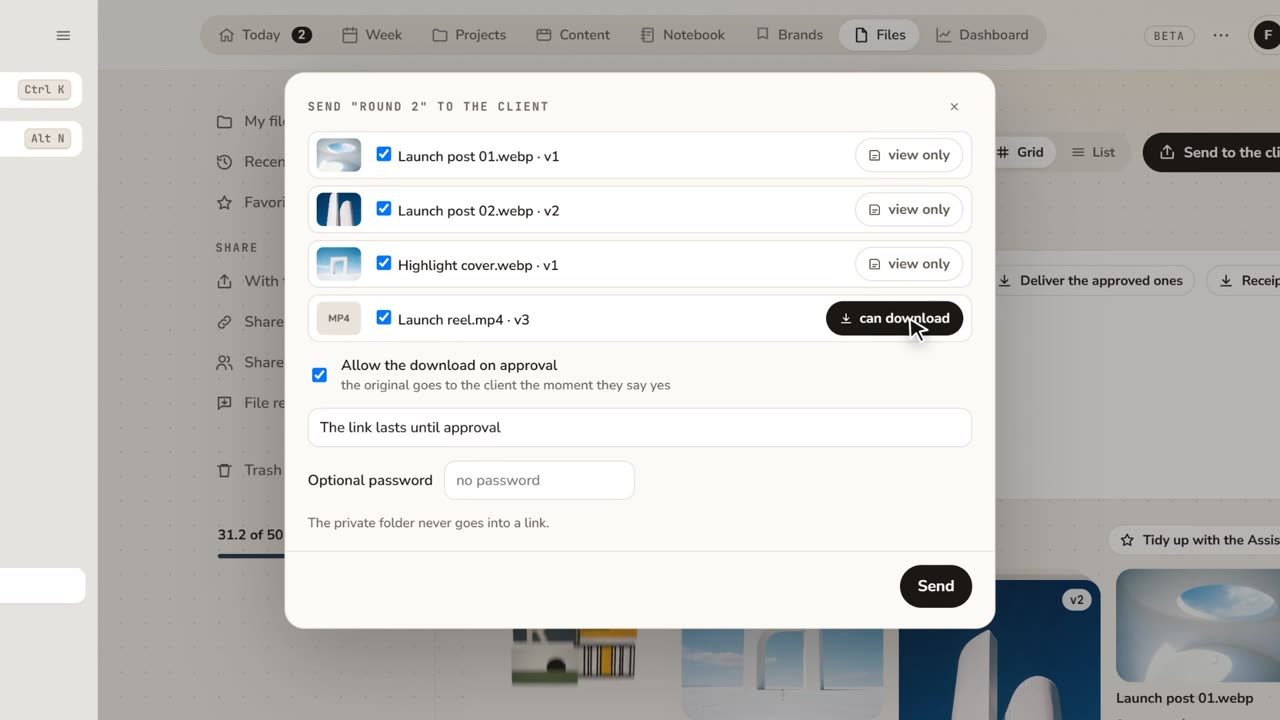 1:48How to share files with clients for approvalFeedback lost in email threads? Send a folder as a link: the client comments on the exact spot and approves, with no account.
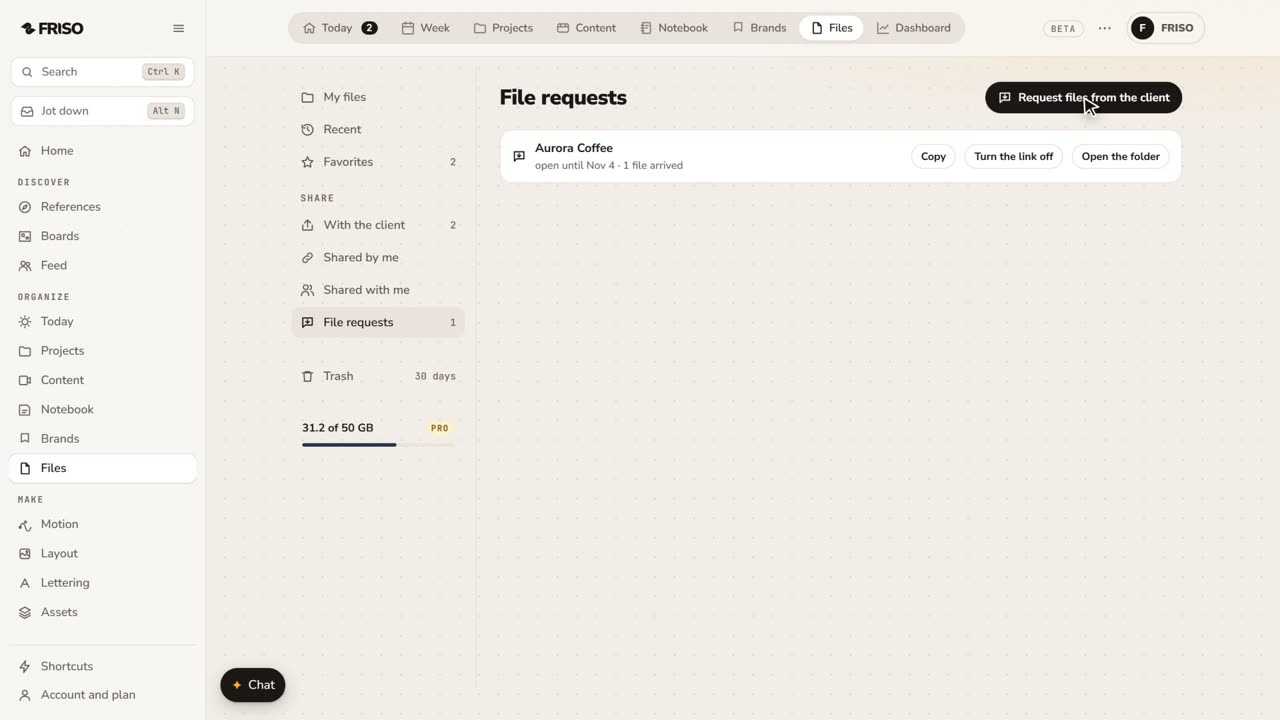 1:07How to request files from a client with one linkClient files scattered across WhatsApp and email? Send one link: they upload with no account, and it all lands in your folder.