Rhythm, curves and After Effects
The Rhythm presets, the timing curve, the speed graph, advanced controls with keyframes and the .jsx that opens in After Effects with the same motion.
Chapters
Transcript
Rhythm
Rhythm changes the feel of the whole scene at once. Snappy: firm and together, the rhythm of the feed. Elastic: it goes a little past the mark and comes back.
The timing curve
Timing holds the curve of the whole animation. The same curve goes to After Effects. Pick a curve: strong starts slow, crosses fast and lands soft.
The speed graph
The speed graph shows where the motion accelerates and where it brakes. Press G to show it or hide it.
Advanced controls
Advanced controls open every parameter of the scene, with keyframes. Camera, Lens, cards, shape and effects: each one can change over time.
After Effects
The .jsx rebuilds the scene in After Effects: real layers, the same motion and controls. Nothing is flattened: you keep animating where you already work.
More tutorials
All tutorials →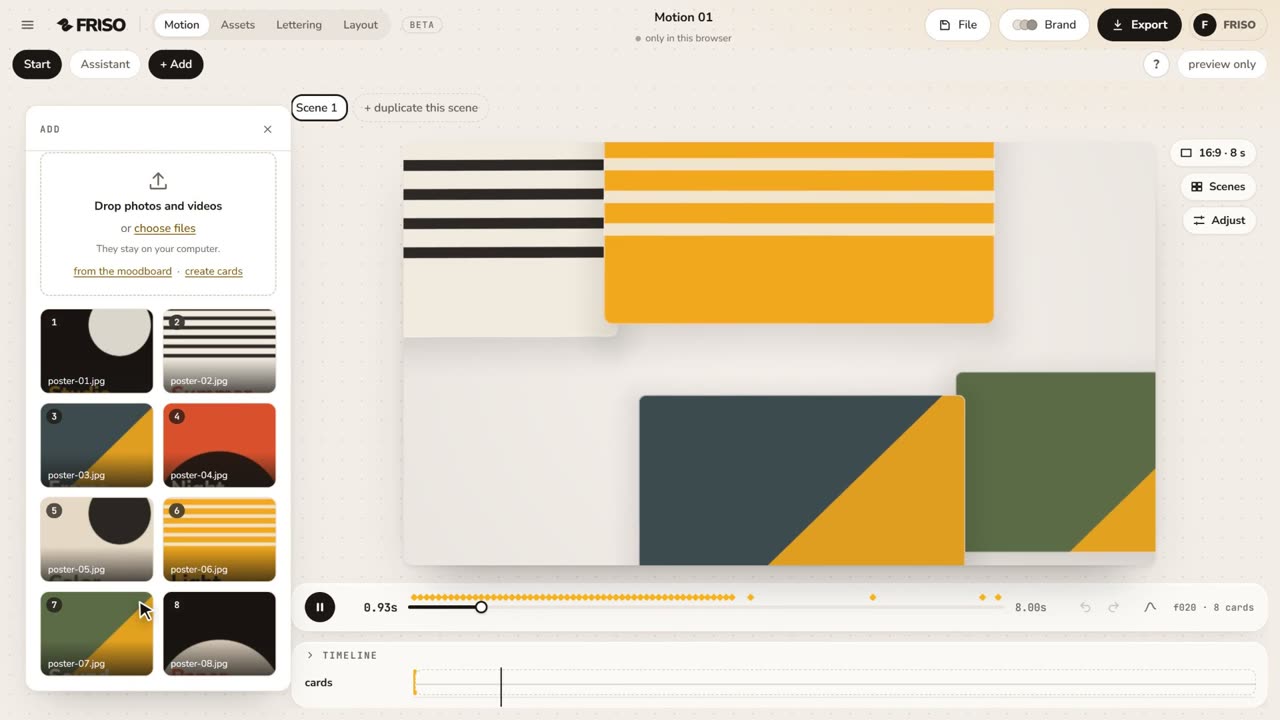 1:02Your first scene in one minutePhotos in, a ready-made scene, the right format for social media and the export menu. The whole path, from zero to a video.
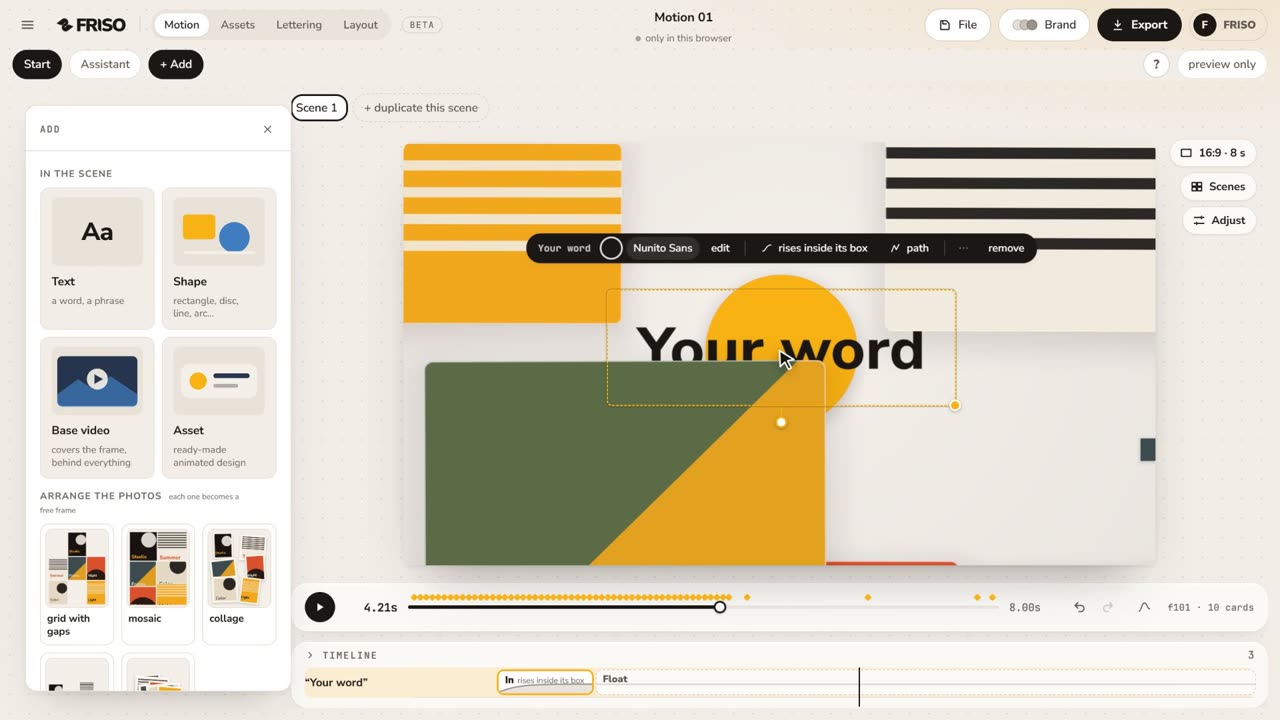 1:15The new Motion in one minuteThe scene gets the whole screen, each piece has its own bar and three blocks on the timeline, and groups, gradients and "draw it for me" are one request away. No voice, with captions.
 1:05Make it yours: layout, entrance and settingsChange the layout and how the images come in, then tune size, aperture, the Lens, corners, border and background.