Assets: adjust every detail
Content, colors, a transparent background, texture and edges, animation presets, stop motion and each element on its own.
Chapters
Transcript
Content
Every piece starts from its content: the texts and numbers of your post.
Colors
Colors: change the accent, and every part that uses it follows. Transparent background: the piece arrives with no box, ready to go over any video.
Style
Texture and edges give it a material: paper, grain or halftone, and a torn or pinked edge.
Animation
Animation: a preset sets the whole timing, and duration and speed fine tune it. Stop motion moves it in steps, like paper animation, with a little wobble.
Elements
Elements: pick any part of the piece and change it on its own. Move it, change its size, font and color, and choose how it enters. Hide what you do not need: it leaves the video and After Effects too. Every adjustment goes to After Effects as layers with controls.
More tutorials
All tutorials →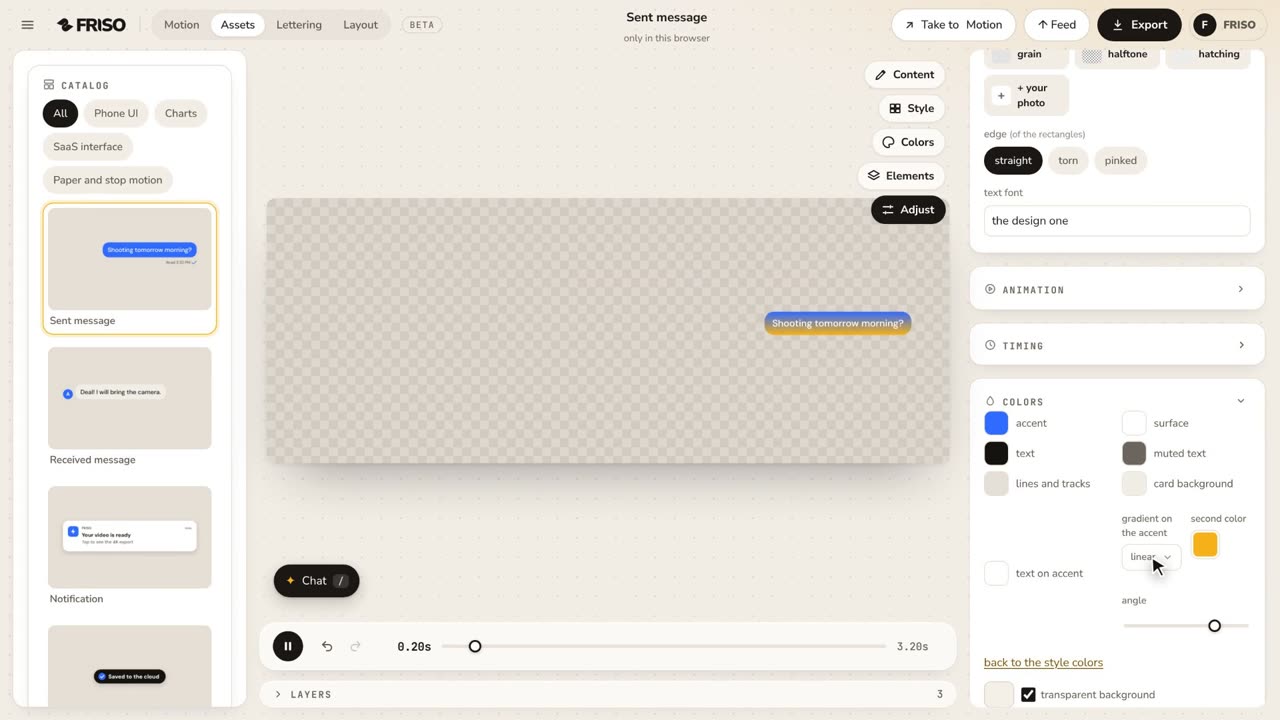 0:38Assets: gradients on the accentA gradient on the accent color of the piece, or on one element only, with the second color and the angle. It goes to After Effects as a Gradient Ramp. No voice, with captions.
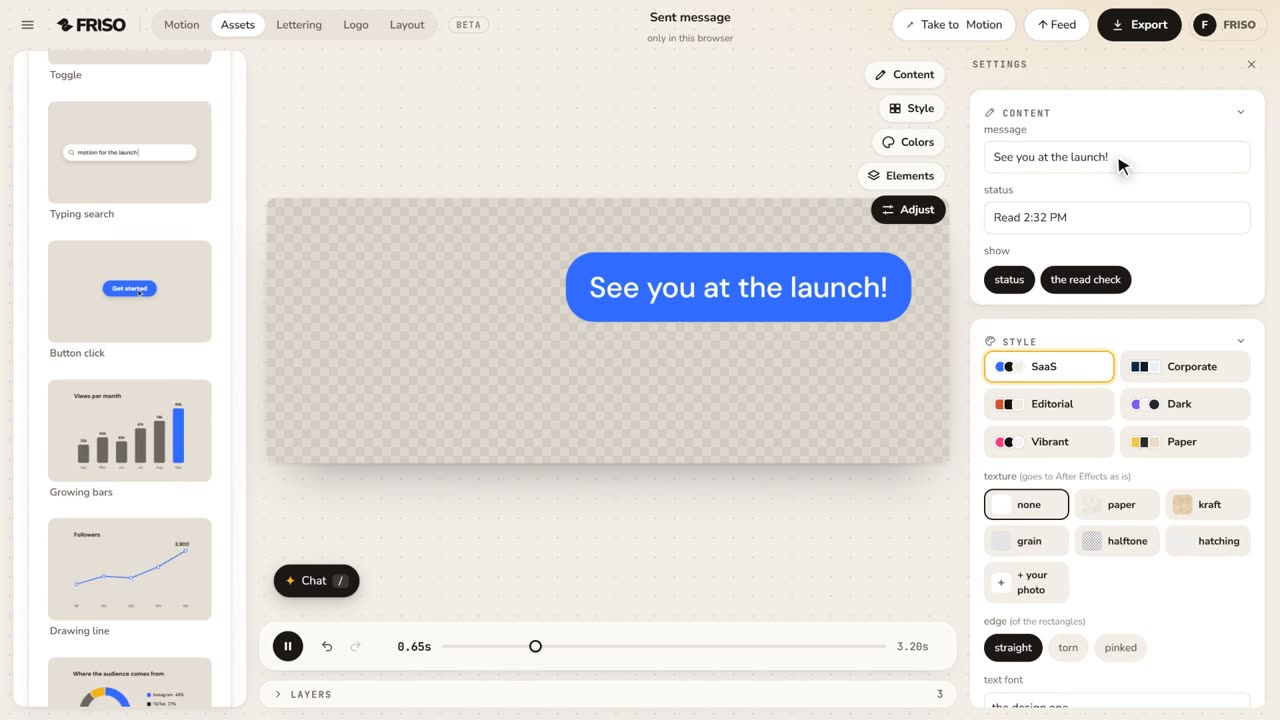 0:49Assets: animated UI and charts, ready to usePick a design from the catalog, write your own text, switch style and texture and export it as a video (with a transparent background on Pro).
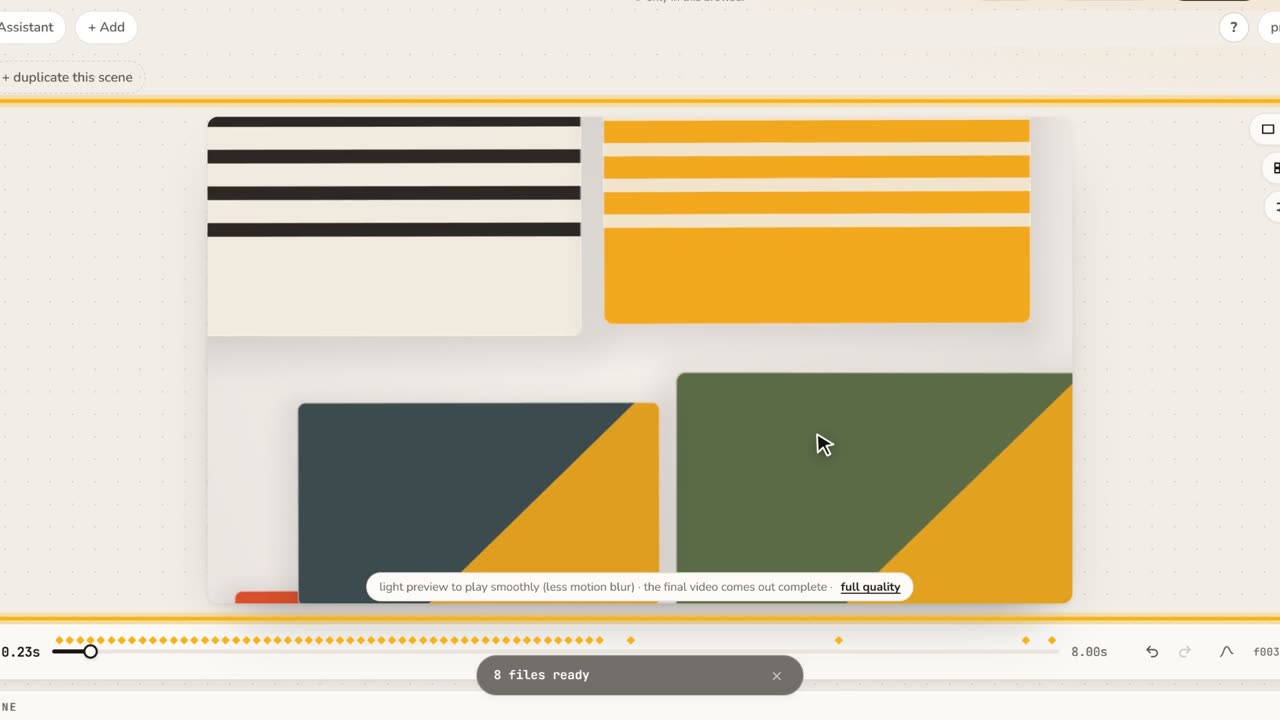 1:06Assets in Motion: a UI piece on top of your scenePick Search typing, write your text, choose a style and take it to Motion. It stays on top when you change the scene, and goes to After Effects as its own comp.