Assets in Motion: a UI piece on top of your scene
Pick Search typing, write your text, choose a style and take it to Motion. It stays on top when you change the scene, and goes to After Effects as its own comp.
FRISOscreen recording, with voiceAssista em português
Chapters
Transcript
Assets
Start in Assets: pick Search typing, the search field with the cursor. Write what it types. The typing and the cursor come ready. Pick a style that matches your scene.
To Motion
Now take it to Motion.
Motion
It lands on top of the scene, and goes to After Effects with it. Adjust the size, the place and when it starts. Change the scene underneath: the search stays on top.
Export
Export an MP4 for social media, or the .jsx: in After Effects, the piece arrives as its own comp, ready for you to refine.
More tutorials
All tutorials →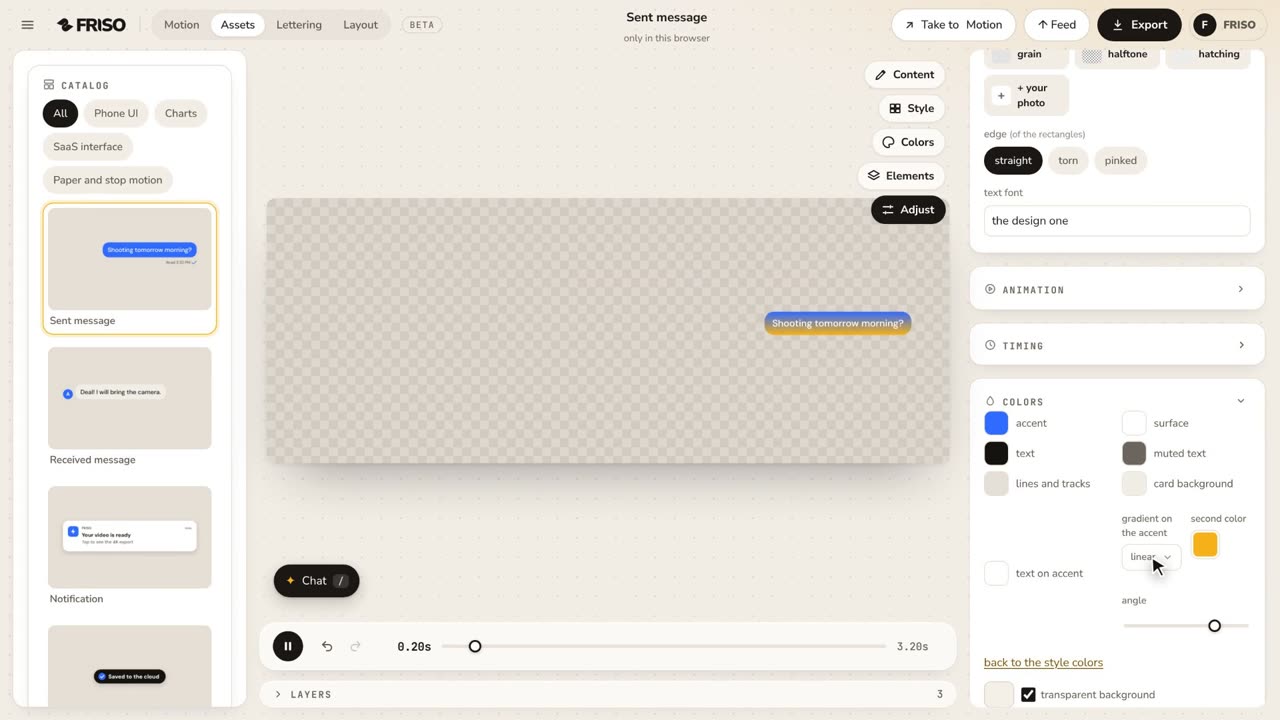 0:38Assets: gradients on the accentA gradient on the accent color of the piece, or on one element only, with the second color and the angle. It goes to After Effects as a Gradient Ramp. No voice, with captions.
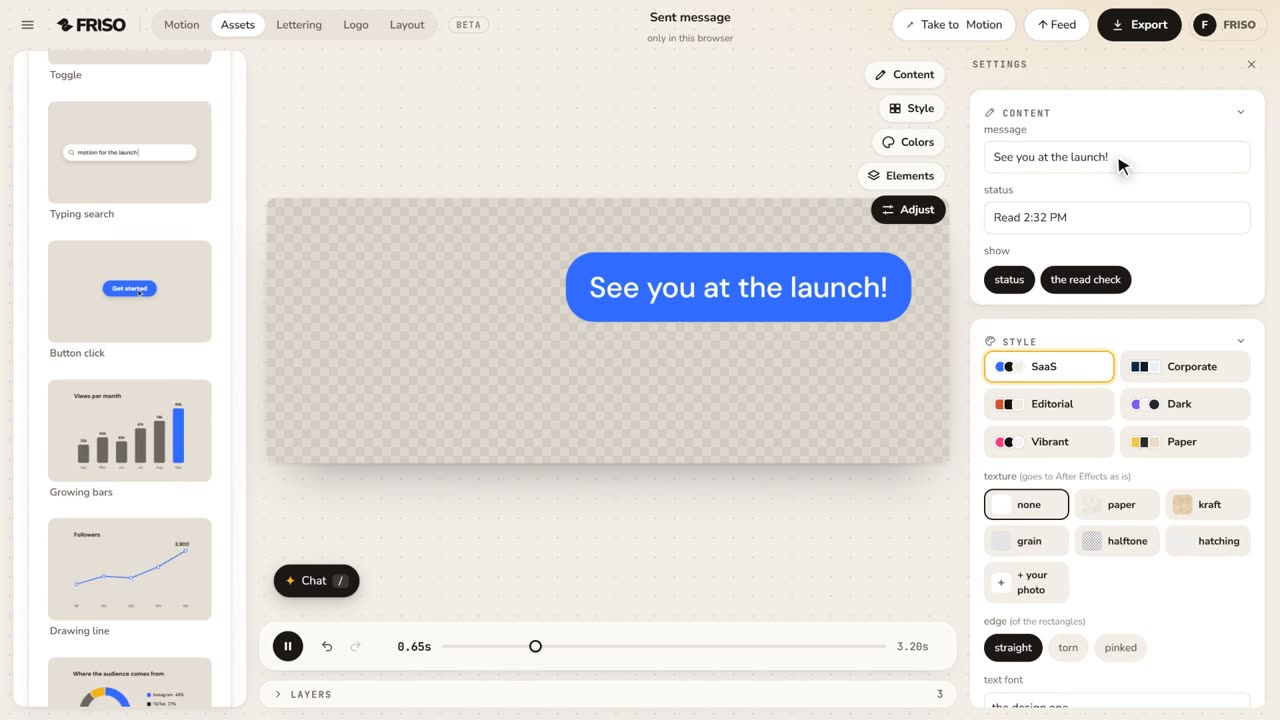 0:49Assets: animated UI and charts, ready to usePick a design from the catalog, write your own text, switch style and texture and export it as a video (with a transparent background on Pro).
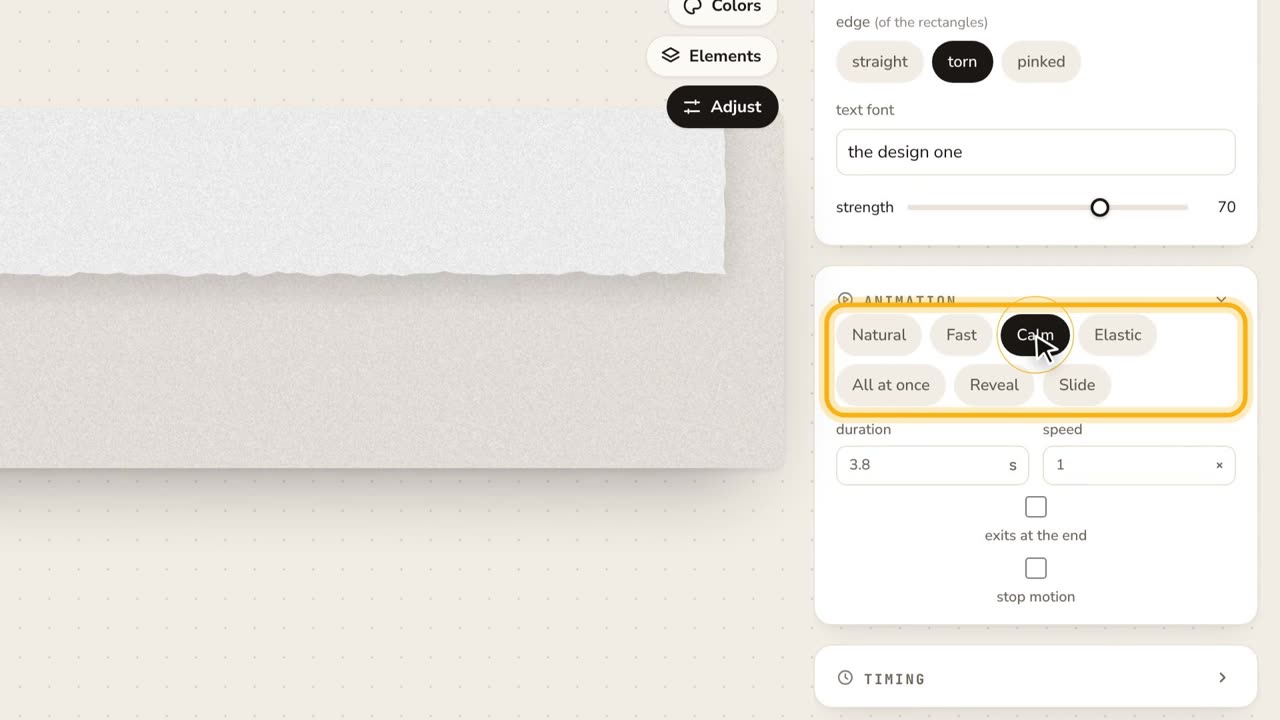 1:01Assets: adjust every detailContent, colors, a transparent background, texture and edges, animation presets, stop motion and each element on its own.