How to store and organize creative files in one place
Your work scattered across drives and chats? FRISO Files is your cloud: folders linked to projects, search and private folders.
Why it matters
Finals in one drive, raw files on an external disk, the logo somewhere in a chat. When a client asks for last month's version, you waste an hour looking for it. FRISO Files is your cloud inside the same space as your projects: folders your way, linked to a project or brand, with a search that even reads PDFs.
Chapters
Transcript
Your cloud
Files is your cloud inside FRISO: one place to keep your work. It is not the same as References. References hold what inspires you. Files hold your own work: pieces, raw files and deliveries.
Upload
Drop files anywhere on the screen. The upload runs in a corner while you keep working. See everything as Folders, Board or List.
Folders
Create folders your way, with subfolders inside. Link a folder to a project or a brand. Later, the filters find everything from that job. Give a folder a color, and star the ones you use all the time.
Search
Search finds a file by name, color, type, and even by the text inside a PDF.
Only yours
Inside a job, the private folder keeps the raw files. Only you see it, and it never goes into a link.
Trash
Deleting something sends it to the Trash, so nothing is lost by accident. It keeps everything for 30 days, and you can restore it at any time. Keeping and organizing files is part of every plan, and Pro brings more space. References to get inspired, Files to keep what is yours.
Questions
What is the difference between Files and References in FRISO?
References hold what inspires you, in boards and moodboards. Files is your cloud: your own work, raw files and deliveries, with folders and versions.
Can I keep raw files private from clients?
Yes. A private folder is visible only to you and never goes into a link, even when the folder around it is sent to a client.
What happens to a file I delete?
It goes to the Trash and stays there for 30 days. You can restore it at any time during that period.
More tutorials
All tutorials →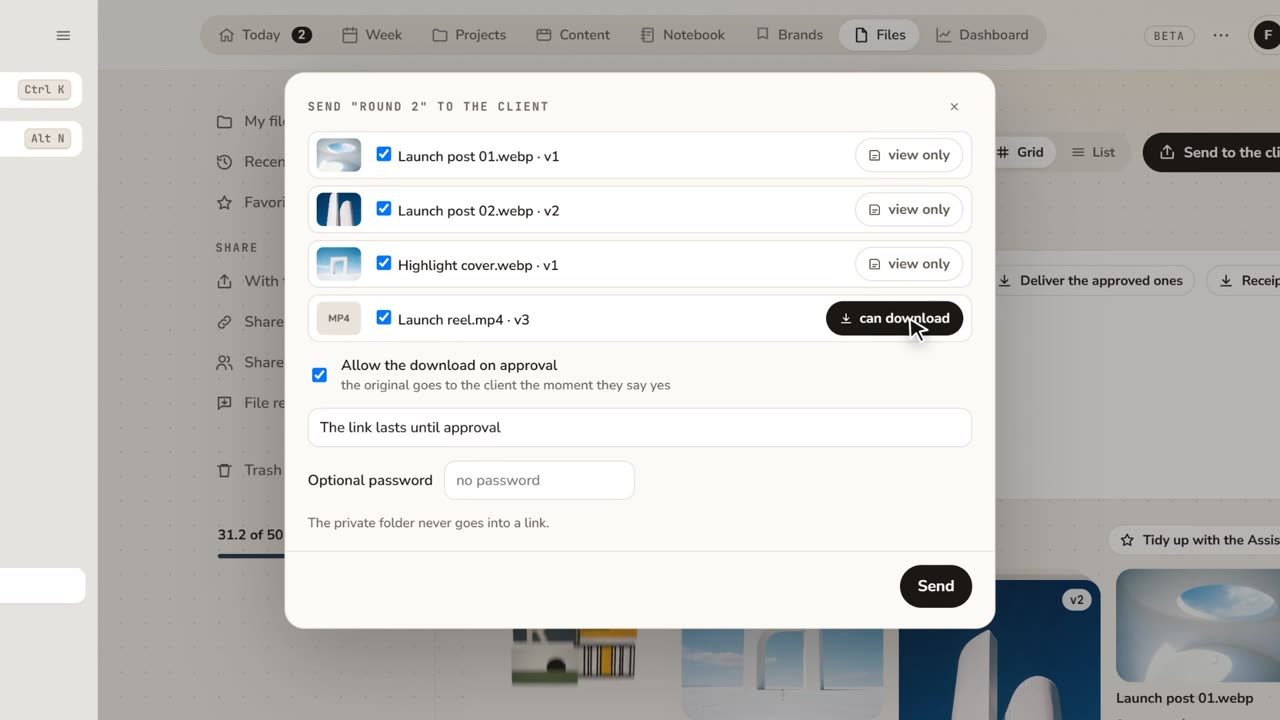 1:48How to share files with clients for approvalFeedback lost in email threads? Send a folder as a link: the client comments on the exact spot and approves, with no account.
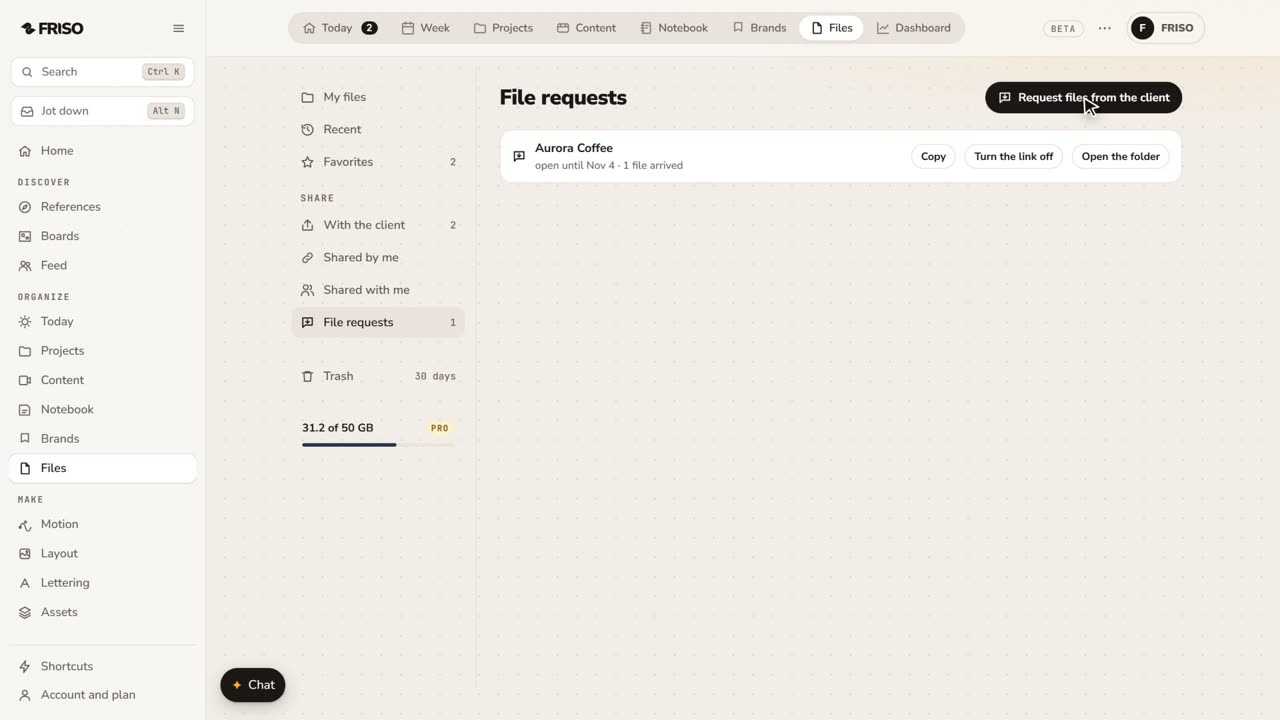 1:07How to request files from a client with one linkClient files scattered across WhatsApp and email? Send one link: they upload with no account, and it all lands in your folder.
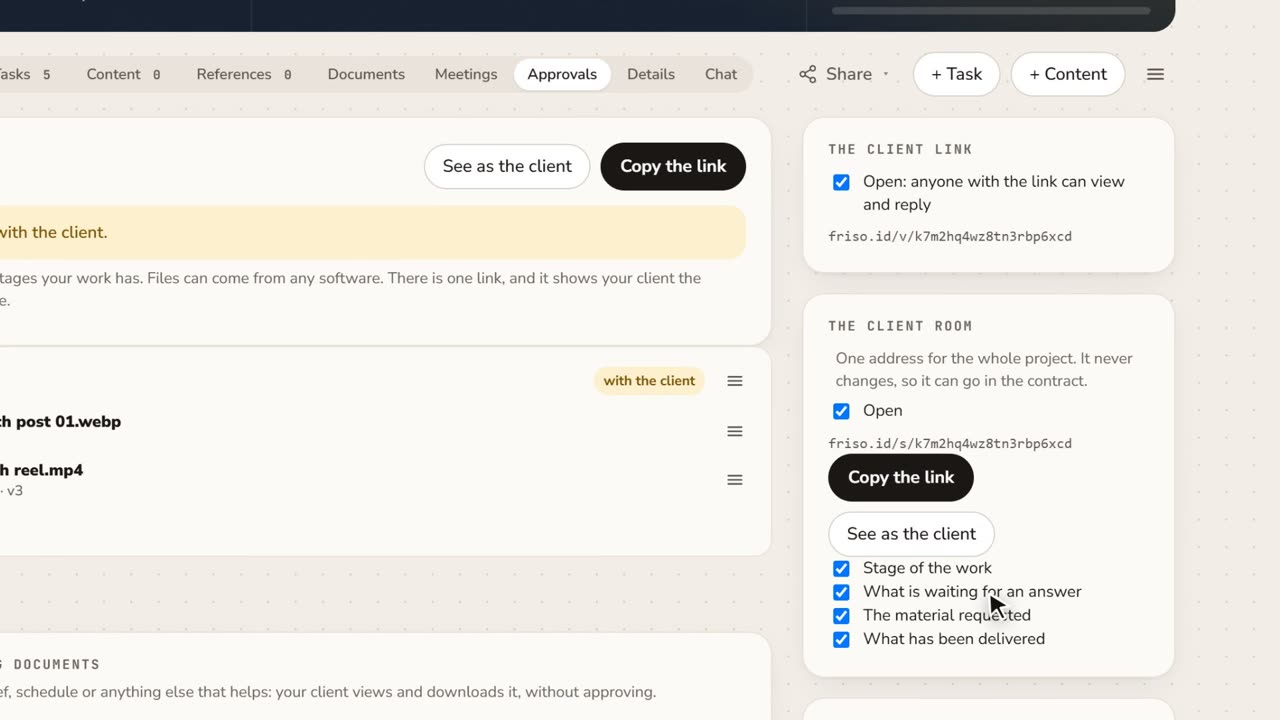 1:15A client portal for each project, with approval receiptsClient asking where things stand? Give them one address for the whole project, and keep a receipt of every approval as a PDF.