How to share files with clients for approval
Feedback lost in email threads? Send a folder as a link: the client comments on the exact spot and approves, with no account.
Why it matters
You send the file, the feedback comes back in three different chats, and nobody knows which version was approved. In FRISO, a folder becomes a link: the client opens it without an account, comments on the exact spot and approves. Each round stays in the folder, with every answer on the right file.
Chapters
Transcript
Send a folder
Open the folder of a job. It already shows each round you sent and what the client answered. Send to the client is a Pro feature. Choose what goes in this round, and whether each file is view only or can be downloaded. The download can stay locked until the client approves. You can also set how long the link lasts, and a password. Send it, and the round becomes a link. Copy it, or send it on WhatsApp.
What the client sees
The client opens it without an account and sees your brand, the rounds and what needs an answer. They open the file full size and click the exact spot. On a video, the note stays at that second. Just a name, no account. They write what needs to change. What is right gets approved with one click.
Back with you
In your folder, the answer is already on each file: approved, or a change request. Open the file: the request is on it, at that exact spot, and it can become a task with one click.
New version
Upload the new version. The old one stays saved, and you can compare the two side by side.
Deliver
The new version goes out in the next round. And what is already approved, you deliver: in the same link, the client downloads the original. Each round stays in the folder, with what the client asked for and what they approved. Your work and the feedback, in one place.
Questions
Does my client need an account to approve files?
No. They open the link, type their name and can comment, request changes and approve.
Can I stop a client from downloading before approving?
Yes. Each file can be view only or downloadable, and the download can stay locked until the client approves. You can also add a password and an expiry to the link.
Is sending a folder to a client free?
Sending a folder for approval is part of Pro. Storing and organizing files, and requesting files from a client, are part of every plan.
More tutorials
All tutorials →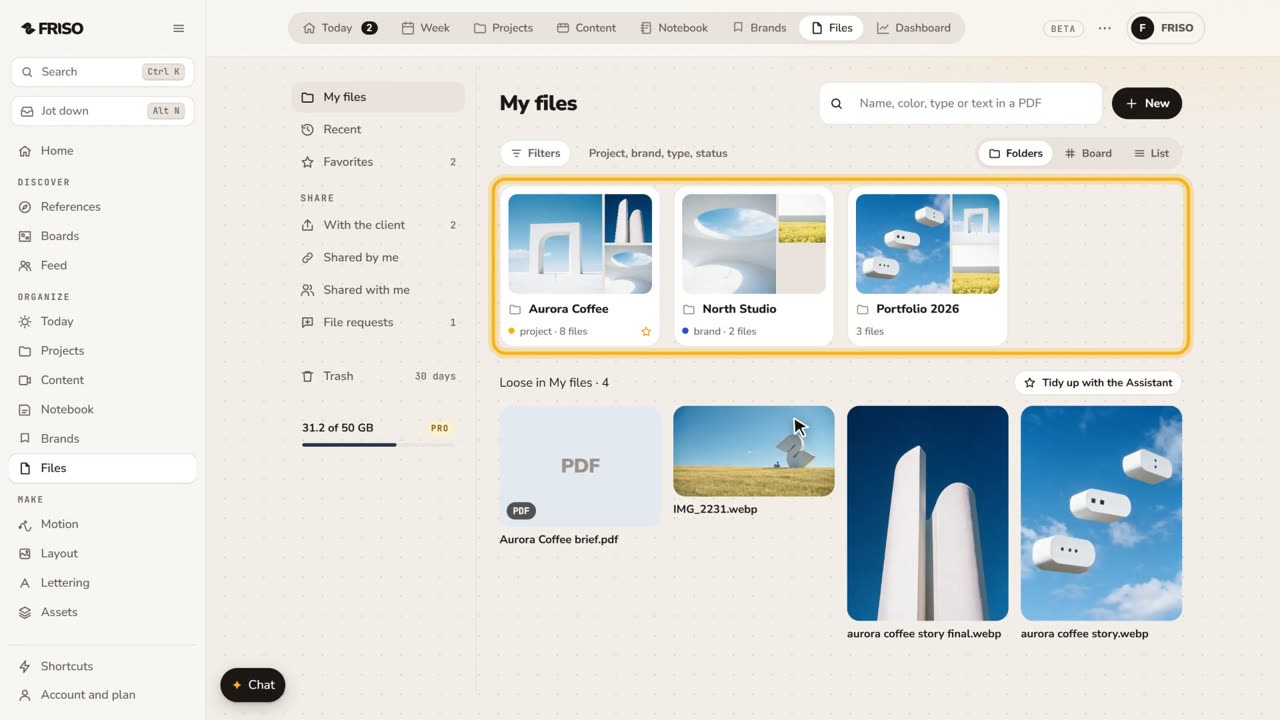 1:31How to store and organize creative files in one placeYour work scattered across drives and chats? FRISO Files is your cloud: folders linked to projects, search and private folders.
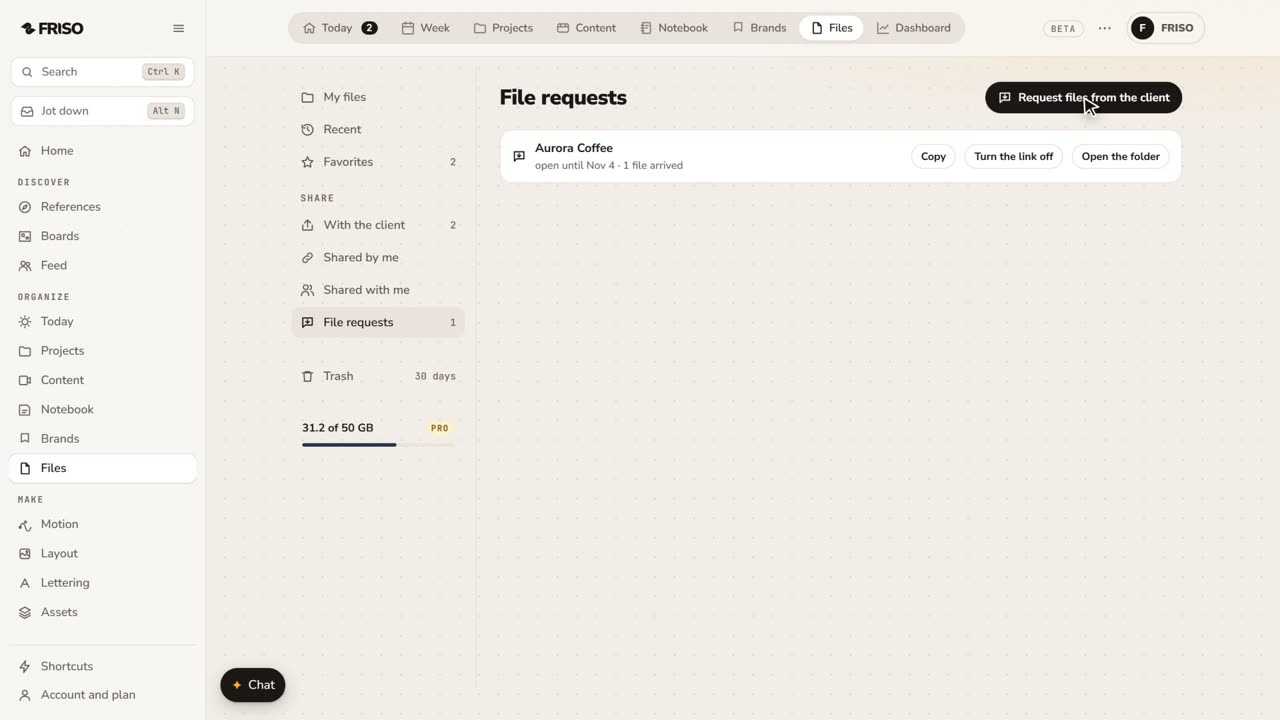 1:07How to request files from a client with one linkClient files scattered across WhatsApp and email? Send one link: they upload with no account, and it all lands in your folder.
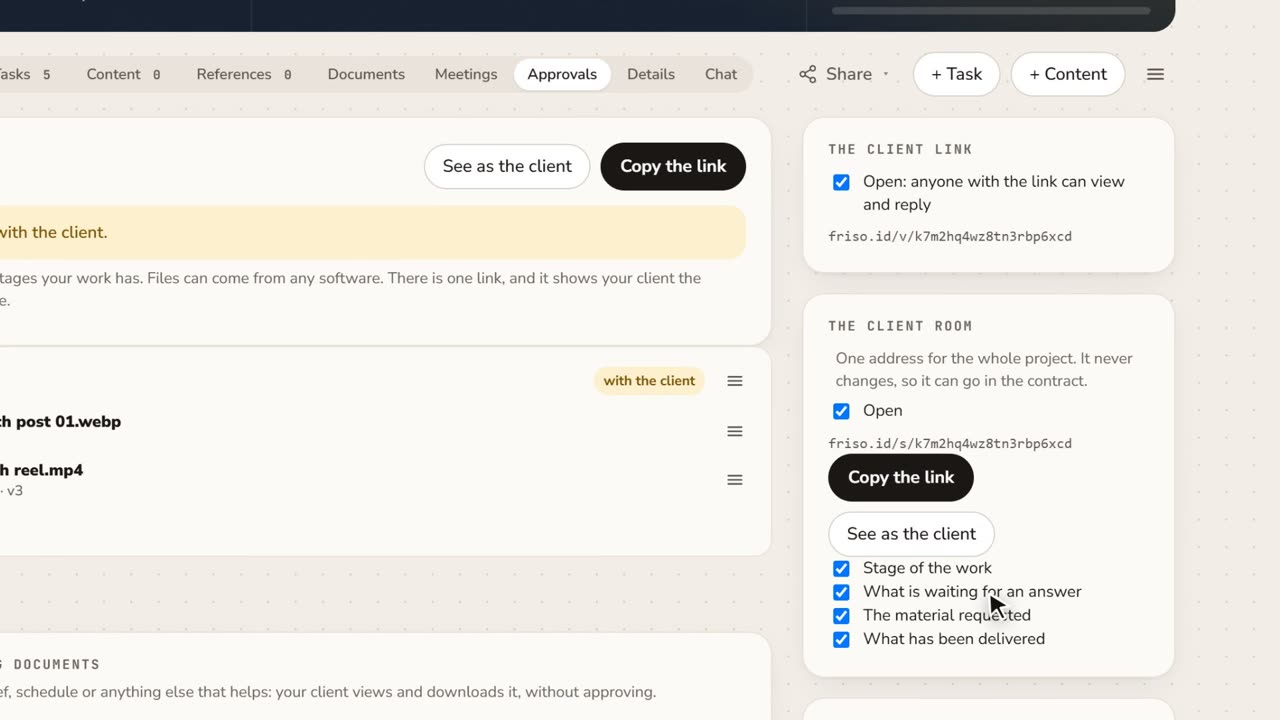 1:15A client portal for each project, with approval receiptsClient asking where things stand? Give them one address for the whole project, and keep a receipt of every approval as a PDF.