Advanced controls and keyframes
Every parameter of the scene in cards, and your first keyframes: pause, set a value, press the diamond, play. They go to After Effects as real keyframes.
Chapters
Transcript
Advanced controls
Advanced controls open every parameter of the scene, organized in cards. Layout: two layouts and a mix between them, so the scene can travel from one shape to another. Entrance: order, duration, stagger and settle, each one its own control. Shape and Cards: the geometry of the layout, and the size and format of every card. Camera: position, zoom, spin and drift, with the same names in After Effects.
Keyframes
Every control can change over time. Pause and go to the first frame. Set a value and press the diamond next to it: that is a keyframe. Go to another frame, change the value, and the diamond records a second keyframe. Press play: the camera moves between your keyframes, and the timeline shows where each one is. To start over, right click the diamond: it clears the keyframes of that control. In After Effects, every keyframe arrives as a real keyframe, on a control with the same name.
More tutorials
All tutorials →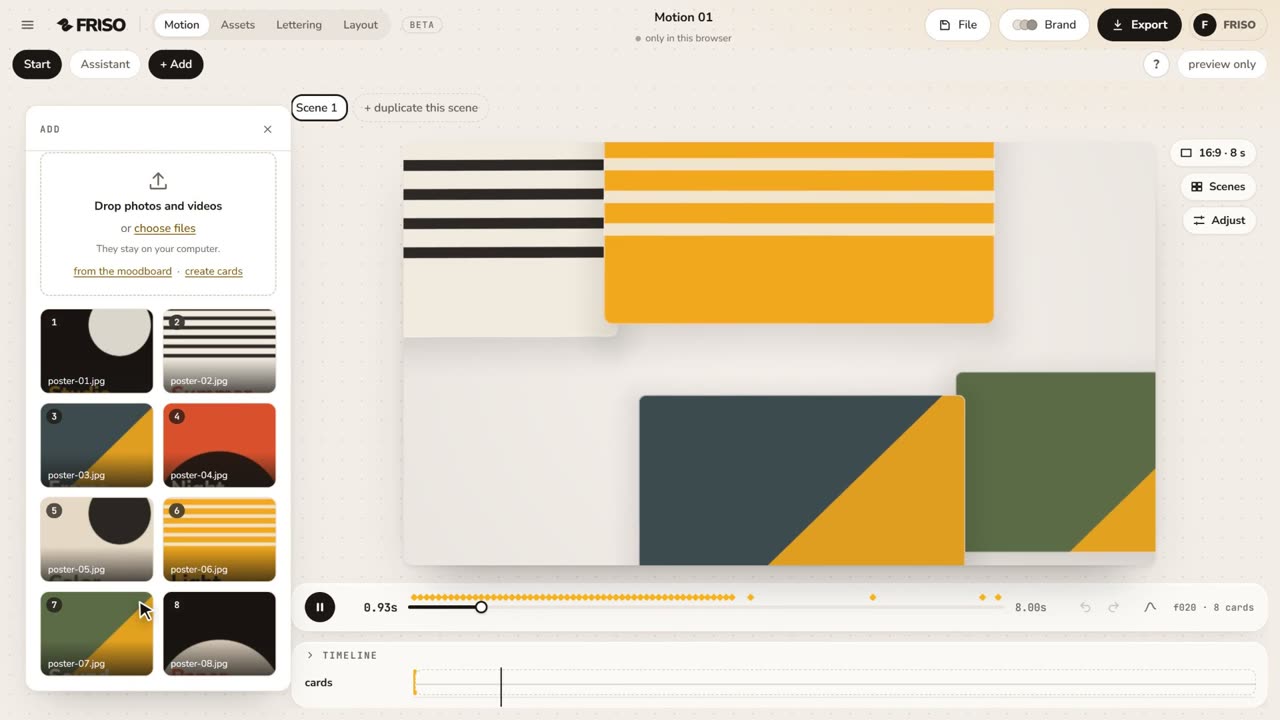 1:02Your first scene in one minutePhotos in, a ready-made scene, the right format for social media and the export menu. The whole path, from zero to a video.
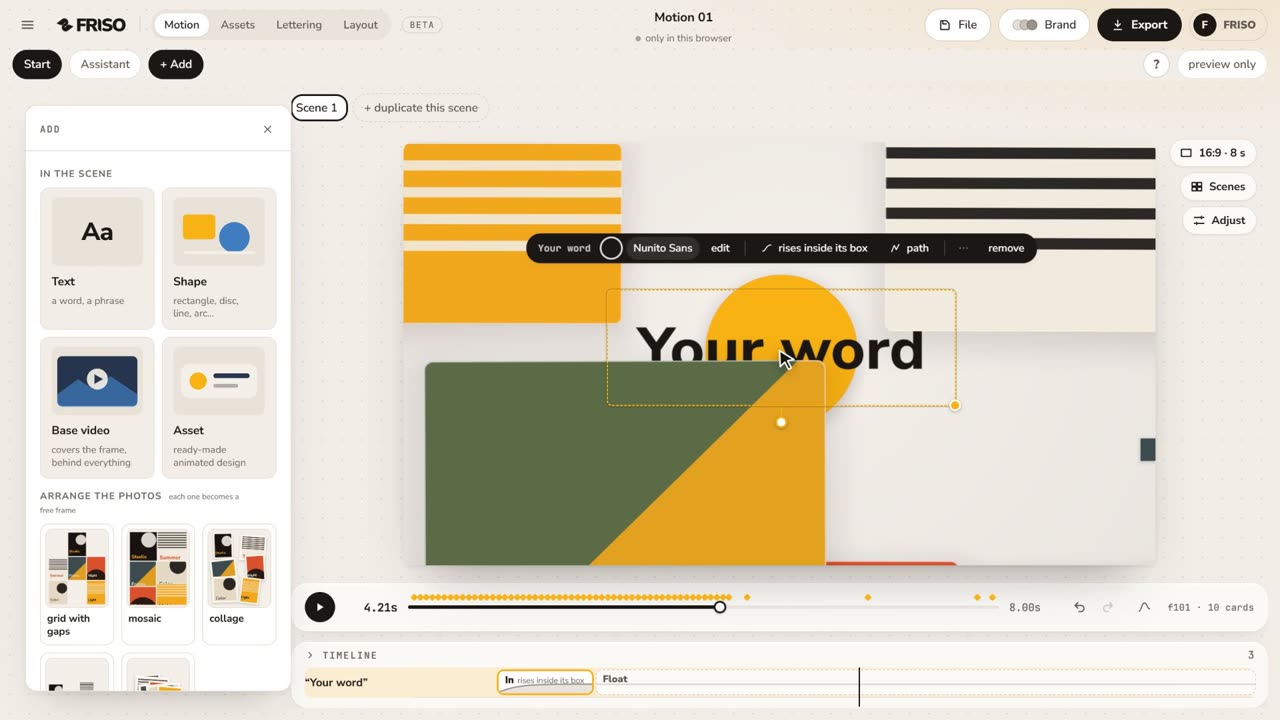 1:15The new Motion in one minuteThe scene gets the whole screen, each piece has its own bar and three blocks on the timeline, and groups, gradients and "draw it for me" are one request away. No voice, with captions.
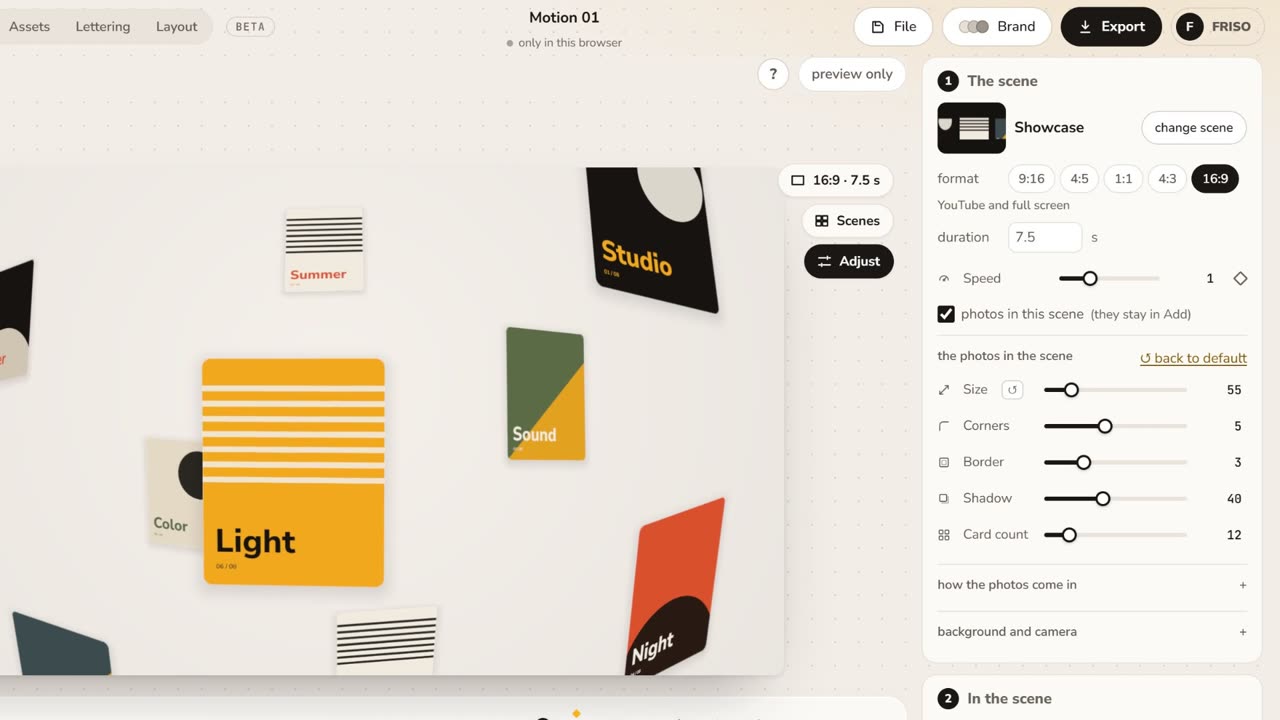 1:05Make it yours: layout, entrance and settingsChange the layout and how the images come in, then tune size, aperture, the Lens, corners, border and background.