The Assistant: ask for the scene in your own words
Ask for the scene in your own words: FRISO AI builds it with what Motion has and tells you what it did, and one undo reverses the whole answer. You can also connect your own AI, with no credits. Then the advanced controls with keyframes, and the JSX for After Effects.
Chapters
Transcript
The scene
Start with a ready-made scene.
The Assistant
Open the Assistant and choose FRISO AI. It comes with the Pro plan. Already have an AI? Under Your AI you connect Claude or ChatGPT, with no credits. Ask in your own words. What is simple, it does on the spot, without spending credits. For something open, FRISO AI takes over: it builds the scene and tells you what it did. One undo reverses the whole answer.
By hand
To go further, open the advanced controls: every parameter, with keyframes. The Camera, for example: the zoom can change over the scene.
After Effects
And if you want, take it to After Effects: the .jsx rebuilds the scene with real layers. The Assistant helps. The scene is still yours.
More tutorials
All tutorials →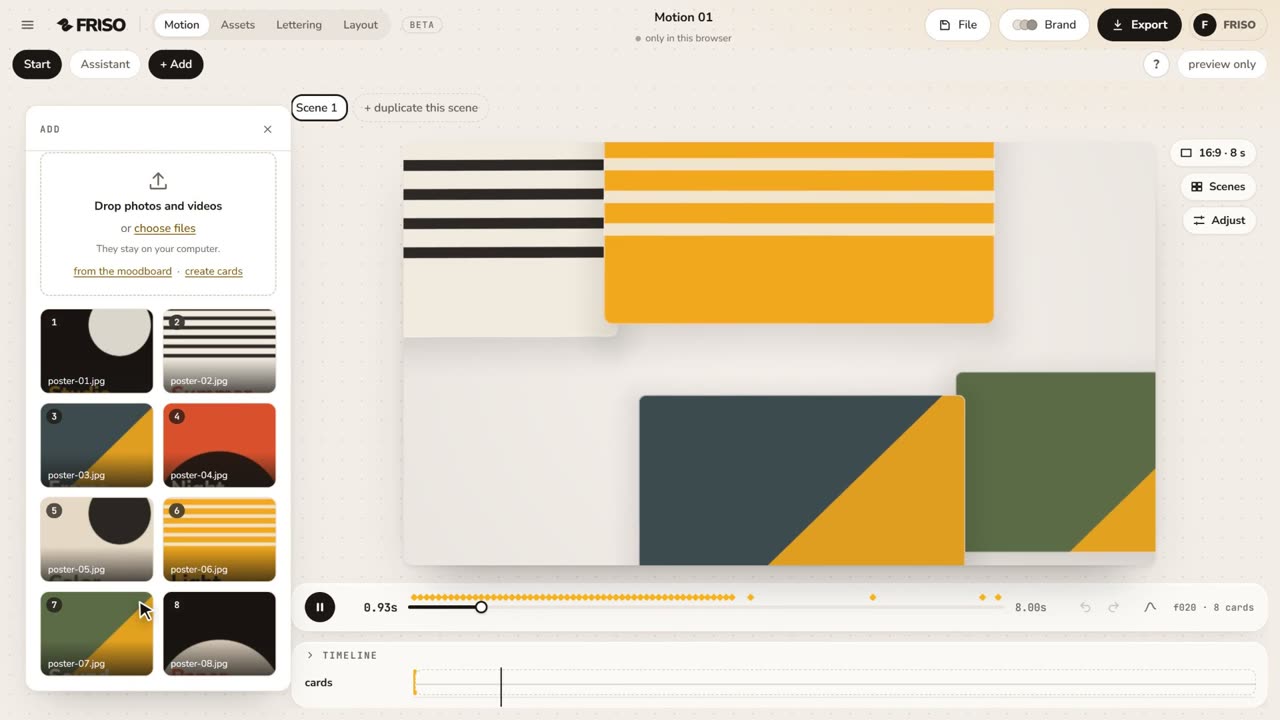 1:02Your first scene in one minutePhotos in, a ready-made scene, the right format for social media and the export menu. The whole path, from zero to a video.
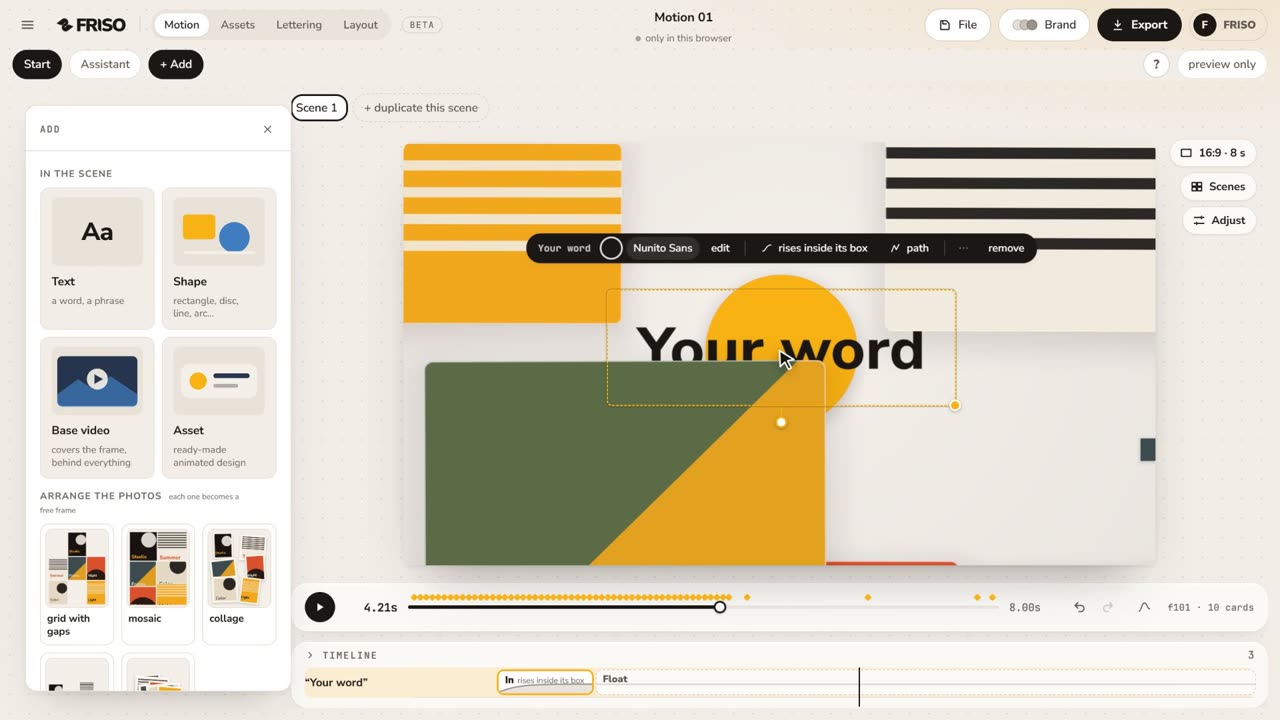 1:15The new Motion in one minuteThe scene gets the whole screen, each piece has its own bar and three blocks on the timeline, and groups, gradients and "draw it for me" are one request away. No voice, with captions.
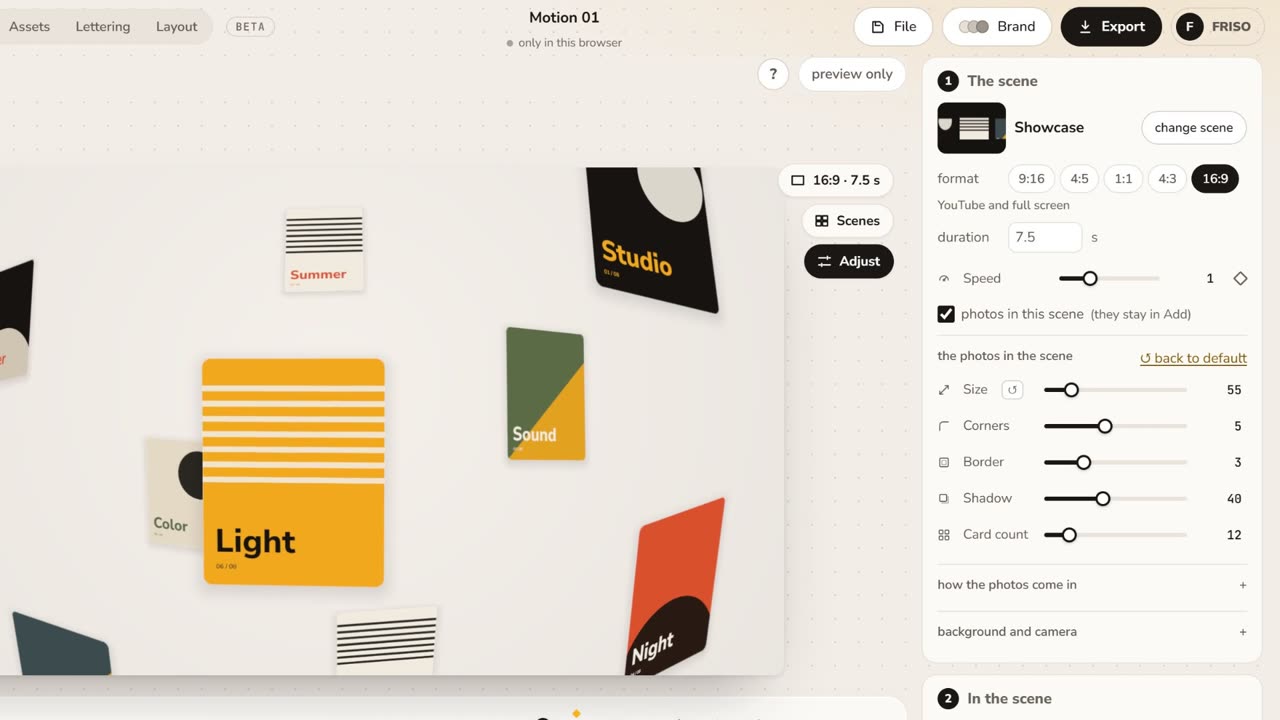 1:05Make it yours: layout, entrance and settingsChange the layout and how the images come in, then tune size, aperture, the Lens, corners, border and background.